Productivity
TickTick Profiles for Stream Deck
Overview
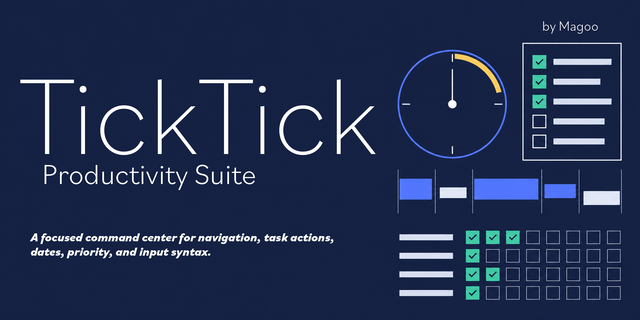
Run your entire TickTick workflow from your Stream Deck — capture, schedule, navigate, and organize without reaching for the keyboard.
Every TickTick function is mapped to a clean, labeled button and sorted into intuitive folders, so anything you need is one or two presses away. Navigation uses TickTick's own built-in key sequences, so it works on every install out of the box.
Built for three Stream Deck models (Windows):
Stream Deck XL — the whole toolkit on one rich 32-key layout.
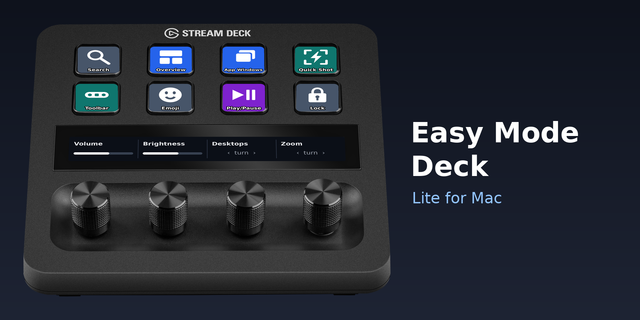
Stream Deck + — a Main Menu folder system plus dials: turn for Undo/Redo, press to Sync, and dedicated dials for Set Date, Clear Date, and Print. Longer categories continue onto a Next page so nothing is left out.
Stream Deck (Standard / MK.2) — the full folder menu, sized for the 15-key layout.
Three color themes included — Gold Navy, Indigo White, and Indigo Gold. Identical buttons and functions; just pick the look you like.
What you can do:
Capture & edit: Quick Add, Add Task, Add Below/Subtask, Complete, Delete
Schedule: Set Date, Clear Date, and (on Stream Deck +) date dials
Navigate: Today, Inbox, Next 7, All, Tomorrow, Assigned, Completed, Won't-Do, Trash, Summary
Views: List, Kanban, Timeline; Calendar (Daily / Weekly / Monthly / Year / Agenda)
Sticky notes: Color, Pin, Expand, snap positions
Utilities: Search, Command Menu, Sync, Undo/Redo, Print
Requirements (list on the page)
Windows
Stream Deck software (free from Elgato)
TickTick desktop app using its default keyboard shortcuts (Settings → Shortcuts)
Setup
Import the profile for your device and preferred color, make sure TickTick is the active window, and you're set. A step-by-step import guide is included in the download.
Made for TickTick. Not affiliated with, sponsored by, or endorsed by TickTick / Appest Inc. All product names and logos are property of their respective owners.
Initial release. Full TickTick control profiles for Stream Deck XL, Stream Deck +, and Standard (Windows), each in three color themes: Gold Navy, Indigo White, and Indigo Gold.
Version 1
Jul 24, 2026
Details
Type
Productivity
Device
Stream Deck +
Stream Deck MK
Stream Deck XL
OS
Windows
Compatibility
Stream Deck 7.1 or later
Size
17.91 MB
Version
1
Language
English
Support
AI Content
Yes
Dial support
Yes
You might also like