Streaming
TikFinity
Overview
Control your TikTok LIVE stream directly from your Stream Deck.
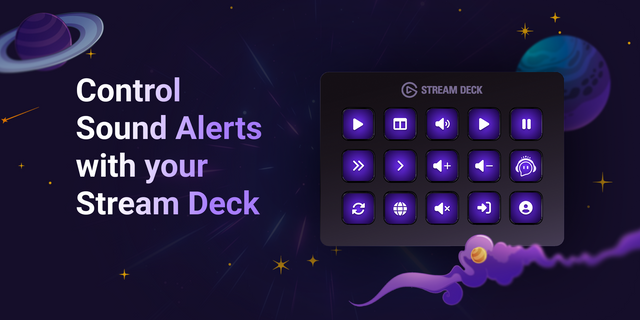
The TikFinity Stream Deck plugin gives creators quick access to essential TikFinity features through customizable physical buttons. Trigger sound alerts, run TikFinity actions, manage timers, control coin matches, toggle key features, skip song requests, reset the coin jar, and display live stream stats such as viewer count or like count.
Whether you want to automate parts of your livestream, react faster to your audience, or keep important controls within reach, this plugin helps you manage your TikTok LIVE experience more efficiently.
Available Actions
Timer Start, pause, or reset the TikFinity timer.
Coin Match Start a coin match, end it, or announce the winners.
Coin Jar Reset Reset the TikFinity coin jar with one button press.
Song Requests Skip Skip the currently playing song request.
On/Off Toggle Toggle TikFinity features on or off, including Actions, Sounds, Text-to-Speech, and Chatbot.
Play Sound Alert Play a selected TikFinity sound alert from your Stream Deck.
Run Action Execute a selected TikFinity action instantly.
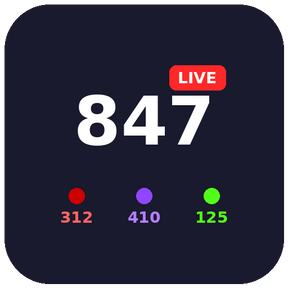
Display Value Show live TikFinity values directly on a Stream Deck button, such as Viewer Count or Like Count.
Requires TikFinity Desktop App running on your system: https://tikfinity.zerody.one/app/
Fix minor bug
Adjust icons
Group actions
Version 1.0.3
Jun 18, 2026
Details
Type
Streaming
OS
Mac
Windows
Compatibility
Stream Deck 7.1 or later
Size
699.59 KB
Version
1.0.3
Language
English
Support
Profiles
No
Dial support
No
Additional links
You might also like