Utilities
Timer
by Corsair
Overview
Overview
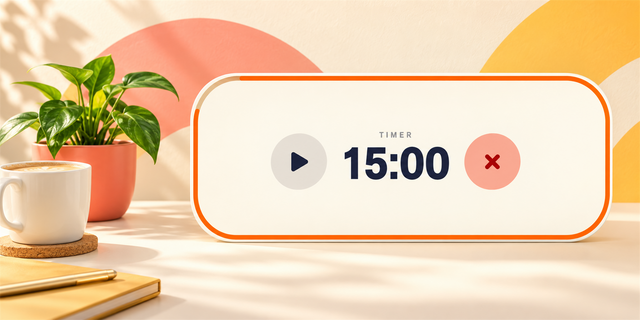
Timer is a dual-mode timing utility for iCUE LCD screens and keyboard displays. It offers seamless switching between a precise count-up stopwatch and a customizable countdown timer with visual progress tracking and finish alerts.
iCUE Mode Required: These iCUE widgets are only available when the keyboard is running in iCUE mode with iCUE open. Widgets can not be saved to or used in Device Memory Mode (hardware mode).
iCUE Version Requirement for Widget Availability: iCUE version 5.47 or later is required to use the widgets. We recommend always updating to the latest version of iCUE for the best experience.
Wired Connection Required: To use iCUE widgets, connect the keyboard to your PC with a USB cable and use the keyboard in wired mode.
Enable Screen Widgets for Dial Control for Vanguard 96 series: In iCUE, go to the Rotary Dial tab, enable Screen Widget, and select it as the dial function. Once enabled, you can use the rotary dial to switch between widgets and interact with supported widget functions.
Switching Between Widgets
You can switch between widgets using the following controls:
Vanguard 96 / Vanguard 96 Wireless / Vanguard PRO 96: Press FN + Left/Right Arrow, or turn the dial.
Vanguard AIR 99 WL: Press FN + Left/Right Arrow.
How It Works
The widget operates in two distinct operational modes rendered on a high-contrast canvas display:
Stopwatch Mode: Tracks elapsed time in full HH:MM:SS format. While active, the digits glow in high-visibility red to indicate active timing.
Countdown Mode: Displays remaining time toward a target duration. A top-mounted progress bar dynamically scales down as time ticks away. Upon reaching zero, the widget triggers a flashing "Time's up" alert animation.
Hardware Dial Function: One short press of the dial will start/pause the timer, and one long press will reset the timer.
*For Vanguard AIR 99 WL, dial actions are not supported, so users can use FN + Enter to start or pause timing.
Customization & Controls
Mode Toggle: Switch between Stopwatch and Countdown via iCUE tab buttons.
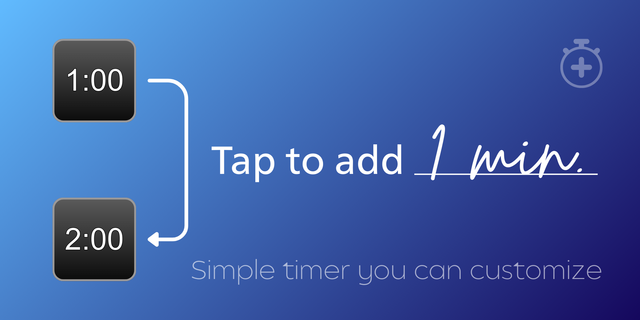
Duration Slider: Set countdown durations from 1 to 99 minutes in 1-minute increments.
Color Customization: Independent controls for text color and canvas background color.
Hardware Dial Controls: Single-press the hardware dial to start or pause timing; hold (long-press) to reset to zero or full duration.
*For Vanguard AIR 99 WL, dial actions are not supported, so users can use FN + Enter to start or pause timing.
Initial Release
Version #: 1.0.0
Version 1
Aug 25, 2026
Details
Type
Utilities
Device
VANGUARD 96
VANGUARD PRO 96
OS
Windows
Size
197.24 KB
Version
1
Language
English
Support
Interactive
No
You might also like