Gaming
Total War Warhammer 3 Stream Deck Profile + Icons
by StreamSpell
Overview
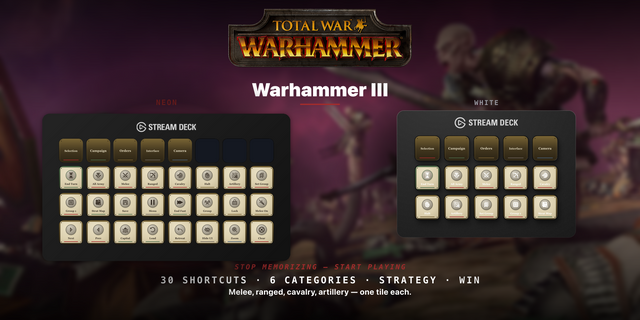
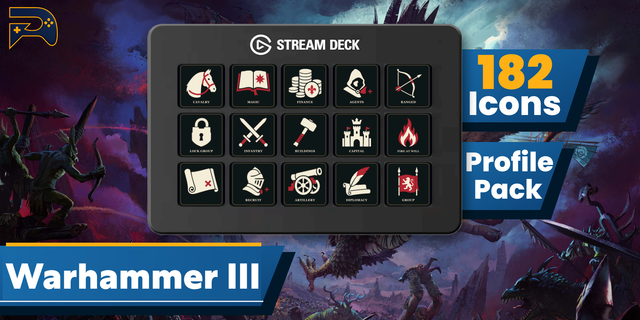
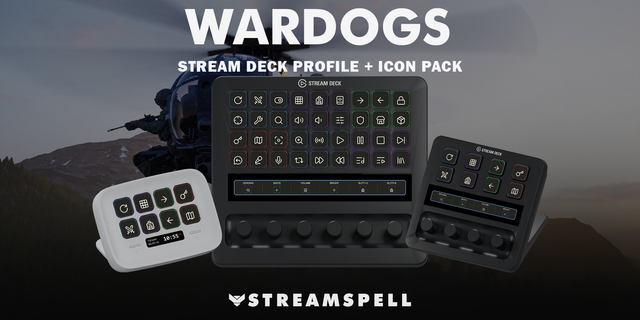
Bring 52 game shortcuts to your Stream Deck. Distinct category colours help you find controls at a glance.
Campaign: End turn, Quick save, Quick load, Show selected overview, Show garrison, Show building browser, Show unit recruitment, Show hero recruitment, Show treasury panel, Pan to capital, Toggle character movement speed, Toggle settlement labels, Auto merge units, View campaign overlay options.
Battle: Select all units, Select all artillery units, Select all melee infantry units, Select all cavalry units, Select all missile infantry units, Deselect all units, Toggle melee mode, Toggle guard mode, Toggle unit run / walk, Withdraw selected units, Toggle battle pause, Group / ungroup selected units, Lock / unlock group formation.
Groups: Select group 1, Select group 2, Select group 3, Select group 4, Select group 5, Select group 6, Select group 7, Select group 8, Select group 9, Create group 1, Create group 2, Create group 3, Create group 4, Create group 5, Create group 6, Create group 7, Create group 8, Create group 9.
Utility: Toggle tactical / strategic map, Toggle user interface, Toggle music, Toggle sound effects, Place standard ping, Third-person unit camera, Intelligent camera zoom.
Includes seven Windows .streamDeckProfile files, an installable .streamDeckIconPack, 2430 matching icons in all category colour variants, and a CSV file with key mappings.
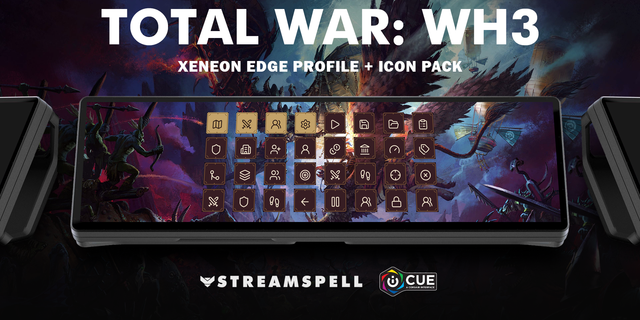
Compatibility: Stream Deck Mini, Neo, MK2, +, + XL, XL and CORSAIR Galleon 100 SD; Windows; Stream Deck app. No additional game mods required.
Use the standard keyboard bindings in the Windows game. Campaign and battle commands have different contexts; select the matching category. Pause is subject to game mode and difficulty. Holds use Key Logic. Group keys require you to create a group first. No game mods or gameplay macros.
Dial controls
Stream Deck +: Select group 1/Select group 2, Select group 3/Select group 4, system volume, Stream Deck brightness. Stream Deck +XL: Select group 1/Select group 2, Select group 3/Select group 4, system volume, Stream Deck brightness, Select group 5/Select group 6, Select group 7/Select group 8. Galleon 100 SD: Select group 1/Select group 2, Select group 3/Select group 4, system volume, Stream Deck brightness. Rotation sends a short tap for each step; press/touch are not assigned to game commands. Alternative touch strip backgrounds are included.
Not affiliated with or endorsed by the game’s creators.
Updated current-device previews and matching touch strips. Added dial controls using existing source-matched shortcuts, plus system volume/Stream Deck brightness. Existing commands and navigation retained. Alternative strip backgrounds included.
Version 1.1
Oct 22, 2026
Details
Type
Gaming
Device
GALLEON 100 SD
Stream Deck +
Stream Deck Mini
Stream Deck MK
Stream Deck Neo
Stream Deck XL
Stream Deck + XL
OS
Windows
Compatibility
Stream Deck 7.1 or later
Size
20.22 MB
Version
1.1
Support
Icons
Yes
Dial support
Yes
Additional links
You might also like