Streaming
Twitch for Stream Deck Neo — You Controller
by D.A.N
Overview
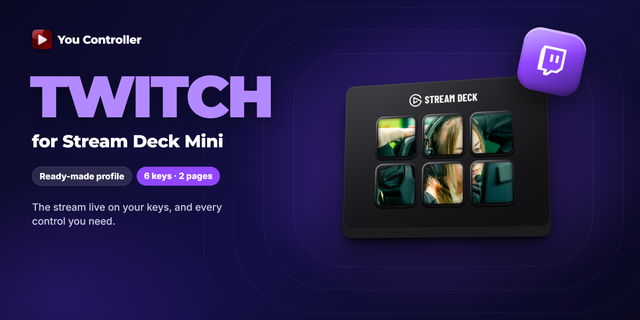
Run Twitch from your Stream Deck Neo without leaving the stream. This is the
official profile for the You Controller plugin, laid out for Neo's eight LCD keys.
The stream plays on the keys themselves — live, at up to 30 FPS, sliced across the
grid with bezel compensation. Every key reaches Twitch's own player rather than the
page, so it keeps working with the tab in the background or the window minimised.
⚡ What is on the keys
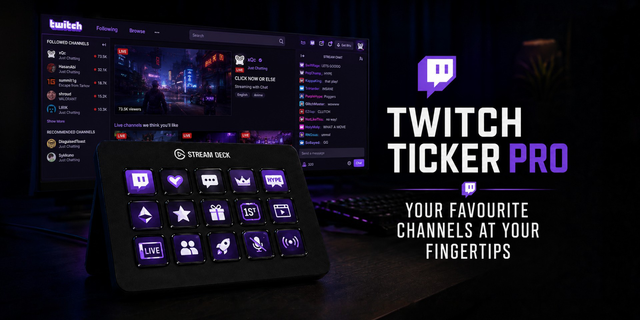
* Playback: Play / Pause, volume, instant Mute.
* Create Clip — one press, without touching the mouse or losing the moment.
* Theatre mode.
* Next / Previous followed channel, straight from the deck.
* Follow the channel you are watching.
* Next / Previous media tab, and a live time counter.
* On VODs and clips you also get seek, speed control, frame by frame and A-B loop.
On a live stream the keys that need a timeline dim rather than failing quietly, so
you can see at a glance what applies to what you are watching.
🛠 Requirements
* Elgato Stream Deck Neo
* Stream Deck software 7.1 or newer
* You Controller plugin — free on the Marketplace
* You Controller extension for Chrome — free, and REQUIRED: the plugin reads the
player through it, so nothing works without both halves
🚀 Setup
1. Install the You Controller plugin and the Chrome extension.
2. Download this profile and double-click the .streamDeckProfile file to import.
3. Open Twitch in Chrome, select the profile on your Neo, and the keys take over.
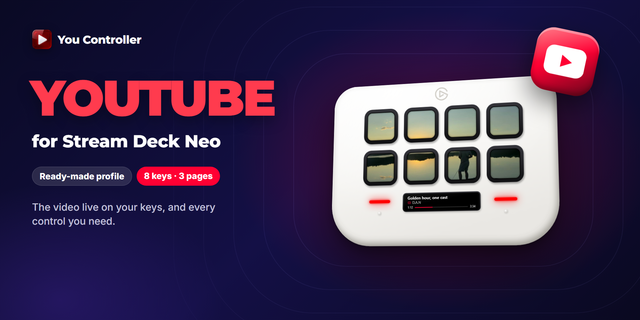
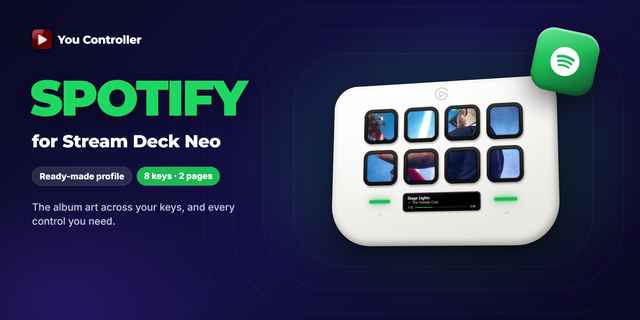
The same plugin also drives YouTube and Spotify, and switches between them on its
own as you move between tabs — separate profiles for those are available too.
Run Twitch from your Stream Deck Neo without leaving the stream. This is the
official profile for the You Controller plugin, laid out for Neo's eight LCD keys.
The stream plays on the keys themselves — live, at up to 30 FPS, sliced across the
grid with bezel compensation. Every key reaches Twitch's own player rather than the
page, so it keeps working with the tab in the background or the window minimised.
⚡ What is on the keys
* Playback: Play / Pause, volume, instant Mute.
* Create Clip — one press, without touching the mouse or losing the moment.
* Theatre mode.
* Next / Previous followed channel, straight from the deck.
* Follow the channel you are watching.
* Next / Previous media tab, and a live time counter.
* On VODs and clips you also get seek, speed control, frame by frame and A-B loop.
On a live stream the keys that need a timeline dim rather than failing quietly, so
you can see at a glance what applies to what you are watching.
🛠 Requirements
* Elgato Stream Deck Neo
* Stream Deck software 7.1 or newer
* You Controller plugin — free on the Marketplace
* You Controller extension for Chrome — free, and REQUIRED: the plugin reads the
player through it, so nothing works without both halves
Version 1
Sep 17, 2026
Details
Type
Streaming
Utilities
Video
Device
Stream Deck Neo
OS
Windows
Compatibility
Stream Deck 7.1 or later
Size
6.82 KB
Version
1
Language
English
Support
Additional links
You might also like