Social
Twitch Live
by MLozada Labs
Overview
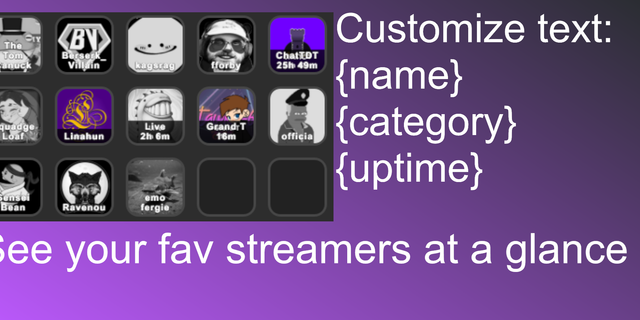
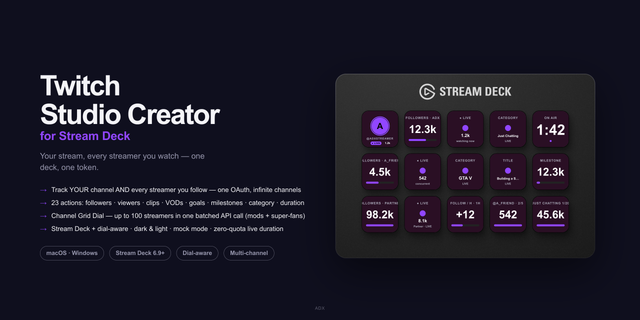
Twitch Live brings your followed Twitch channels directly to CORSAIR XENEON EDGE, so you can see who is live without opening a browser. Connect your Twitch account, then view live channels at a glance with streamer avatars, game/category, viewer count, stream uptime, and optional stream titles.
Customize the widget to fit your setup with S, M, L, and XL sizes, automatic layout behavior, channel rotation, favorites-only filtering, and sorting options. Twitch Live refreshes automatically to keep live status and stream information current while you play, work, or stream.
Setup is simple: install the widget, connect your Twitch account, authorize read-only access to your followed channels, and Twitch Live handles the rest. The widget does not post, send chat messages, or modify your Twitch account.
Requirements: CORSAIR XENEON EDGE with a supported version of iCUE, an internet connection, and a Twitch account. Twitch account authorization is required to retrieve followed live channels.
Version 0.6.7
Improvements
Improved Twitch account connection reliability
Improved automatic authentication refresh
Fixed an issue where Twitch Live could fail to reconnect after restarting your PC or iCUE
Improved recovery when a Twitch session expires
Improved automatic live-channel refresh behavior
General stability and reliability improvements
Version 0.6.7
Aug 26, 2026
Details
Type
Social
Streaming
Device
XENEON EDGE
OS
Windows
Size
48.39 KB
Version
0.6.7
Language
English
Support
Dashboard Sizes
Extra large
Large
Medium
Small
Recommended Orientation
Horizontal
Vertical
Interactive
Yes
You might also like