Productivity
UpTick Count Up Timer
Overview
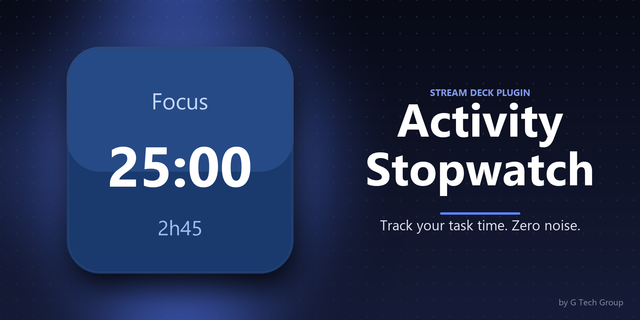
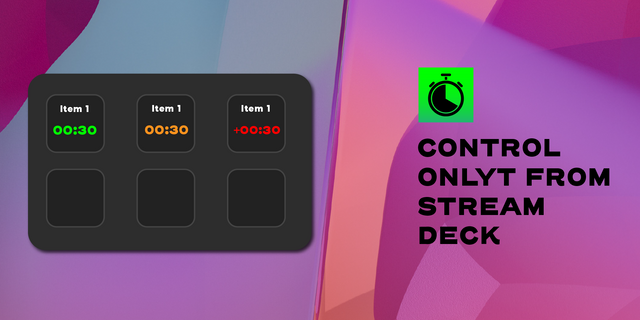
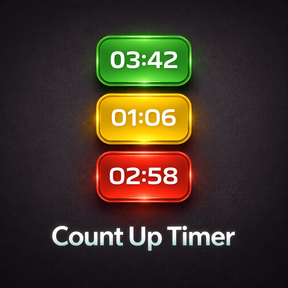
UpTick Count Up Timer gives you a fast, glanceable timer directly on your Stream Deck key. Start and pause with a tap, reset with a hold, and use visual alerts to stay aware of time without breaking focus.
Each key can be configured independently, so you can set up different timers for different workflows. Use presets for common timing setups, choose when the key should blink yellow as an early warning, and when it should blink red for overtime. Once the red threshold is reached, the key also shows a +time indicator so you can see exactly how far past the limit you are.
UpTick Count Up Timer is useful for recording sessions, segment timing, meetings, live production, presentations, focus sessions, coaching, workouts, and general productivity workflows.
Features
Tap to start or pause
Hold to reset to 00:00
Green running state and red paused state
Yellow warning alert, then red overtime alert
+time overtime display after the red threshold is reached
Per-key settings for independent timers
Editable named presets in the property inspector
Clean on-key display designed for quick readability
Version 1.0.0.0:
Initial marketplace release
Added count-up timer with tap-to-start/pause and hold-to-reset
Added yellow and red threshold alerts
Added overtime +time display
Added editable presets and per-key configuration
Version 1
Apr 11, 2026
Details
Type
Productivity
OS
Mac
Windows
Compatibility
Stream Deck 6.9 or later
Size
71.2 KB
Version
1
Language
English
Support
Profiles
No
Dial support
No
You might also like