Monitoring
Uptime
by Value Object
Overview
Monitor your UptimeRobot sites and servers from your Stream Deck.
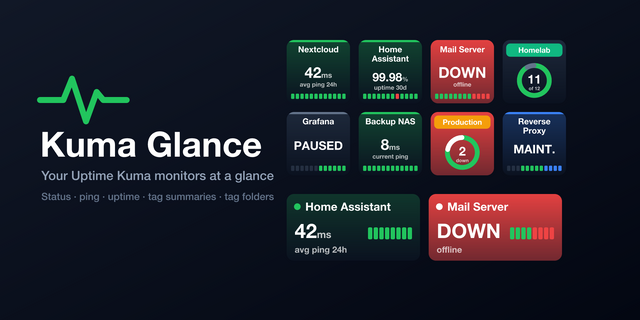
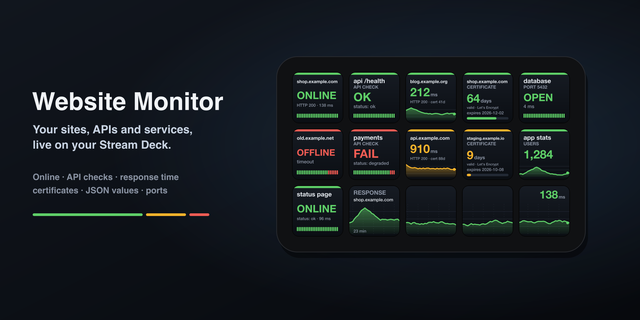
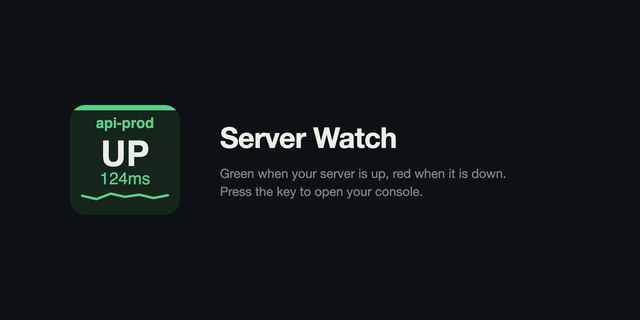
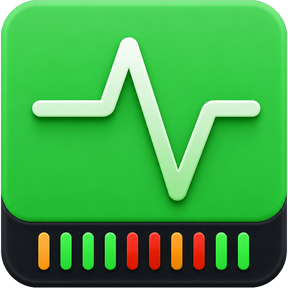
Connect UptimeRobot to Stream Deck by creating an API key in the UptimeRobot dashboard. Add it to the Uptime plugin in Stream Deck, and a list of all your sites and servers will appear. Pick the one you'd like to monitor. Your Stream Deck will show the online/offline status of the site with green/orange/red colours, and update when the status changes.
When one of your sites turns red, click the button to open the UptimeRobot dashboard, or to visit the site in a browser.
You can add multiple UptimeRobot accounts to the plugin, and monitor multiple sites and servers from a single Stream Deck.
The new version adds indicators at the bottom of each monitor, showing the status of the last 10 days.
Version 1.2
May 6, 2026
Details
Type
Monitoring
OS
Mac
Windows
Compatibility
Stream Deck 7.4 or later
Size
105.02 KB
Version
1.2
Language
English
French
German
Spanish
Support
Dial support
No
Profiles
No
You might also like