Development

Usage Overview

Overview

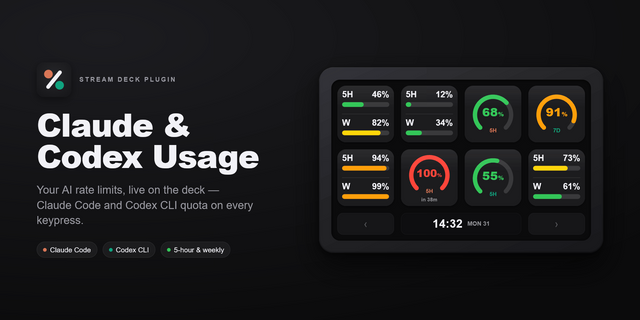
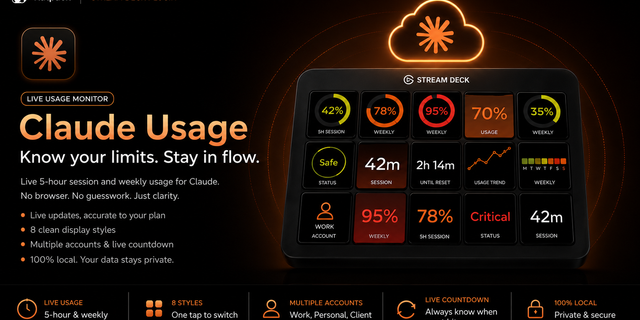
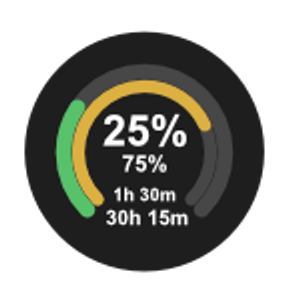
Usage Overview turns a Stream Deck key into a live dashboard for your Claude.ai account, so you see how close you are to a rate limit without leaving your app.

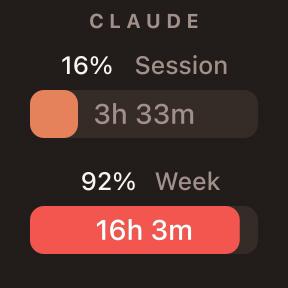
The key shows two concentric rings: the outer one is your rolling 5-hour window, the inner one your weekly (7-day) window. Each fills and changes colour as usage rises, green with headroom, yellow when close, red when nearly at the limit. The centre shows the exact percentage for both, plus a countdown to each reset.

Features:

Dual ring gauge for 5-hour and weekly usage, always visible on the key

Colour-coded status: green under 70 percent, yellow from 70 to 89 percent, red from 90 percent up

Live countdown timers to both reset times

Auto-refresh on a configurable interval, from 15 seconds upward

Press the key for an immediate refresh

Automatic organization detection, with a manual override

Clear error state on session expiry or request failure, details in the plugin log

Session key stored locally, only ever sent to claude.ai

Setup:

Log in to claude.ai in your browser

Open developer tools, then Application, then Cookies, and copy the sessionKey cookie value

Drag the Claude Usage action onto a key and paste the key into the Property Inspector

Requirements: An active Claude.ai account. The plugin reads usage via claude.ai's internal web session API, not the public Anthropic API, so it needs a browser session key, not an API key. This API is undocumented and may change without notice.

Initial release

Version 1

Jul 28, 2026

Details

Type

Development

Monitoring

Productivity

Utilities

OS

Mac

Windows

Compatibility

Stream Deck 6.9 or later

Size

138.62 KB

Version

1

Language

English

Profiles

No

Dial support

No

You might also like
  • Cladence ViewerDeck
    Cladence ViewerDeck app icon

    Cladence ViewerDeck

    by CochoLabs

    ∙

    Monitoring

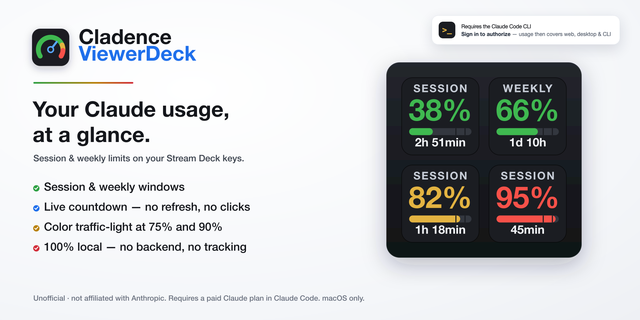
    Stop alt-tabbing to claude.ai just to check how much of your plan is left. Cladence ViewerDeck puts your Claude usage on...

    Free

  • ClauDeck Lite
    ClauDeck Lite app icon

    ClauDeck Lite

    by onavascuez

    ∙

    Development

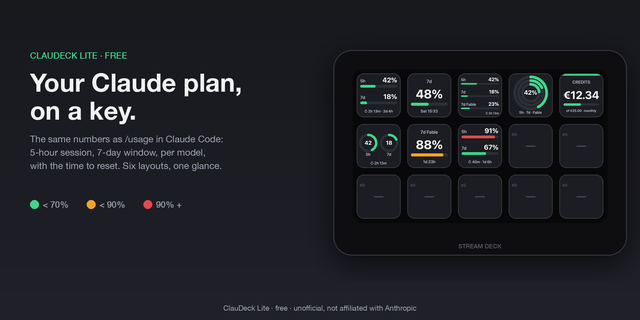
    Your Claude plan usage on a Stream Deck key: the same numbers as /usage in Claude Code, without leaving your editor. See...

    Free

  • Burndown: AI Usage Monitor
    Burndown: AI Usage Monitor app icon

    Burndown: AI Usage Monitor

    by Kuberstar

    ∙

    Development

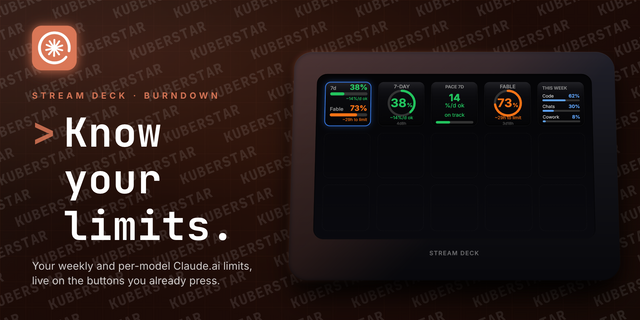
    Know your Claude.ai limits before they know you. With the Burndown plugin, your weekly Claude.ai usage limits fill up li...

    Free

  • Claude & Codex Usage
    Claude & Codex Usage app icon

    Claude & Codex Usage

    by singerous

    ∙

    Development

    Claude & Codex Usage puts your AI coding assistant limits right on your Stream Deck. See at a glance how much of your ro...

    Free

  • StreamDeck-Claude
    StreamDeck-Claude app icon

    StreamDeck-Claude

    by Corrugator Inc.

    ∙

    Development

    Keep an eye on your Claude Code limits without leaving your work: StreamDeck-Claude shows your current session (5 h) and...

    Free

  • Claude Usage
    Claude Usage app icon

    Claude Usage

    by PackRat 🐀

    ∙

    Development

    Know your Claude usage at a glance. Live limits, themeable, calm by design. Stop guessing whether you are about to hit a...

    $7.99

  • AI Usage Limits
    AI Usage Limits app icon

    AI Usage Limits

    by 2kit

    ∙

    Development

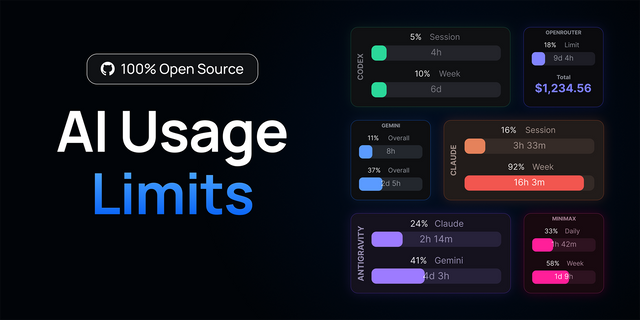
    Open source: https://github.com/lenadweb/stream-deck-ai-limits AI Usage Limits shows your AI usage limits and reset time...

    Free

  • Token Pulse
    Token Pulse app icon

    Token Pulse

    by Tiltti

    ∙

    Development

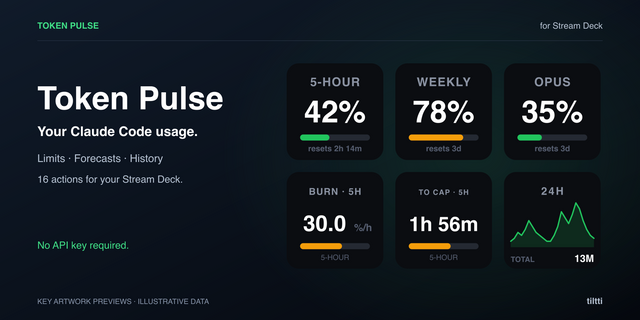
    Token Pulse puts your Claude Code usage limits on the keys of your Stream Deck, so you can see how much of your session,...

    Free