Productivity
VHVox
Overview
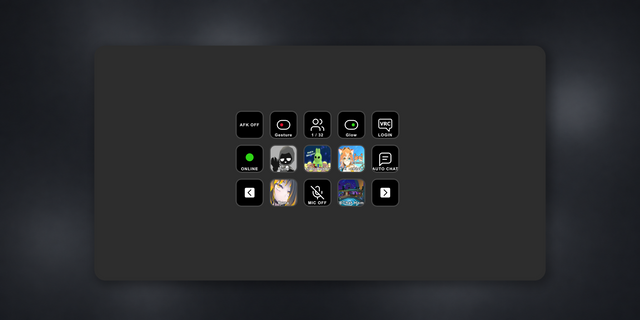
Control your VHVox PNGTuber avatar from Stream Deck. Switch between 8 avatar states, start/stop recording, and mute audio, all with one tap.
Control VHVox — the native macOS PNGTuber app — directly from your Stream Deck. Trigger avatar states, start and stop screen recording, and mute your microphone with a single tap.
WHAT IT DOES
VHVox is a standalone PNGTuber app for macOS (no OBS required) offering 8 avatar states, system-audio reactivity, swappable backgrounds, built-in MP4/MOV recording, and a GPU-accelerated audio visualizer. This plugin bridges your Stream Deck to VHVox through a local WebSocket connection, so button presses become instant actions inside the app.
INCLUDED ACTIONS
- Avatar State — Pick any of the 8 configured avatar states from a dropdown and jump to it instantly
- Next State — Cycle forward through your avatar states
- Record — Start screen recording without leaving your stream
- Stop — Stop the current recording
- Mute — Toggle microphone mute on the fly
HOW IT WORKS
Launch VHVox on your Mac and the plugin connects automatically. If VHVox isn't running, the plugin keeps retrying in the background and reconnects the moment the app comes online — no manual reset needed. Works with both the physical Stream Deck hardware and Stream Deck Mobile on iPad.
REQUIREMENTS
- macOS 12 Monterey or later
- VHVox 1.1 or later (available on the Mac App Store)
- Stream Deck software 6.9 or later
Get VHVox on the Mac App Store:
https://apps.apple.com/app/vhvox/id6761034359
Version 1
Apr 11, 2026
Details
Type
Productivity
Streaming
Utilities
OS
Mac
Compatibility
Stream Deck 6.9 or later
Size
619.32 KB
Version
1
Language
English
Support
Dial support
No
Profiles
No
You might also like