Streaming
Video Editing Shortcut Icons — Cut, Grade & Render
by panda studio
Overview
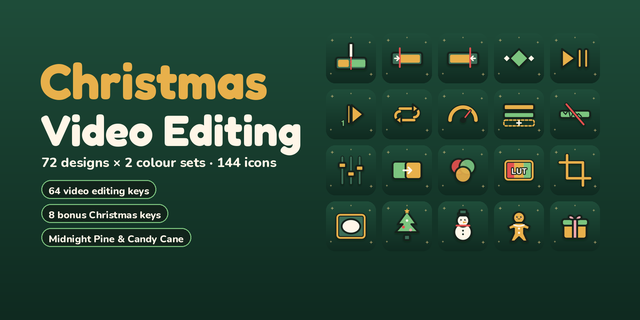
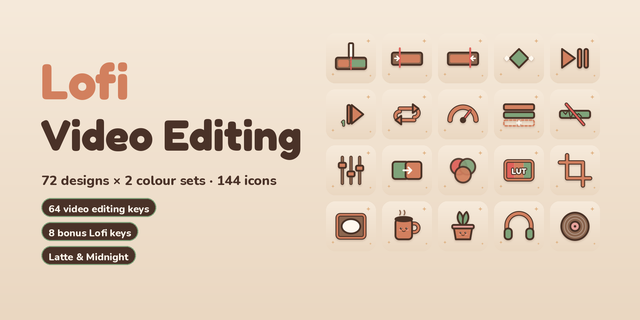
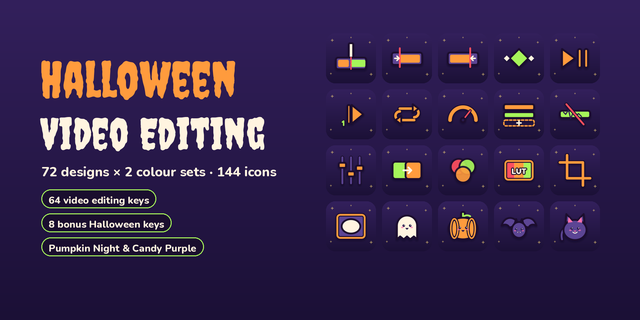
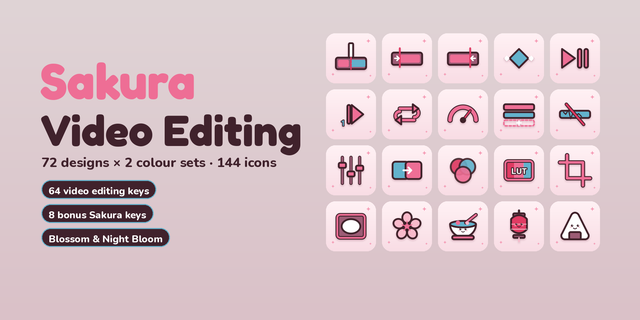
Turn a Stream Deck into an edit bay: blade, ripple delete, marker, keyframe, colour wheel, scopes and render as icons you can read at a glance.
WHAT YOU GET
55 editing actions x 3 finishes (Dark, Light, warm Colour) = 165 icons, 144 x 144 PNG, in the Stream Deck icon library.
• Timeline and clips: cut, split, ripple delete, trim, marker, in / out, snap, zoom
• Transport: play, pause, stop, prev / next frame, loop, full screen
• Keyframes and motion: keyframe, add keyframe, speed, transition, fades, crossfade, stabilize
• Colour: wheel, grade, curves, LUT, scopes, saturation, brightness
• Framing: crop, mask, title, export frame
• Audio: mixer, waveform, gain, mute, sync, voiceover
• Tracks and project: lock, mute, add track, render, new sequence, import, save, undo, redo
The icons are drawn in code on one 24-pixel grid with one stroke weight, so a full page looks like one set. The preview images on this page were made with the help of AI image generation.
HOW TO USE
Pick a key, open the icon library, choose an icon and point the key at your editor's shortcut. Key images only; no plugin needed.
TRY IT FREE
Video Editing Icons — Dark (Free): 16 editing icons in Dark.
Also by panda studio: Content Creator Editing Deck — MK.2 (macOS), a ready-made Mac editing profile.
LICENSE
Use on personal, monetized and commercial projects and videos. Please do not redistribute or resell the icon files.
Generic symbols, no app logos. Not affiliated with any software maker.
Replaced all product media. The thumbnail and gallery now show only the actual icons and an abstract editing illustration; no hardware is pictured. Icon files are unchanged (165 icons, 144 x 144).
Version 1.1
Sep 29, 2026
Details
Type
Streaming
Style
Minimal
Theme
Technology
Color
Grey
Size
755.58 KB
Version
1.1
Support
AI Content
Yes
You might also like
-thumbnail-optimized-e65aa634-a326-45a2-837d-cba0389aa3d3.png)
-thumbnail-optimized-5c842357-bfba-4182-b4c8-8c5092518587.png)