Utilities

VietSwitch Next

by Tati

Overview

Switch between English and Vietnamese typing with one Stream Deck key.

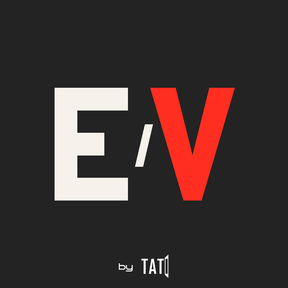
VietSwitch Next connects your Stream Deck to UniKey or EVKey, giving you a dedicated input-mode button with a clear E/V indicator. Check your current mode at a glance and switch without reaching for a keyboard shortcut.

FEATURES

• One-key switching — toggle between English and Vietnamese using your configured shortcut.

• E/V status display — see the detected input mode directly on your Stream Deck key.

• State synchronization — the display follows supported mode changes made outside Stream Deck.

• Automatic detection — recognize a running UniKey or EVKey and find supported installations.

• Shared settings — keep your input-method selection and shortcut consistent across VietSwitch Next keys.

• Clear feedback — see when the input state is unavailable or when both input methods are running.

GET STARTED

Add the Input Mode action to a Stream Deck key, open UniKey or EVKey, and leave input-method selection on Auto detect. Match the plugin’s shortcut to your input method’s setting. The default is Ctrl+Shift.

REQUIREMENTS

Windows and Stream Deck software 7.1 or later. UniKey or EVKey must be installed separately; run one input method at a time.

VietSwitch Next switches your typing mode. It does not translate or convert existing text.

v1.1 Update by Truong

Version 1

Sep 17, 2026

Details

Type

Utilities

OS

Windows

Compatibility

Stream Deck 7.1 or later

Size

117.14 KB

Version

1

Language

English

Support

Profiles

No

Dial support

No

You might also like
  • Mach Control
    Mach Control app icon

    Mach Control

    by MachLabs

    ∙

    Productivity

    Control Mach from Stream Deck via the mcBridge REST/WebSocket API. Cycle Start/Stop, Feed Hold, Reset, Enable/Disable, H...

    Free

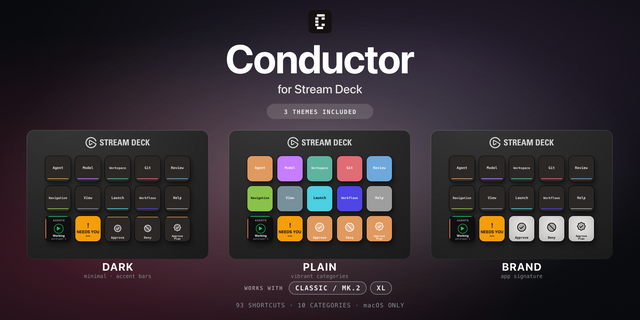
  • Conductor Shortcut Profile

    Conductor Shortcut Profile

    by Adx.cool

    ∙

    Development

    The complete Conductor keyboard shortcut pack for Stream Deck. 93 shortcuts across 10 categories — organized, scored by ...

    $4.33

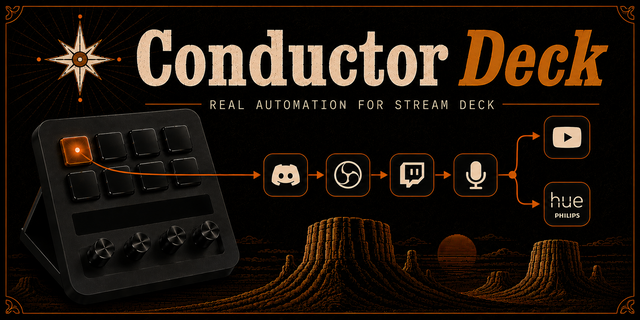
  • Conductor Deck
    Conductor Deck app icon

    Conductor Deck

    by Caleb Leigh

    ∙

    Productivity

    Workflow automation for Stream Deck. Build a multi-step automation on a visual canvas, then run it from a key — or let i...

    Free

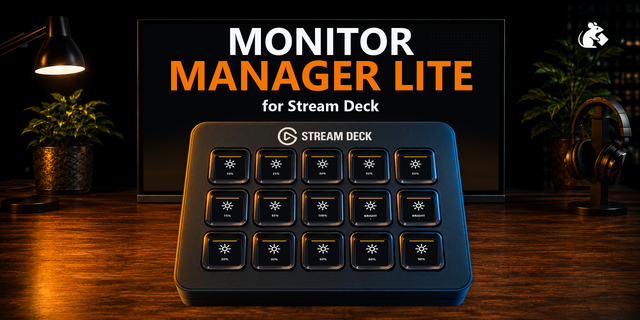
  • Monitor Manager Lite
    Monitor Manager Lite app icon

    Monitor Manager Lite

    by PackRat 🐀

    ∙

    Utilities

    Monitor Manager Lite is the free, focused version of Monitor Manager for Windows. It does one everyday job well: control...

    Free

  • Dark Mode
    Dark Mode app icon

    Dark Mode

    by Max Rodrigo

    ∙

    Productivity

    Switch your Mac or Windows PC between light and dark mode with a single key. The key always shows the current mode, so i...

    Free

  • MX6000 Pro Setting
    MX6000 Pro Setting app icon

    MX6000 Pro Setting

    by nova

    ∙

    Utilities

    Allow you to quickly set some properties of the MX6000 Pro,such as increasing or decreasing the brightness,freezing or b...

    Free

  • AMP Connector
    AMP Connector app icon

    AMP Connector

    Plugin to send Webhook Events to AMP Instances Settings: Require Auth: Activate this if you setup an access token in the...

    Free

  • RGBJunkie
    RGBJunkie app icon

    RGBJunkie

    by RGBJunkie

    ∙

    Lighting

    Control RGBJunkie from your Elgato Stream Deck. Switch lighting effects, load saved scenes, adjust brightness, pause you...

    Free