Development
Visual Studio Commands
by Spooksoft
Overview
## Commands
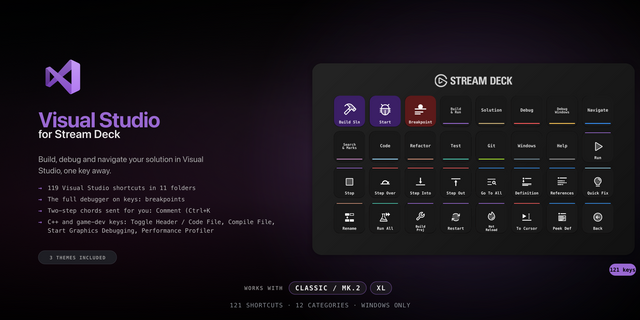
Control an instance of Visual Studio from your Stream Deck. Build solution, start or stop debugging, control the debugger, pull the code from the repository - execute any action within the Visual Studio. You can also control Visual Studio extensions, provided they register their own commands.
## Search
Access the most common commands from a handy search tool - you don't have to delve into Visual Studio settings or install 3rd party extensions anymore. If there's a command however that you cannot find, open Tools | Settings, then navigate to Environment | Keyboard - you will find a complete list of commands supported by your instance there. Commands may be entered in localized form, or English - both should work just fine.
## Compatibility
You should be able to execute commands in the following Visual Studio versions: 2017, 2019, 2022 & 2026.
Initial version. Support for Visual Studio 2017, 2019, 2022 and 2026.
Version 1
May 26, 2026
Details
Type
Development
OS
Windows
Compatibility
Stream Deck 6.9 or later
Size
284.11 KB
Version
1
Language
English
Support
Profiles
No
Dial support
No
You might also like