Productivity
Visual Studio Code (VSCode) Profile & Icon Pack
Overview
VSCode Pro Control Panel — Total Workflow Master Pack
187 Icons | 15 & 32 Button Profiles | 145 Shortcuts
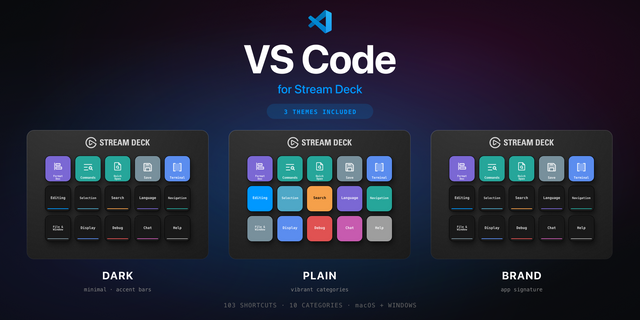
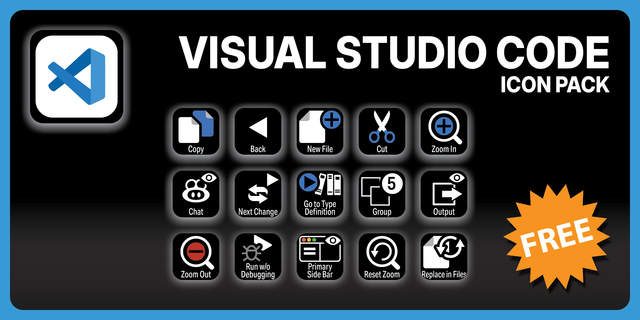
Take full command of VSCode with this comprehensive Stream Deck icon pack and pre-configured profile system. Designed to map the most critical development functions, these vibrant icons and categorized layouts will streamline your coding process to the next level.
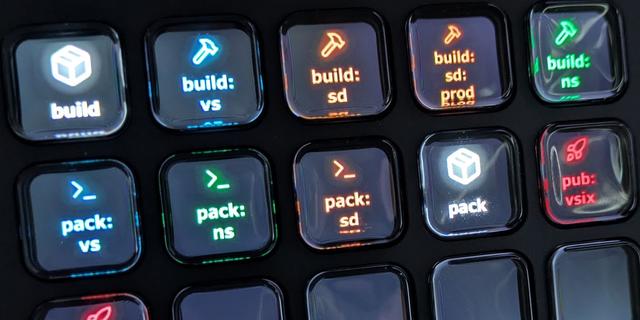
Each category is represented by a custom-designed icon, utilizing a 12-color "Gemstone Noir" palette (including Slate, Amethyst, and Emerald) across 14 icon types. These allow for an instant, visual "shortcut bank" that differentiates between navigation, debugging, and terminal commands at a glance.
Key Features
Extensive Coverage: 187 professional icons covering every essential VSCode function.
Ready-to-Use Chords: Shortcuts include both standard hotkeys and complex custom chords, all mapped to VSCode's default settings.
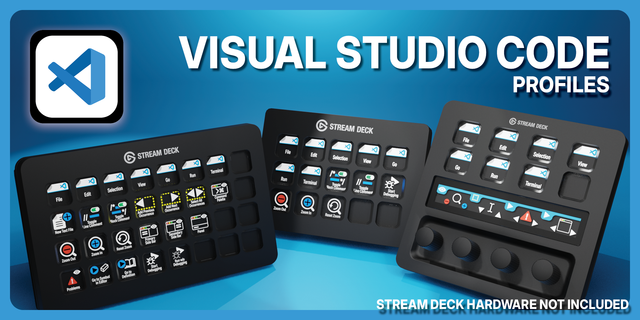
Dual-Hardware Support: Native profiles included for both Stream Deck (15-key) and Stream Deck XL (32-key).
Dynamic Labelling: Icons are optimized for the Stream Deck app, allowing you to keep, edit, or remove text labels to suit your personal style.
Always Current: Regularly updated to reflect new VSCode features and shortcuts.
Profiles Included
32-Button (XL) Profile: A streamlined master category page linked to 6 deep-dive pages, covering 11 critical sections of VSCode.
15-Button Profile (2-Part System): A dual-profile system that provides the full flexibility of the XL pack on 15-button hardware. Includes 14 addressable function pages with zero compromises.
Installation & Setup
Icons: Double-click the icon pack file to install directly into the Stream Deck library.
Profiles: Navigate to Settings > Profiles > Import and select the file matching your device.
App Launchers: The "Start VSCode" (Normal/Admin) buttons reference standard installation paths. If you use a custom install directory, simply update the file path in the Stream Deck software.
Follow this step by step guide to setup the VSCode launch buttons in your new profiles for your specific install.
Right click on you VSCode icon and select open file location.
Right click on the VSCode.exe file and choose create shortcut. For clarity you can name this as VSCode_Admin
Right Click on that newly created shortcut and choose properties.
On the compatibility tab, set the 'Run this program as an administrator' to on (ticked). Apply and press ok.
Once you have added in your new CLICK CLICK BOOM Profiles, go to the Streamdeck software and select the VCode profile/s installed.
On the 32 Button profile these are on Page 1, the category page. On the 15 Button profile these are on Page 1 of profile 2.
Simply go to the 'Vcode Open' button and click to see the button options.
There will be an open folder and an open file button. Use the 'open file' button and select the VSCode.exe you previously found for the normal launch Button
Then go to the 'Vcode Open Admin' button and use the same 'Open file' button there. This time pick the shortcut you created earlier for the Admin shortcut.
This will ensure both the launch buttons function on your specific Windows install allow you to launch in normal or elevated mode from your profile.
Support & Feedback
We take your workflow seriously. If you have requests for additional icons or suggestions for future updates, please use the contact option. Your feedback helps us build the ultimate developer toolkit.
Reach out to us at,
masteregme@gmail.com
Release Notes – Version 1.0.0
Installation
Extract the downloaded archive to a location of your choice (the Desktop is recommended if you are unsure).
Double-click the Icon Pack file to install it.
Open the Stream Deck application and import the profile for your hardware.
Version 1
Mar 17, 2026
Details
Type
Productivity
Device
Stream Deck MK
Stream Deck XL
OS
Windows
Size
41.34 MB
Version
1
Language
English
Support
Icons
Yes
You might also like