Engagement
Voice Puppet
Overview
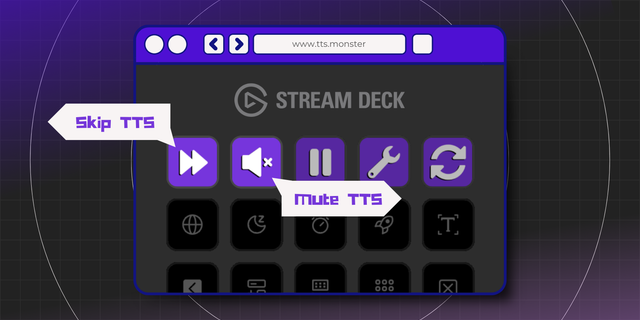
Control Voice Puppet text-to-speech from your Stream Deck. Skip or keep the message playing on stream, pause the queue, toggle Rapid-Fire Fight Mode, switch app profiles and cut a single puppet's audio, each with one key press.
Voice Puppet is text-to-speech for Twitch streamers: viewer messages play live on stream in your channel's character voices.
Key actions
- Skip: cut the message playing now. The key shows who is speaking and counts down.
- Stay: keep the current message when chat votes to skip it.
- Pause: hold the queue, and release it again.
- Super Pause: stop automatic playback until you clear it.
- Skip Lane: cut one puppet's audio and leave the others talking. Choose the puppet per key.
- Fight Mode: turn Rapid-Fire Fight Mode on or off.
- Switch Profile: restart Voice Puppet into another app profile. Choose the profile per key.
Live feedback
Pause, Super Pause and Fight Mode turn yellow when they are on, and stay in sync with the app however you changed them. A press shows a checkmark only when the app did something, and a crossed circle when there was nothing to do.
Setup
Install the plugin and start Voice Puppet. There are no ports or pairing codes: the plugin finds the app on your PC by itself.
Requirements
- Windows 10 or later
- Stream Deck 7.1 or later
- The Voice Puppet desktop app, a separate download from voicepuppet.com, running on the same PC
First release on the Elgato Marketplace.
- Seven actions for the Voice Puppet desktop app: Skip, Stay, Pause, Super Pause, Skip Lane, Fight Mode and Switch Profile.
- Pause, Super Pause and Fight Mode keys follow the app's state.
- The Skip key shows who is speaking and the time left.
- Requires the Voice Puppet desktop app on Windows.
Version 5
Oct 13, 2026
Details
Type
Engagement
Streaming
OS
Windows
Compatibility
Stream Deck 7.1 or later
Size
181.27 KB
Version
5
Language
English
Support
Neo Infobar support
No
Profiles
No
Dial support
No
Additional links
You might also like