Gaming
VRC Deck
by KONON
Overview
Control and monitor VRChat directly from your Stream Deck.
VRC Deck provides convenient controls for commonly used VRChat features through OSC and the VRChat API.
Features include:
- Microphone control with real-time status synchronization
- AFK status monitoring
- Avatar search, selection, and current avatar display
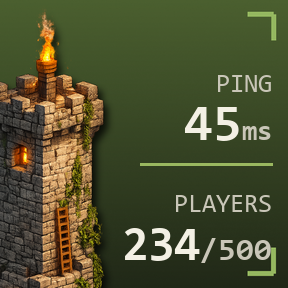
- Instance player count, world name, and world thumbnail display
- Online status cycle, toggle, and direct status controls
- Bool, Int, and Float avatar Expression parameter controls
- Expression toggle, set, cycle, increase, and decrease actions
- Hold-to-repeat support for Expression value adjustments
- Avatar height increase, decrease, and direct height settings
- Hold-to-repeat support for avatar height adjustments
- Automatic VRChat chatbox messages
- Safe Mode activation with the Panic Button
VRChat OSC must be enabled to use OSC-based features.
Features that access account, avatar, instance, or online status information require signing in through the VRC Login action. VRC Deck does not retain your entered password and stores the VRChat session locally so it can be restored after restarting Stream Deck.
The Panic Button can only activate Safe Mode. Safe Mode must be disabled from within VRChat.
VRC Deck is an unofficial community project and is not affiliated with or endorsed by VRChat Inc. or Elgato.
Initial Marketplace release of VRC Deck.
Features:
- Microphone control with real-time status synchronization
- AFK status monitoring
- Avatar search, switching, and current avatar display
- Instance player count, world name, and thumbnail display
- Online status controls
- Bool, Int, and Float Expression parameter controls
- Avatar height increase, decrease, and direct value settings
- Hold-to-repeat support for value adjustments
- Automatic VRChat chatbox messages
- Safe Mode activation with the Panic Button
- Added configuration guidance for Expression and avatar height actions
VRChat OSC is required for OSC-based features. Account-related features require signing in through the VRC Login action.
Version 1.3.5
Sep 1, 2026
Details
Type
Gaming
Monitoring
Utilities
OS
Mac
Windows
Compatibility
Stream Deck 7.1 or later
Size
499.3 KB
Version
1.3.5
Language
English
Support
Profiles
No
Dial support
No
Additional links
You might also like