Development
VS Code Shortcut Profile
by Adx.cool
Overview
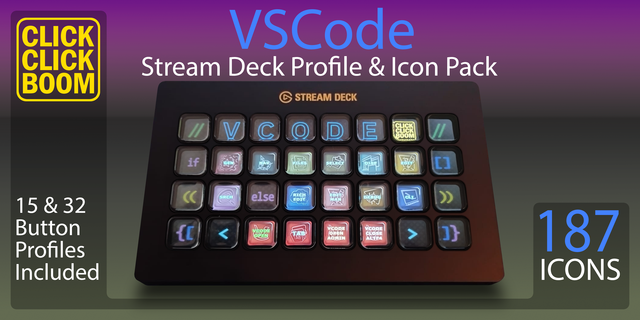
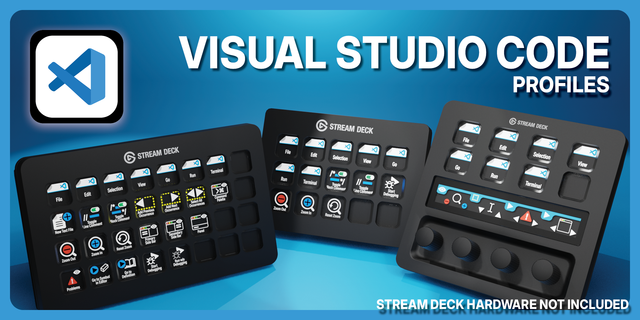
The complete VS Code keyboard shortcut pack for Stream Deck.
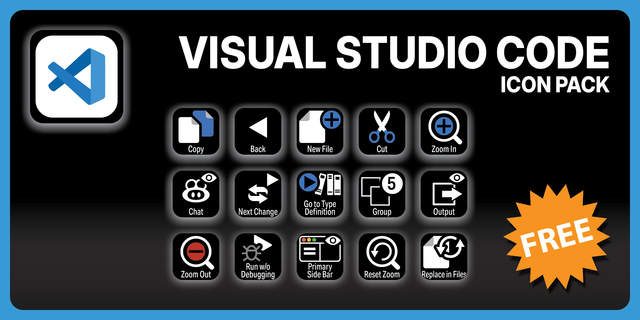
103 shortcuts across 10 categories — organized, scored by importance, and ready to install on Stream Deck Classic / MK.2, XL. Stop memorizing key combos. One tap, one action.
What's included:
• Editing (22) • File & Window (17) • Display (15) • Language (11) • Navigation (11) • Selection (9) • Search (7) • Debug (6) • Chat (4) • Help (1)
Features: • Both platforms, and not a Ctrl-for-Cmd rewrite — Redo, Save All and Full Screen genuinely differ • The multi-cursor set on its own folder, where VS Code's real speed lives • Debug transport on real keys: breakpoint, start, step, pause • Every binding traced to Microsoft's own keybindings reference, command ID included • A distinct icon on all 103 keys
Install: double-click any .streamDeckProfile to import. The App binding is pre-filled to VS Code — auto-activates on focus. If it didn't pre-fill, set it manually under Stream Deck → Preferences → Profiles → App.
Learn more about VS Code: https://code.visualstudio.com
Setup (required for some keys)
Two-step chords are sent as two presses. VS Code leans on sequences like Ctrl+K Ctrl+C; each key here sends both steps in order. If one does not land, the editor was mid-chord — press Escape and try again.
A few keys mean two things depending on focus. Ctrl+. is Quick Fix in the editor and the agent picker in chat; Ctrl+N is New File and also New Chat Session. This profile ships the editor reading of each, which is the one you get with the cursor in code.
Find-widget keys are not included. Enter and Shift+Enter step through find results, but only while the find box already has focus — from a deck they would just be Enter. The same goes for the arrow keys in the search history.
Step Into and Toggle Full Screen share F11 on Windows. That is Microsoft’s own assignment, not a mistake here: while a debug session is live F11 steps, otherwise it toggles full screen.
First release. 103 bindings across ten groups: Editing, Selection, Search, Language, Navigation, File & Window, Display, Debug, Chat and Help.
Both macOS and Windows ship, and the two are not a Ctrl-for-Cmd rewrite of one another. Redo is Ctrl+Y on Windows against Cmd+Shift+Z on macOS; Save All is Ctrl+K S against Option+Cmd+S; Toggle Full Screen is F11 against Ctrl+Cmd+F. Translating one platform from the other would have shipped the wrong key on each of those.
Every row is traced to Microsoft's own keybindings reference, and the backing table in this repo also records each binding's command ID — so a future check can verify that a combo still runs the command it is labelled with, rather than merely that the combo still exists.
Focus-only bindings are excluded: Enter and Shift+Enter for find results, the arrow keys for search history, and Escape, which two different commands share. Alt+F4 is excluded as destructive, and Reset Zoom needs a numeric keypad the device cannot assume.
Version 1
Sep 1, 2026
Details
Type
Development
Device
Stream Deck MK
Stream Deck XL
OS
macOS
Windows
Compatibility
Stream Deck 6.4 or later
Size
7.23 MB
Version
1
Language
English
Support
Icons
Yes
Additional links
You might also like