Audio
Wave Cast
by Elgato
Overview
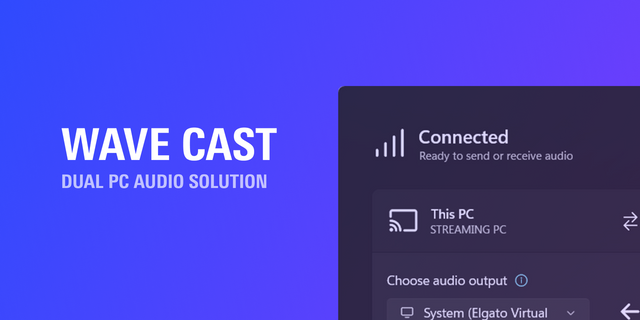
Dual PC audio at your fingertips. With the Wave Cast plugin, control your connection and route application audio directly from Stream Deck — no more switching windows to manage your dual PC setup. Wave Cast connects two Windows PCs over your network for low-latency audio streaming. Whether you're running a dual PC stream, capturing gameplay, or sharing a mic between machines, it handles the hard part so you don't have to. This plugin puts the controls right at your fingertips. Actions include:
Connection State: Monitor your connection quality and toggle it on or off with a key press. Color-coded signal indicators show stability at a glance — green for solid, yellow for okay, orange for trouble — with optional latency readout in milliseconds.
Select Application Audio: Choose which app audio gets sent through Wave Cast. Pick from local or remote applications, see what's selected and what's live, and switch sources on the fly. On Stream Deck +, rotate the dial to browse available audio apps in a carousel view, then press to select.
Featuring real-time status displays. Connection quality, latency, and app selection update on your keys so you always know what's happening — without leaving your game or stream. Feeling creative? Try adding Wave Cast to a multi action sequence! Multi actions combine actions from different plugins for special effects. Need an example? Connect your PCs, switch an OBS scene, and select your game audio — all with a single key press. Stream more, troubleshoot less. Get the official Wave Cast plugin by Elgato.
Requires Wave Cast 1.2 or later on both PCs.
Initial Launch
Version 1.2.0.30
Mar 18, 2026
Details
Type
Audio
Streaming
OS
Windows
Compatibility
Stream Deck 6.9 or later
Size
595.3 KB
Version
1.2.0.30
Language
Chinese
English
French
German
Japanese
Korean
Spanish
Support
Profiles
No
Dial support
Yes
You might also like
-thumbnail-optimized-6ebf60ea-df2c-4833-94ab-f766de5500b9.png)
-app-icon-optimized-b640532a-84ea-408b-a211-b7266e1563b7.png)