Monitoring
WeatherFlow Tempest
Overview
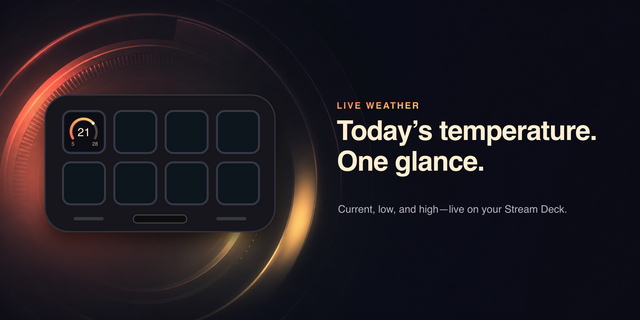
Unofficial plugin for WeatherFlow Tempest weather stations. Turn any Stream Deck button into a live readout from your Tempest weather station.
What you can display — each button independently shows one of 12 metrics:
Temperature, Feels Like, Humidity, Dew Point
Wind Speed & Direction, Wind Gust
Barometric Pressure (with rising/falling trend indicator)
UV Index (with severity level: Low / Moderate / High / Very High / Extreme)
Solar Radiation (W/m²)
Precipitation Today
Lightning (strike count in the last hour, plus distance of the most recent strike)
Combined Temperature / Humidity / Pressure (three values in one button)
How it works — enter your WeatherFlow personal access token and station ID once. Per-button, choose the metric, imperial or metric units, and refresh interval (1–30 minutes). The plugin polls the WeatherFlow REST API in the background and updates each button's title with the latest reading. Press any button to force an immediate refresh.
What you need
A WeatherFlow Tempest weather station and a Personal Access Token (get one at tempestwx.com → Settings → Data Authorizations)
Stream Deck software 6.9 or later
Privacy — your token is stored locally by Stream Deck and only ever transmitted to WeatherFlow's own API. No analytics, no telemetry, no third-party services
Improved help text for the Station ID field in the Property Inspector. Added a direct link to tempestwx.com/station and clarified that the ST-xxxxxxxx code shown in the Tempest app is the device serial, not the station ID.
Version 1.0.4
Jun 10, 2026
Details
Type
Monitoring
Smart Home
OS
Mac
Windows
Compatibility
Stream Deck 6.9 or later
Size
102.8 KB
Version
1.0.4
Language
English
Support
Profiles
No
Dial support
No
You might also like