Productivity
Window Position Keys
by GRAMSHIFT
Overview
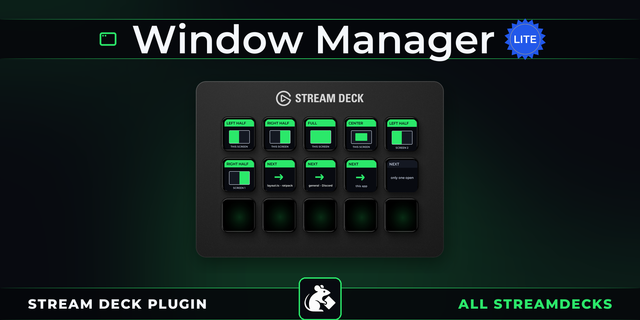
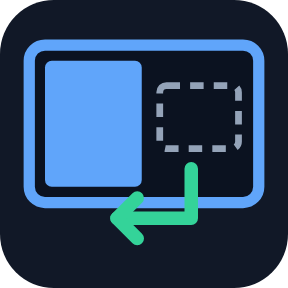
Snap a window with a Stream Deck key on Windows: set a key to the left half, right half, a third, a quarter, the center or maximize, and one press moves and resizes the window there. Press the same key again and it goes back to its old place and size. A window manager on your Stream Deck.
15 spots, one key each
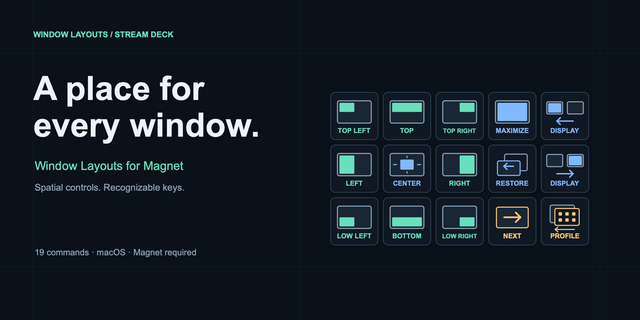
Halves (also top and bottom), thirds, two thirds, quarters, center (own size or 50-90%), maximize
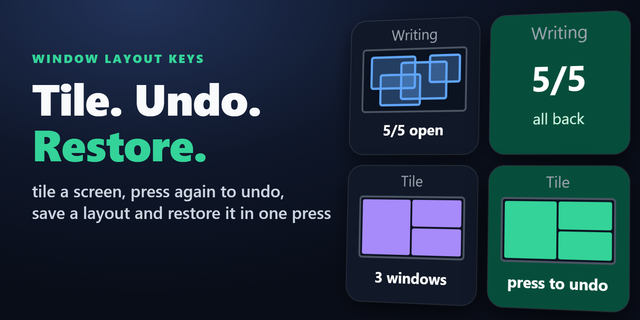
Press again: old position, size and maximized or minimized state come back. Halves can step 1/2, 2/3, 1/3 instead
Edge to edge
The visible frame fills the spot, so side-by-side windows line up edge to edge. Optional gap
Any program, even behind or minimized
Pick a program (title words optional): its window moves without coming to the front
Resize window to an exact size
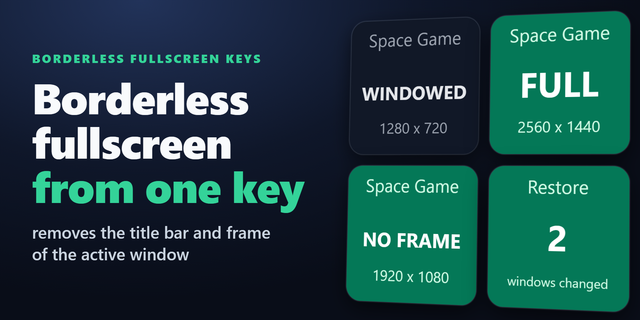
Custom Position: a window position in percent or pixels, like 1280 x 720 for a stream capture
Move window to the next screen
Keeps the same place: a left half stays a left half, maximized stays maximized
On the key
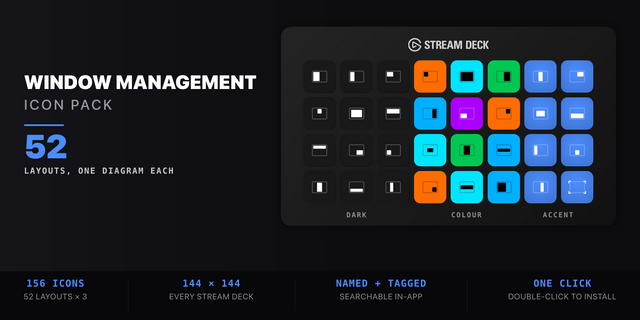
A small map of the spot, green when a press will undo
Looks: Map, Classic, Neon, Solid. English and Japanese
Privacy Window positions and titles stay on your PC.
Limits
Windows of admin programs may stay put unless Stream Deck also runs as admin; the key shows ADMIN
Apps with a minimum size may stay larger; self-drawn frames may sit a little off
Windows 10+ and Stream Deck 6.9+
Idea or bug? Use the Support link. Every message is read.
First release with three keys. Snap Window puts the window you work in, or a window of a program you pick, on a half, third, two thirds, quarter, the center or maximized, and the next press puts it back. Custom Position sets an exact place and size in percent or pixels. Next Screen sends it to the next screen. Four key looks, English and Japanese.
Version 1
Oct 13, 2026
Details
Type
Productivity
Utilities
OS
Windows
Compatibility
Stream Deck 6.9 or later
Size
815.59 KB
Version
1
Language
English
Japanese
Support
Profiles
No
Neo Infobar support
No
Dial support
No
Additional links
You might also like