Music

Now Playing - Windows

Overview

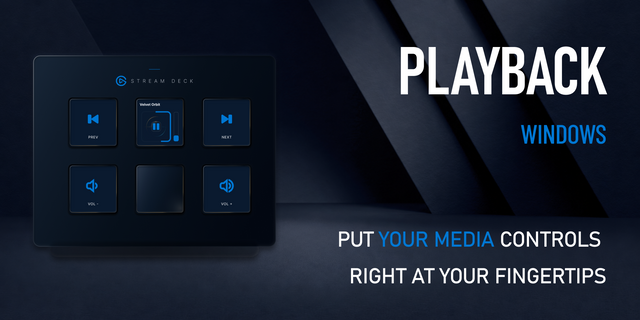
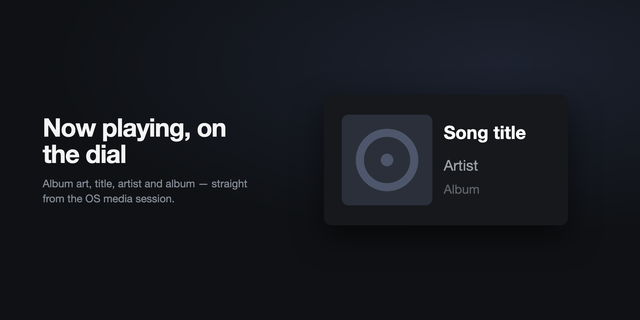
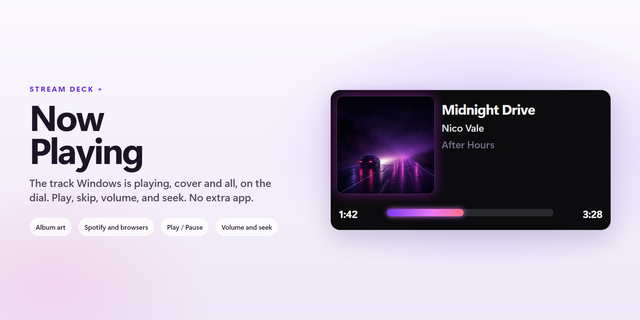
See what’s playing and control Windows media from one Stream Deck + dial. Now Playing shows live artwork and progress, then puts playback, per-app volume, queue navigation, seeking, and player switching under the same control. Requires Stream Deck +, Windows, and Stream Deck 6.9 or later.

Turn the dial to adjust volume. Press it to play or pause. Tap the touch strip to open queue and seek views. Hold the touch strip to switch between active players.

Highlights:

• Live artwork, title, artist, and track progress • Previous/next, play/pause, and per-app volume • Queue browsing and ±10/±30-second seeking • Fast switching between active Windows media sessions • Custom main and accent colors • One-time purchase; no subscription or external paywall

Works with native and browser-based apps that expose playback through Windows media controls, including Spotify, Apple Music, TIDAL, Amazon Music, YouTube, YouTube Music, SoundCloud, and others.

Compatibility depends on the app or browser exposing an active Windows media session.

Initial release

Version 1.1.2

Apr 28, 2026

Details

Type

Music

OS

Windows

Compatibility

Stream Deck 6.9 or later

Size

35.13 MB

Version

1.1.2

Language

English

Support

Profiles

No

Dial support

Yes

Additional links

You might also like
  • Now Playing
    Now Playing app icon

    Now Playing

    Turn a Stream Deck + dial into a now playing display. Shows album art, track, artist and album for whatever is playing o...

    Free

  • Playback - Windows
    Playback - Windows app icon

    Playback - Windows

    Turn any keyed Stream Deck into a live Windows media controller. See artwork, title, progress, and volume, then use focu...

    $4.99

  • Media Controller
    Media Controller app icon

    Media Controller

    by Sonky

    ∙

    Audio

    Shows the track playing on your Mac and controls it from a Stream Deck + dial or from keys. It reads the macOS Now Playi...

    Free

  • Now Playing
    Now Playing app icon

    Now Playing

    by MyDeckLab

    ∙

    Audio

    Now Playing The track Windows is already playing, on a Stream Deck + dial. Album art, title, and time stay on the touchs...

    $250.00

  • Current Media (Now Playing)
    Current Media (Now Playing) app icon

    Current Media (Now Playing)

    See what's playing, right on your Stream Deck. With a single key, the current track’s cover art, artist, and title appea...

    Free

  • Now Playing
    Now Playing app icon

    Now Playing

    Album art, the track, the artist and a live progress bar, with no account to connect. On Windows there is no player to p...

    $4.49

  • Clef
    Clef app icon

    Clef

    by DaveDev

    ∙

    Audio

    Overview: Clef controls Apple Music for Windows from any Stream Deck. On every model, keys play, pause, and skip ...

    Free

  • Now Playing & Volume for macOS
    Now Playing & Volume for macOS app icon

    Now Playing & Volume for macOS

    by Luluberlu

    ∙

    Artistic

    Your Mac's music, on your Stream Deck. Now Playing dial (Stream Deck+): the touchscreen shows what's playing right now (...

    Free