Gaming
Windows Performance Graph Keys
by GRAMSHIFT
Overview
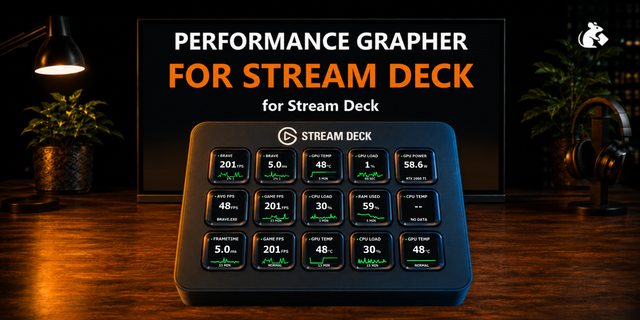
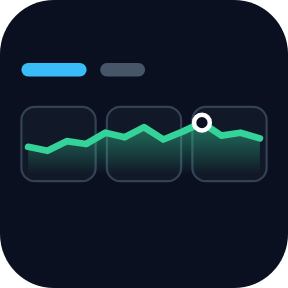
Windows performance monitor for Stream Deck: CPU usage, GPU usage, RAM, disk activity and network speed as graphs of the last 1, 5, 15 or 60 minutes, like Task Manager on your keys. Put keys side by side and they join into one long graph. Spot the spike behind a stutter, a slow export or a busy download.
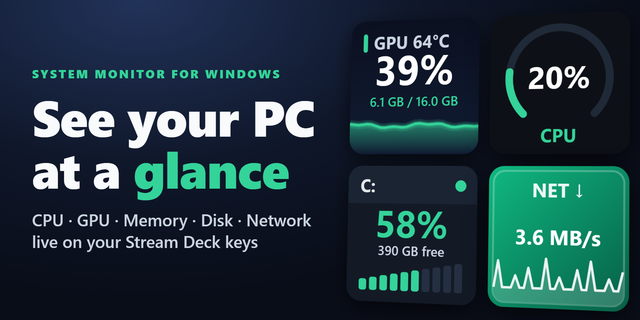
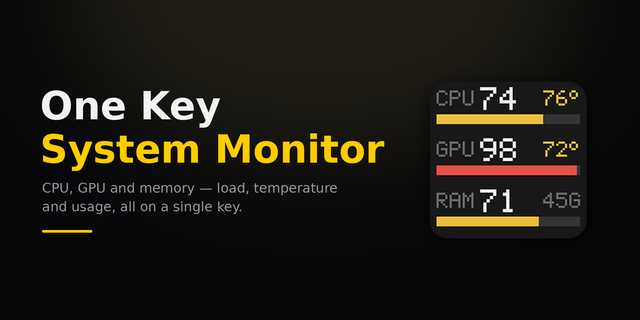
Which one? Our System Monitor for Windows is for the value right now and drive space. Performance Graph Keys is for how each reading moved over the last hour.
Two keys
Performance Graph: CPU, GPU, memory, disk, download or upload
Performance Overview: CPU, GPU, memory and network (or disk) as four small graphs on one key
Keys in one row join when they show the same reading, period and look
Hold to switch between 1, 5, 15 and 60 minutes
A ring and MAX label mark the period's peak
Press for the max, the average and how long ago it was
Reads Windows directly
Nothing else to install: no sensor app, no account, no admin rights
CPU uses the same measure as Task Manager on Windows 11
GPU: the busiest engine, from Windows' own GPU counters
Keeps recording for 60 minutes after you switch pages
Readings stay on your PC
Five looks: Classic, Neon, Bars, Solid, Grid. English and Japanese.
Good to know
Temperatures, fans and FPS are outside its scope
Network: your PC's physical network adapters
Windows 10 or later, Stream Deck 6.9 or later. Tested on Windows 11
Idea or bug? Use the Support link. Every message is read.
First release. Graph CPU, GPU, memory, disk activity or network speed over the last 1, 5, 15 or 60 minutes on your keys. Keys side by side with the same graph join into one long graph. Hold a key to switch the period; press it for the max, the average and when the max happened. Performance Overview fits four small graphs on one key. Five looks, English and Japanese.
Version 1
Oct 12, 2026
Details
Type
Gaming
Monitoring
Utilities
OS
Windows
Compatibility
Stream Deck 6.9 or later
Size
810.64 KB
Version
1
Language
English
Japanese
Support
Profiles
No
Dial support
No
Neo Infobar support
No
Additional links
You might also like