Lighting
WLED Controller
Overview
Control your WLED LED devices directly from your Stream Deck — no app switching required.
WLED Controller connects to any WLED device on your local network and puts your most-used lighting controls on your Stream Deck buttons. Whether you're streaming, gaming, or setting the mood, your lights are one press away.
Features:
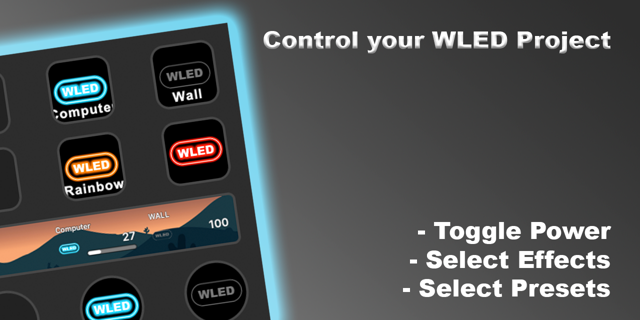
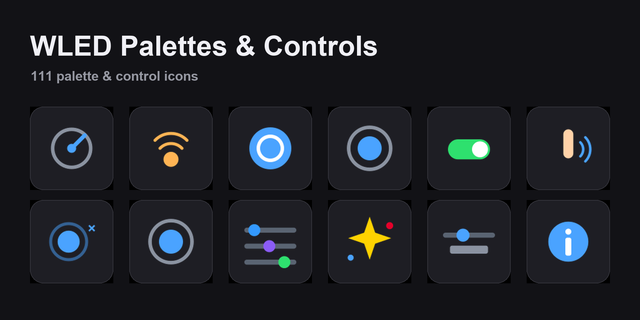
Power Toggle — Turn your WLED device on or off. Button icon reflects the live state automatically when Stream Deck loads.
Select Preset — Load any of your saved WLED presets instantly. The button label shows the preset name so you always know what each key does.
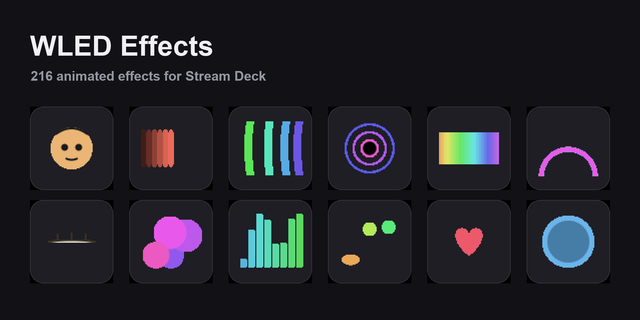
Select Effect — Activate any WLED effect across all LED segments simultaneously.
Set Color — Assign a specific RGB color to a button. The button face shows a live preview of the color you've set.
Set Brightness — Set your LEDs to a specific brightness level. Button label shows the exact percentage.
WLED Status — A live status button that displays your current brightness and active color, updated automatically every 10 seconds. Press it anytime for an instant refresh.
Requirements:
A WLED device accessible on your local network
WLED firmware (any recent version)
Stream Deck software 6.9 or later
Setup:
Add any action to your deck, enter your WLED device's IP address in the property inspector, and you're ready to go. Each button verifies the connection and shows your device name so you know you're targeting the right controller.
"Source code available on GitHub: github.com/96alexmr/wled-stream-deck-plugin"
If you have any issues you can email me at mail@alexmr.me or open an issue on the GitHub repo.
Release Notes:
Allow users to input custom titles for Presets.
Special Thank you to Zsolt E for this request.
Version 1.0.1
Aug 6, 2026
Details
Type
Lighting
Smart Home
Utilities
OS
Windows
Compatibility
Stream Deck 6.9 or later
Size
2.87 MB
Version
1.0.1
Language
English
Support
Profiles
No
Dial support
No
Additional links
You might also like