Gaming
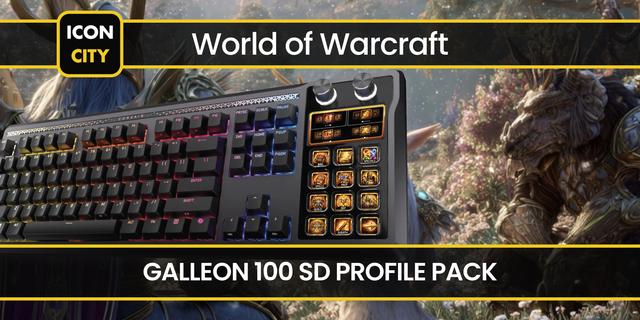
World of Warcraft Forever Galleon 100 SD Profile
by Malnoxx
Overview
Immerse yourself in World of Warcraft Forever with this profile for you Galleon 100 SD! With built in keybinds to make your life easier and free up those precious keys for your abilities, you'll fly through leveling and group content with ease and style! While this is designed with WoW: Forever in mind, it will work with World of Warcraft Retail and WoW Classic as well!
Includes icons for both Alliance and Horde so you can easily swap icons when you swap characters!
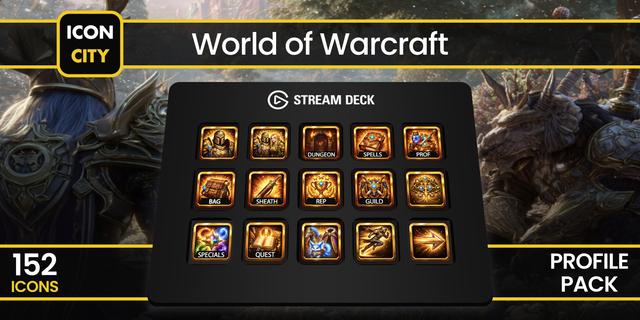
The included icons/actions are:
Sit - Sit down
Eat - Eat the specific food you input
Drink - Drink the specific drink you input
Ping - Drop a world ping at your mouse location
Ready Check - Start a ready check if you're the group leader or have the appropriate permissions in a group
Roll - Roll 1-100
Focus - Set your focus to your current target
Clear Focus - Clear your current focus target
Follow - Follow your current targer
Mount - Mount up on the specific mount you input
Mount Special - Use your mount's special ability
Hearth - Use your hearthstone
SET-UP
Create these Macros in-game:
Sit - /sit
Eat - /eat [insert food name here] (Note: You must type in the name of the food you wish to eat for this button to work! The command should read like "/use conjured muffin")
Drink - /drink [insert drink name here] (Note: You must type in the name of the beverage you wish to drink for this button to work! The command should read like "/use conjured fresh water")
Ping - /ping
Ready Check - /readycheck
Roll - /roll
Focus - /focus
Clear Focus - /clearfocus
Follow - /follow
Mount - /cast [mount name here] (Note: You must type in the name of the mount you wish to use for this button to work! The command should read like "/cast Swift Spectral Tiger")
Mount Special - /mountspecial
Hearth - /cast hearthstone
Once you create the macros in-game drag them to an action bar (I recommend action bar 8 as you wouldn't typically use that one!) then go into your keybinds and set the keybinds for action bar 8 as follows:
Sit - Shift + /
Eat - Shirt + .
Drink - Shift + ,
Ping - Shift + '
Ready Check - Shift + ;
Roll - Shift + L
Focus - Ctrl + /
Clear Focus - Ctrl + .
Follow - Ctrl + ,
Mount - Ctrl + '
Mount Special - Ctrl + ;
Hearth - Ctrl + L
*If you wish to change these make sure you update the stream deck commands in the stream deck software before you change the keybinds in-game!
Bug Fixes
Version 2.1
Oct 14, 2026
Details
Type
Gaming
Device
GALLEON 100 SD
OS
macOS
Windows
Compatibility
Stream Deck 7.1 or later
Size
1.29 MB
Version
2.1
Language
English
Support
Icons
Yes
You might also like