Development
Xcode Assist
by Dloper
Overview
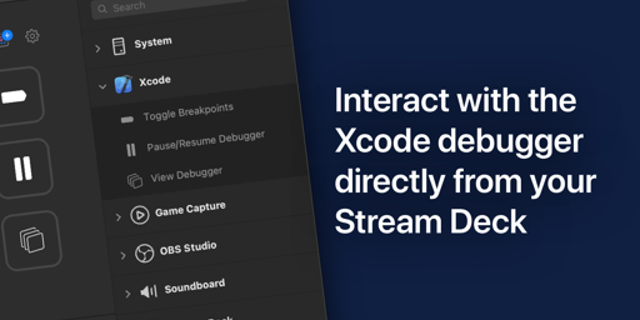
Xcode Assist turns Stream Deck into mission control for Xcode and iOS Simulator.
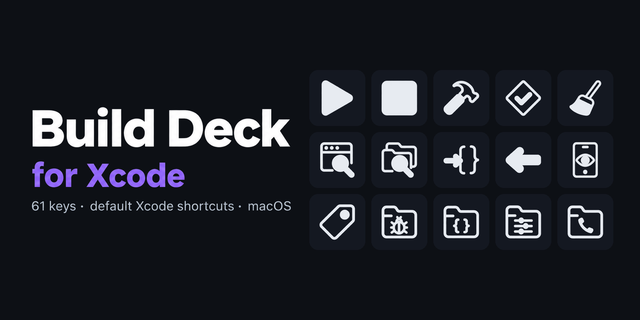
Build, run, stop, clean and test the active Xcode workspace without relying on a hotkey sent to the wrong app. Smart Build shows live build feedback and can clean before it builds; optionally bring Xcode forward only when a build fails or play a chime after a long build. Run Tests follows the active test plan and takes you to Xcode’s Test Navigator after a reported failure.
Keep projects healthy with Clean & Nuke: tap to clean Xcode’s build folder, or use the configurable physical hold to clear only your Xcode DerivedData directory. Reset Swift Packages runs package resolution for the active workspace or project.
Control iOS Simulator directly: boot or focus a chosen simulator, safely hold to shut down or erase it, capture polished 9:41 status-bar screenshots to Desktop, set GPS presets or custom coordinates, and inject a local APNs payload into an installed simulator app. Every destructive action uses a real hold and targets a concrete simulator or Xcode’s canonical DerivedData path.
Stream Deck + adds two dials: Destination Dial rotates through iOS simulators, boots/shuts down the selected one, and opens Simulator from the touch strip; Build Progress Dial displays build/test duration and lets you browse recent Xcode status messages.
No API key, account, or Terminal setup. Install from Elgato Marketplace, drag an action to Stream Deck, and grant macOS Automation access to Xcode when prompted.
Requires macOS 13+, Xcode, Stream Deck 6.9+, and a Stream Deck + for dial actions. Xcode Assist operates locally and does not upload your projects, APNs payloads, or build data.
Xcode Assist 1.0.0.0
Initial release.
- Smart Build, Build & Run, Halt Execution, Clean & Nuke, package resolution, and test controls for the active Xcode workspace.
- Live build/test feedback, failed-build focus option, and long-build completion sound.
- iOS Simulator power, protected erase, marketing screenshot, location, and APNs actions.
- Stream Deck + Destination and Build Progress dials.
- English source catalog with prepared German, Spanish, French, Japanese, Korean, Portuguese, and Simplified Chinese catalogs.
Version 1
Sep 25, 2026
You might also like