Audio
Yandex Music
Overview
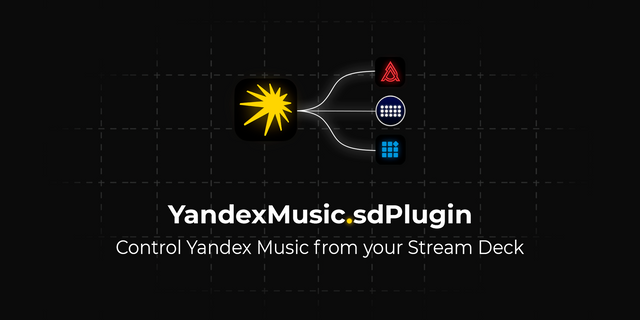
Control Yandex Music from Stream Deck. Play, pause, like tracks, or skip songs—all with a key press. Enjoy seamless control over your music without leaving your flow.
Whether you're streaming, gaming, working, or just vibing to your favorite tracks, you need quick access to your music. Skip that song that doesn't fit the mood. Like a track to save it to your collection. Control playback without interrupting your workflow.
The Yandex Music plugin puts total music control at your fingertips. No more alt-tabbing to adjust playback or reaching for your mouse to change tracks. With Stream Deck, your music moves with you.
Key actions include:
Playback Control: Play, pause, or toggle playback
Track Navigation: Skip to the next or previous track
Like: Save your favorite tracks with a single press
Now Playing: Display current track album artwork
Stream Deck keys update in real time, showing current playback status and what's currently playing.
The Yandex Music plugin works seamlessly with the Yandex Music desktop application, giving you complete control over your listening experience.
Requires Yandex Music desktop app for Mac.
Fixed: Controls now works on the "My Vibe / Моя Волна" tab
Version 1.0.9.2
May 18, 2026
Details
Type
Audio
Music
OS
Mac
Windows
Compatibility
Stream Deck 6.9 or later
Size
50.42 MB
Version
1.0.9.2
Language
English
Support
Dial support
No
Profiles
No
You might also like





-thumbnail-optimized-a74b6d6f-1886-4379-9f95-d19441860884.png)
-app-icon-optimized-7171bf4e-2e32-4875-b94d-30578d9bb4df.png)