Music

YouTube Music Browser Control

Overview

Control YouTube Music in Chrome or Edge directly from Stream Deck—no separate third-party YouTube Music desktop app required.

Create keys for Play/Pause, Like, Dislike, Next, and Previous. The Play/Pause icon changes automatically, and key titles appear only when you enter custom text.

On Stream Deck devices with dials, rotate a dial to change the YouTube Music player’s volume. Press the dial for mute/unmute or play/pause. Volume step size and press behavior are configurable.

Choose Chrome, Edge, or Auto for each action. Auto selects an appropriate open YouTube Music tab.

Requires Windows 10 or later, Stream Deck 6.9 or later, Chrome or Edge, an open music.youtube.com tab, and the free companion browser extension. The extension is downloaded from GitHub, installed through browser Developer Mode, and updated manually.

This product does not collect analytics or advertising data. It is not affiliated with or endorsed by YouTube, Google, Microsoft, Elgato, or Corsair.

Setup Guide: https://github.com/homan712/youtube-browser-control-companion/blob/main/README.md

Extension Download for browser: https://github.com/homan712/youtube-browser-control-companion/releases/latest

Version 1.6.3.0

Renamed the plugin to YouTube Music Browser Control.

The dial now displays No tab when the user has not opened a YouTube Music browser tab.

Updated the plugin branding and Marketplace images.

Existing actions and settings remain compatible.

A separate browser companion update will improve the volume display after muting and unmuting.

Version 1.6.3

Sep 21, 2026

Details

Type

Music

OS

Windows

Compatibility

Stream Deck 6.9 or later

Size

151.82 KB

Version

1.6.3

Language

English

Support

Profiles

No

Dial support

Yes

You might also like

  • YouTube Music Desktop Connector
    YouTube Music Desktop Connector app icon

    YouTube Music Desktop Connector

    by XeroxDev

    ∙

    Music

    With this plugin, you can easily control nearly everything about the YouTube Music Desktop App. You can play/pause, skip...

    Free

  • Music Apps Icons

    Music Apps Icons

    An Icon Pack with 55 icons for Spotify, Apple Music and YouTube Music. This icons only pack can be used with Elgato's Sp...

    $4.00

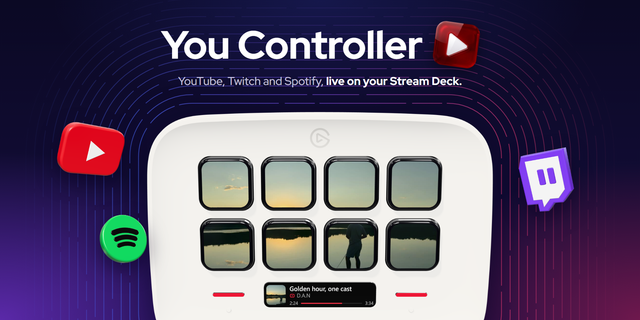
  • YouTube, Twitch & Spotify - You Controller
    YouTube, Twitch & Spotify - You Controller app icon

    YouTube, Twitch & Spotify - You Controller

    by D.A.N

    ∙

    Audio

    Control YouTube, Twitch and Spotify from your Stream Deck — with the video, or the album cover, live on the keys. Now on...

    Free

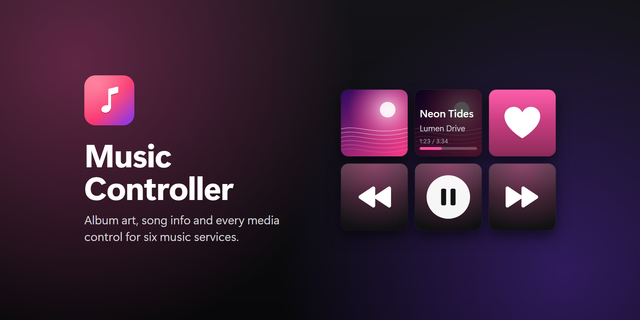
  • Music Controller
    Music Controller app icon

    Music Controller

    by Alanthia

    ∙

    Audio

    Control Apple Music, Spotify, TIDAL, Amazon Music, Deezer and YouTube Music from your Stream Deck on Windows. Album art ...

    $1.00

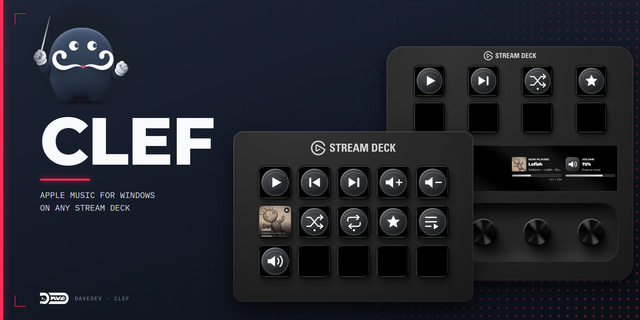
  • Clef
    Clef app icon

    Clef

    by DaveDev

    ∙

    Audio

    Overview: Clef controls Apple Music for Windows from any Stream Deck. On every model, keys play, pause, and skip ...

    Free

  • DeckTunes
    DeckTunes app icon

    DeckTunes

    DeckTunes gives you seamless control over your music playback directly from your Stream Deck. It integrates with Apple M...

    Free

  • Browser Media Controls

    Browser Media Controls

    by Qaem

    ∙

    Productivity

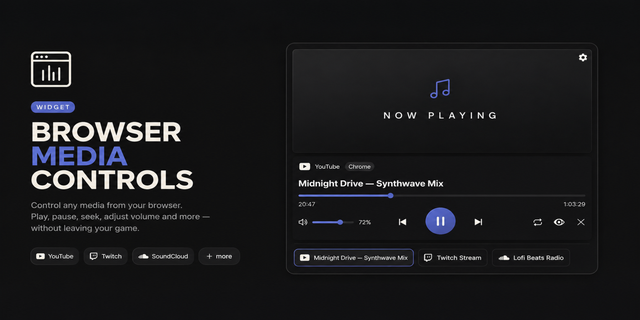
    Browser Media Controls brings your browser's media to your CORSAIR XENEON EDGE, with live artwork, live progress, and fu...

    $37.54

  • Playback - Windows
    Playback - Windows app icon

    Playback - Windows

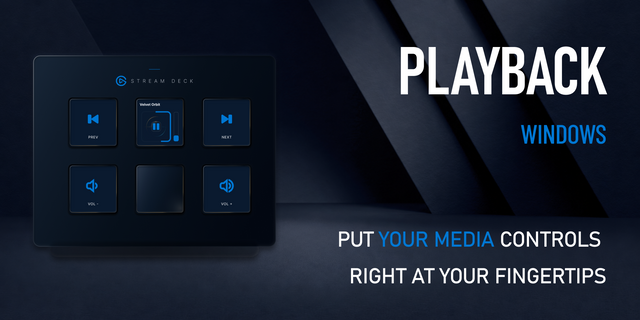
    Turn any keyed Stream Deck into a live Windows media controller. See artwork, title, progress, and volume, then use focu...

    $4.99