Audio
YouTube, Twitch & Spotify - You Controller
by D.A.N
Overview
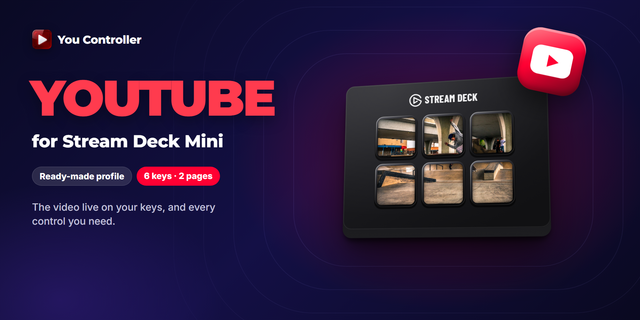
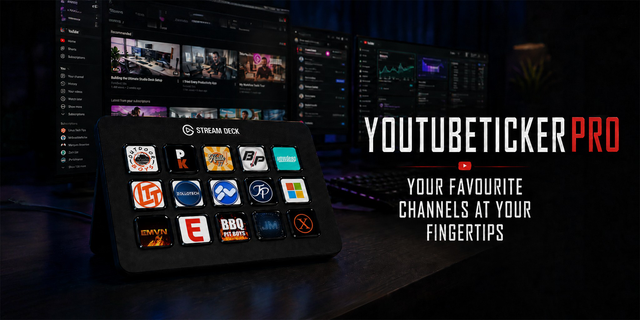
Control YouTube, Twitch and Spotify from your Stream Deck — with the video, or the album cover, live on the keys. Now on Windows and macOS.
The keys follow whichever tab you are watching, keep working while it sits in the background, and pick up the Spotify desktop app when no tab is playing. No profile to switch.
### YouTube
- The video itself, live across your keys
- Play/pause, seek (±5 s, ±10 s, frame by frame, jump to start), speed presets
- Like, Dislike, Subscribe, subtitles, Theatre mode, Create Clip, A-B loop
### Twitch
- The live stream on your keys
- Play/pause, volume, Follow, Create Clip, Theatre mode
- Works with the stream in a background tab
### Spotify — web player and desktop app
- The album cover across the whole grid, cross-fading between tracks
- Play/pause, next, previous, volume, seek, add to Liked Songs
- The desktop app on Windows and macOS (on a Mac, allow "Stream Deck wants to control Spotify" once)
### Made for the Stream Deck
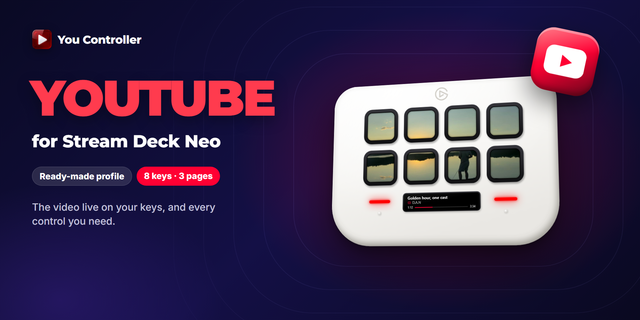
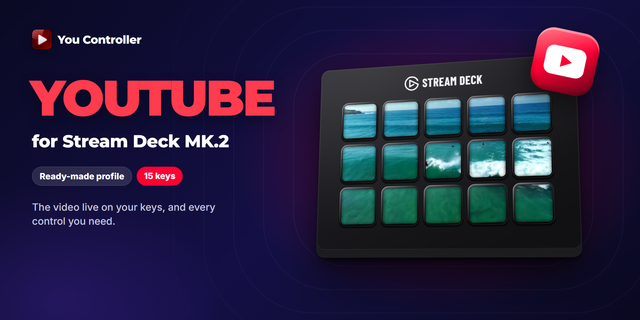
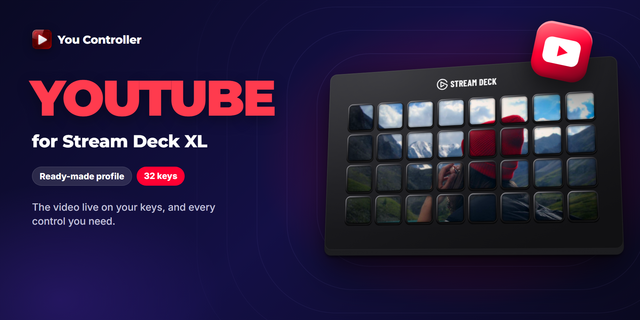
- Video and covers sliced across any grid: Mini, MK.2, XL, Neo, Stream Deck +
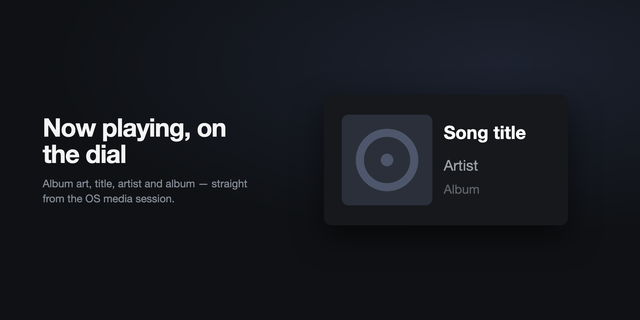
- Stream Deck Neo: Now Playing on the infobar
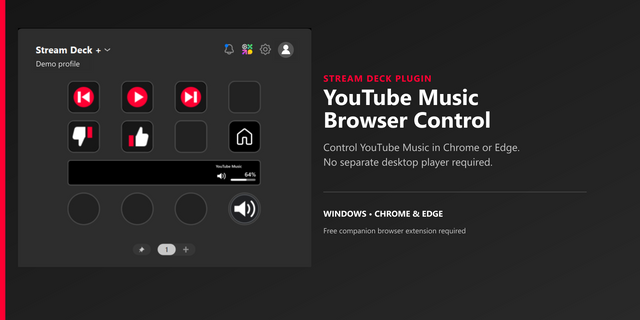
- Stream Deck +: volume on the dial, push to mute
- Pages for one platform: give a page to Spotify and it only ever shows Spotify
- Lock Tab, full-grid feedback on every press, Discord Rich Presence
- Low / Medium / High picture and 5–30 FPS, so it never costs you frames in a game
### Setup — two minutes
1. Install this plugin (Windows 10/11 or macOS 12+, Stream Deck 7.6 or newer).
2. Add the free You Controller extension to your browser — Chrome, Edge, Firefox, Opera, Brave or Arc. Every download: danstudio.dev/youcontroller#download
3. Open YouTube, Twitch or Spotify and press a key.
### Free, with PRO when you want it
Free to use. PRO unlocks the sharpest picture, 30 FPS and every action — try it free for a week, then Lifetime PRO is a one-time purchase, activated in your browser automatically.
Coming from the old "YouTube Controller" plugin? Your lifetime key keeps working here; remove the old plugin after installing this one.
Website: https://danstudio.dev/youcontroller · Patreon: https://www.patreon.com/cw/D_A_N_Suggestions · YouTube: https://www.youtube.com/@d.andrew.n · X: https://x.com/DAndrewNX
3.4.9 — no changes to the plugin; the version number matches the browser extension 3.4.9. • Halloween sale: Lifetime PRO is 30% off until November 1. If you're on the free version or a trial, the popup shows "−30%" next to your plan and the sale price on the Lifetime button. The discount code is applied at checkout automatically.
• A little Halloween in the popup: cobwebs and the occasional bat, until November 1.
• Fix: no more "Unsafe attempt to load URL" error on the extension's Errors page after the extension reloads or updates.
Version 3.4.9
Oct 26, 2026
Details
Type
Audio
Music
Streaming
Video
OS
Mac
Windows
Compatibility
Stream Deck 7.6 or later
Size
257.75 KB
Version
3.4.9
Language
English
Support
Profiles
No
Dial support
Yes
Neo Infobar support
Yes
Additional links
You might also like