-app-icon-optimized-04f57d40-1dc9-4ab2-8c0e-91a716cdadcd.png)
Audio
Ableton (lite)
by HJF plugins
Overview
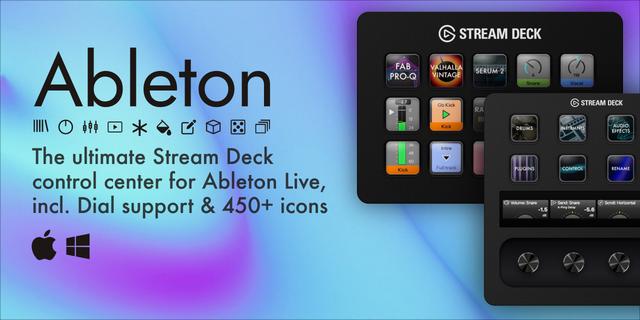
Ableton Lite is here! Your Stream Deck sidekick for Ableton Live. The essentials to move faster, stay focused, and keep the music flowing, with support for both keys and dials. Built and maintained by daily producers, so it stays compatible with every Ableton update and keeps getting better. Start free, then unlock the full version when you're ready. Built on our upgraded Ableton Plugin from HJF Plugins: https://youtu.be/lp4RYIdVFyY
Now updated with our biggest release ever: new Mixer, Clips & Random keys, live visual feedback straight from Ableton, and much faster response and loading. More visual, more direct, and honestly more fun.
What's inside?
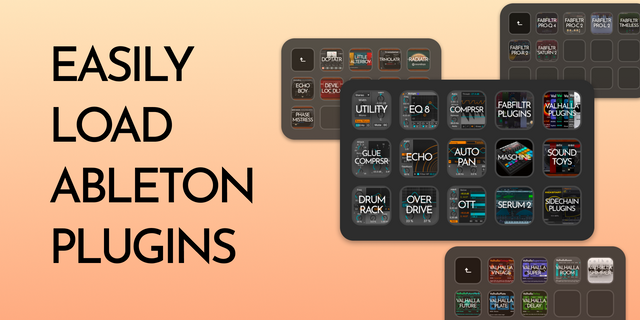
Devices - Load devices and third-party plugins: Load Ableton devices & third party plugins (VST3, VST, AU2, AU), Max for Live, Presets & more, directly to the selected track.
Functions - Run functions, shortcuts, with icon states: Live feedback such as Play, Stop, Record & more, with its default icons. Perfect for keeping your hands off the mouse.
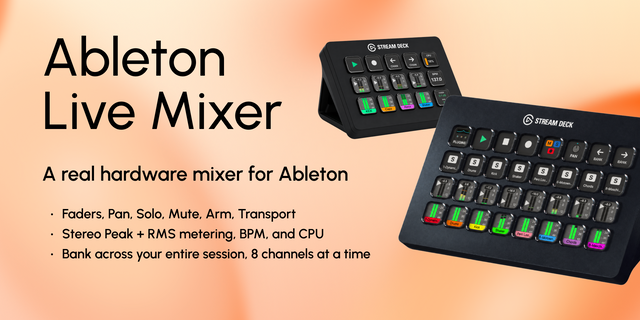
Mixer - Your mixer, live on your keys (NEW): Control volume, pan and sends as live faders and knobs in the actual track color, straight from Ableton. Mute, solo, arm, select and Smart Keys come with the upgraded plugin.
Clips - Launch clips & scenes with full mirroring (NEW): Colors, names, queued blinking, stop buttons and mutes stay in sync with your session.
Routing - Save audio and MIDI routing presets: Quickly set and save audio and MIDI track routing, for faster setup, recall, and workflow consistency.
Color - Apply color across your session: Instantly apply colors across Ableton Live, for quicker visual organization and to keep sessions readable.
Rename - Rename selected elements: Rename text for cleaner sets and clear structure with just a single press.
Navigation - Move through your project with ease: Move through Ableton instantly with Up, Down, Left, and Right controls, with adjustable step size and a matching direction icon.
Random - Surprise yourself (NEW): Load a random device, preset or audio file from your own pool. Every press gets a fresh colorful name.
Multi - Combine all above actions in one button: Combine actions in one button, including the new Shift mode for switching layers. Press, Momentary, Toggle, Hold & Dual modes are available with the upgraded Ableton plugin.
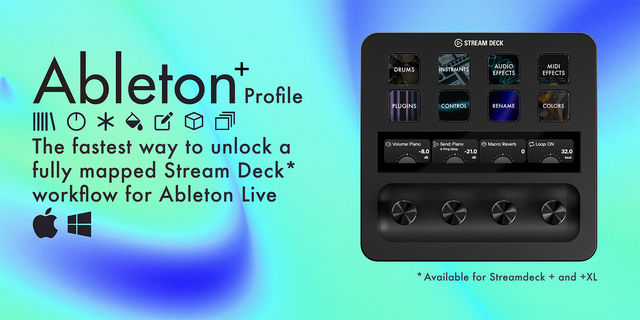
Dials (Stream Deck + / + XL only) - Real-time parameter control: Use Dials for Tempo, Volume, Pan, Sends, Macro, Loop, MIDI Transpose, Scroll, Master & Cue. Smooth, responsive feedback directly from Ableton.
Improvements
New key pages: Mixer, Clips and Random, where Random keeps you inspired
3x faster response and loading, plus much faster reconnect when Ableton opens
Live visuals everywhere: faders, knobs, states and colors, on keys and dials
Instant follow: switch tracks and the entire Stream Deck updates in no time
Clips, Random and the new Shift mode are all included in Lite
New Master functions and more
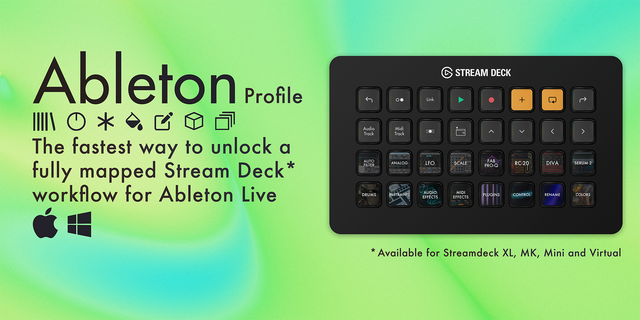
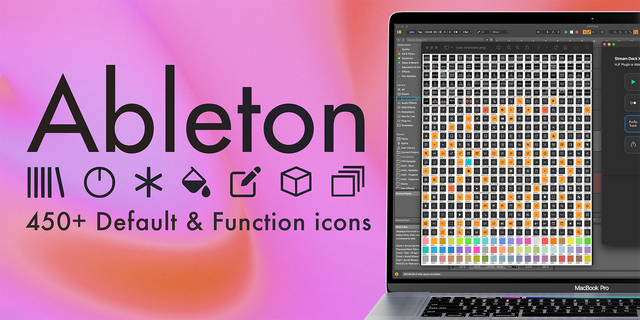
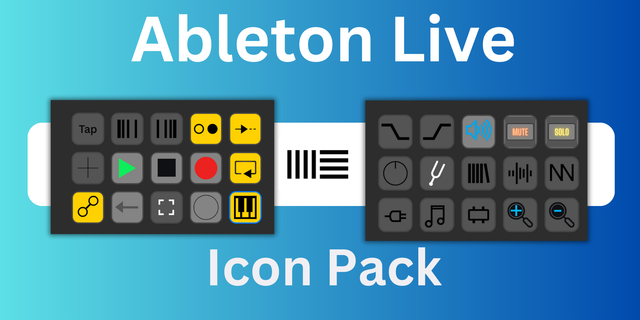
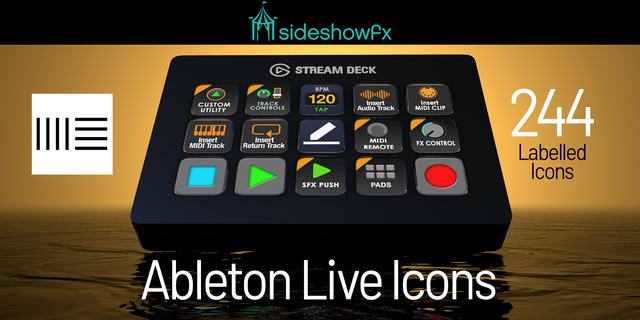
450+ icons (worth €12/$14) with the upgraded plugin Lite comes with a default icon set for faster visual recognition. The full 450+ icon pack is included with the upgraded Ableton Plugin.
Setup
Install the plugin and restart Ableton
In Ableton: Preferences -> Link, Tempo & MIDI -> Control Surface -> HJF Plugins Lite
In Stream Deck: add an Ableton action to a key and select your action
Built for use
Everything you need to create faster in Live, in a clean and lightweight setup. Upgrade to our Ableton Plugin from HJF Plugins to get the full potential of the plugin, including unlimited keys & dials and 450+ icons worth €12/$14: https://marketplace.elgato.com/product/ableton-plugin-loader-9c7d4f08-8219-416e-8aca-42cd72a153e4
Compatibility
Stream Deck 6.8.1+
Ableton Live 11 and higher
macOS and Windows support
New
Volume dials: new Fine speed, 0.1 dB per tick for precise mixing.
Multi keys now also show plugin icons from your installed icon packs.
Fixes
Links in Help now open in your browser.
New in the full version: Selected Parameter, Zoom on the dial, Scroll Step and plugin icons in the Device list.
Version 2.2.0.2
Oct 21, 2026
Details
Type
Audio
Music
Productivity
OS
Mac
Windows
Compatibility
Stream Deck 6.9 or later
Size
3.72 MB
Version
2.2.0.2
Language
English
Support
Neo Infobar support
No
Profiles
No
Dial support
Yes
Additional links
You might also like