Utilities

Auto Profile Switcher

Overview

Auto Profile Switcher solves the biggest gap in StreamDeck's Smart Profile feature: apps that StreamDeck simply cannot see.

Microsoft Teams, WhatsApp, Windows Terminal, and hundreds of other modern Windows apps are distributed as MSIX packages - they run from a protected directory that changes on every update. StreamDeck's built-in Smart Profiles match apps by executable path, so these apps are permanently invisible to it. Elgato's own documentation acknowledges this limitation.

Auto Profile Switcher fixes this. It detects the foreground window using the same Win32 API that Windows itself uses - GetForegroundWindow() → process name - making it immune to path changes, updates, and repackaging.

Fore more detailed information, check our Github repo for this project.

1.1.0

Feature Per-device profile assignments

Assign a different target profile to each enabled Stream Deck.

Profile dropdowns show only profiles belonging to that device.

Existing single-profile rules migrate to the first detected Stream Deck.

Improvement Device lifecycle

Disabled devices are hidden without losing their assignments.

Re-enabled devices recover their saved assignments.

Forgetting a device removes its assignments and orphaned profile-patch tracking on the next plugin start.

Improvement Property inspector

Detection results are session-only and clear after adding a rule.

Pressing the action key opens this documentation site in the default browser.

Bug Fix Reliability

Profile switching state and override depth are tracked independently per device.

Version 1.1

Sep 14, 2026

Details

Type

Utilities

OS

Windows

Compatibility

Stream Deck 6.9 or later

Size

147.12 KB

Version

1.1

Language

English

Support

Profiles

No

Dial support

No

You might also like
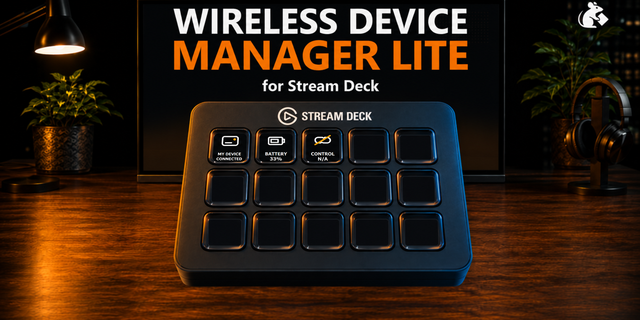
  • Wireless Device Manager
    Wireless Device Manager app icon

    Wireless Device Manager

    by PackRat 🐀

    ∙

    Utilities

    See what one wireless device is doing without opening Windows Settings or a vendor app. Wireless Device Manager Lite giv...

    Free

  • EasyBluetooth plugin
    EasyBluetooth plugin app icon

    EasyBluetooth plugin

    EasyBluetooth plugin displays Bluetooth device battery information from the EasyBluetooth Data API directly on Stream De...

    Free

  • Cities Skylines II  for Galleon

    Cities Skylines II for Galleon

    by iConCity

    ∙

    Gaming

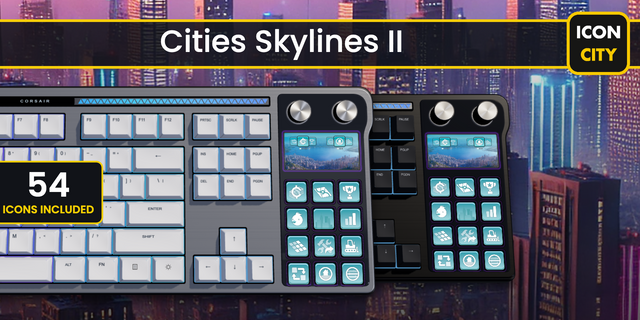
    Design, manage, and grow your city with ease using this Corsair Galleon 100 SD profile for Cities: Skylines II, created ...

    $7.00

  • Bluetooth Buddy
    Bluetooth Buddy app icon

    Bluetooth Buddy

    by FlowKits

    ∙

    Monitoring

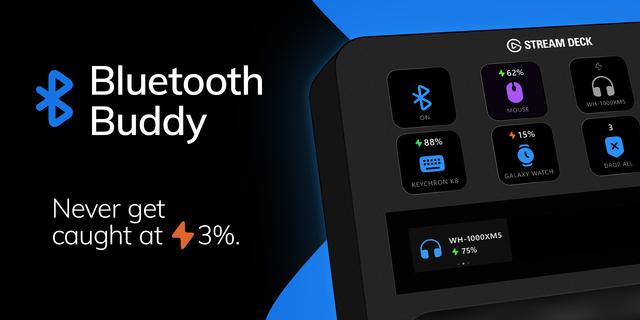
    🎧 Bluetooth Buddy: your headphones, mouse, and controller on one key each, with battery level visible. Windows buries B...

    Free

  • HDR Toggle
    HDR Toggle app icon

    HDR Toggle

    by WaTiFy

    ∙

    Gaming

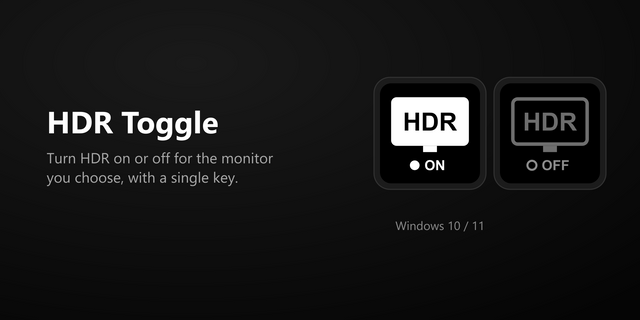
    Turn HDR on or off for one specific monitor. The monitor is recognised by its EDID serial number, so the button keeps wo...

    Free

  • Solarman
    Solarman app icon

    Solarman

    by tbprojects

    ∙

    Monitoring

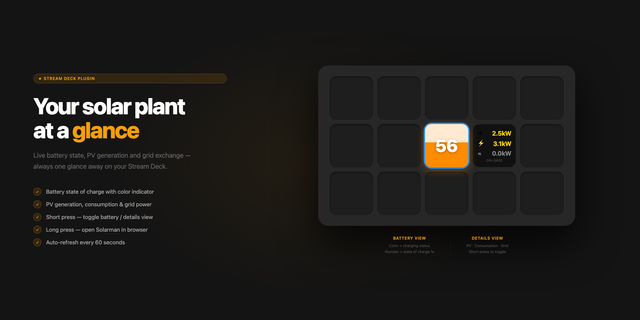
    Displays battery status and energy storage information from Solarman PV. Battery view — colored background with state of...

    Free

  • Batterius
    Batterius app icon

    Batterius

    by @slavikus

    ∙

    Monitoring

    Batterius by @slavikus is a plugin that displays battery levels of connected Bluetooth devices as well as internal batte...

    Free

  • Dygma Battery
    Dygma Battery app icon

    Dygma Battery

    by Eminence

    ∙

    Monitoring

    Shows left/right wireless battery levels from a Dygma Neuron on a Stream Deck key. Verified on Defy; Raise 2 and Sonsei ...

    Free