Gaming

AutoRun

Overview

AutoRun is a Stream Deck plugin that holds your movement keys for you, so you can run, walk, or strafe hands-free in any WASD game.

One tap to start walking. One tap to stop.

Three direction modes - Forward (W), diagonal left (W+A), and diagonal right (W+D). Assign each to its own button or swap in the property inspector.

Sprint included by default - Shift is held alongside W automatically. Disable it or swap to Ctrl, Alt, or Caps Lock per button.

Auto-stop timer - Walks for 5 minutes, 10 minutes, or a custom duration, then releases all keys automatically.

Micro-movement - Randomly taps A or D for a fraction of a second every few seconds to make movement look less repetitive.

Auto-jump - Presses Space on a configurable interval while walking.

Stop All key - A second action type that releases every held key instantly. Useful as an emergency stop on a neighboring button.

Works with any WASD game - Uses hardware-level scan codes, so it reaches games that rely on DirectInput or raw keyboard input.

No account, no API key, no third-party software. Drop it on your Stream Deck and it works.

---

From the Ratpack collection: CS2 Reactive Deck, Dota 2 Reactive Deck, LoL Live Companion, and Kick Stats - live game data and utilities built for streamers.

Stream Deck auto walk, auto run macro, WASD movement, CS2 afk walk, Dota 2 auto move, hands free walking, Stream Deck game macro, auto forward, sprint macro, keyboard hold, Twitch streaming, YouTube gaming, TikTok creator, Elgato plugin, game utility

simplified visual for toggle

added extra options like auto jump + crouch

added different keys for different key bindings

Version 1

Jul 6, 2026

Details

Type

Gaming

Utilities

OS

Mac

Windows

Compatibility

Stream Deck 6.9 or later

Size

77.28 KB

Version

1

Language

English

Profiles

No

Dial support

No

Additional links

You might also like
  • Key Hold
    Key Hold app icon

    Key Hold

    by John Bindel

    βˆ™

    Productivity

    Holds a key down for as long as you hold the Stream Deck key or pedal, and can optionally tap another hotkey just before...

    Free

  • Who's Live
    Who's Live app icon

    Who's Live

    by BACKRND

    βˆ™

    Social

    Who's Live lets you monitor your favorite streamers across Twitch, YouTube, Kick, and TikTok β€” and know the moment they ...

    $4.49

  • Better Hotkeys & Mouse Lite
    Better Hotkeys & Mouse Lite app icon

    Better Hotkeys & Mouse Lite

    by PackRat πŸ€

    βˆ™

    Productivity

    Better Hotkeys & Mouse LITE adds the one thing Stream Deck's stock Hotkey action can't do: hold a key down. Press and ho...

    Free

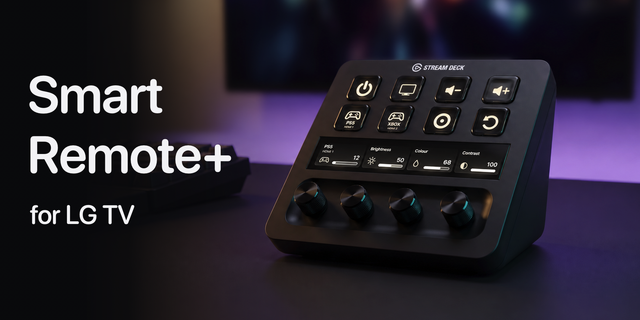
  • Smart Remote+ for LG TV
    Smart Remote+ for LG TV app icon

    Smart Remote+ for LG TV

    Control your LG TV from your Stream Deck, with keys and, on Stream Deck +, dials that show what your TV is doing. Smart ...

    $3.99

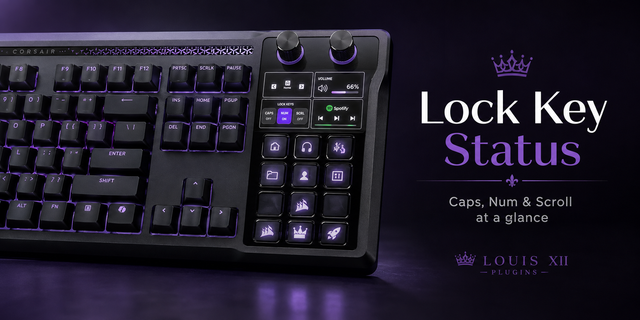
  • Lock Key Status
    Lock Key Status app icon

    Lock Key Status

    by Louis Xii

    βˆ™

    Utilities

    Lock Key Status adds clear Caps Lock, Num Lock, and Scroll Lock indicators to the dial and touchscreen area of compatibl...

    Free

  • Muxlyve
    Muxlyve app icon

    Muxlyve

    by BlacKraken

    βˆ™

    Gaming

    Take full tactile control of your multistreaming setup. The Muxlyve Stream Deck plugin seamlessly integrates with the Mu...

    Free

  • Hotkey Hold
    Hotkey Hold app icon

    Hotkey Hold

    by voji

    βˆ™

    Gaming

    This plugin is designed to emit native keyboard events directly to the operating system. It enables support for applicat...

    Free

  • Extended Hotkeys
    Extended Hotkeys app icon

    Extended Hotkeys

    by Aetheon

    βˆ™

    Gaming

    Gain access to extended hotkeys to give you finer control over your system Actions include: Tap / Click - A simple press...

    Free