Development
Burndown: AI Usage Monitor
by Kuberstar
Overview
Know your Claude.ai limits before they know you.
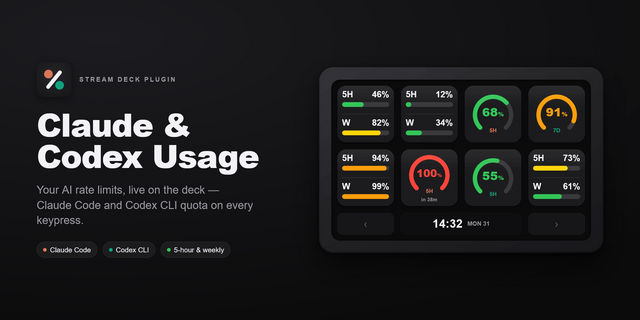
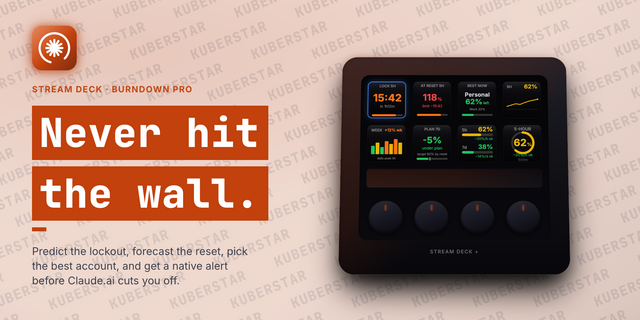
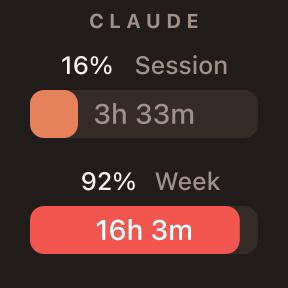
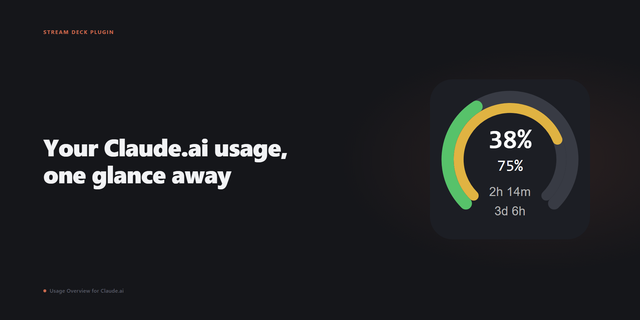
With the Burndown plugin, your 5-hour and 7-day rate-limit windows fill up live on Stream Deck. No browser tab. No surprise lockouts mid-prompt. Stop tab-switching to claude.ai/usage. No more guessing how much budget is left before reset.
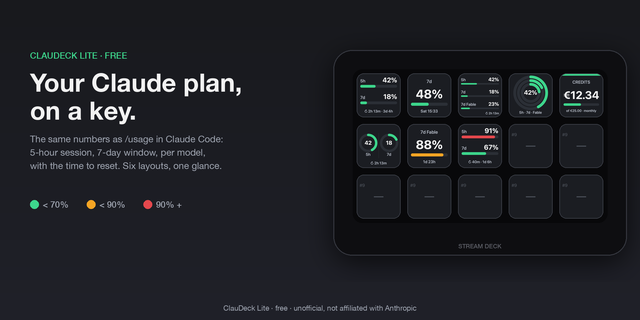
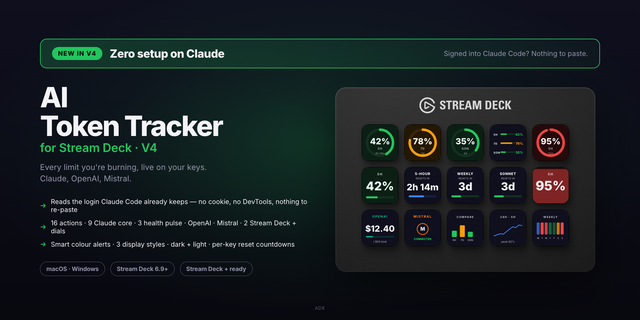
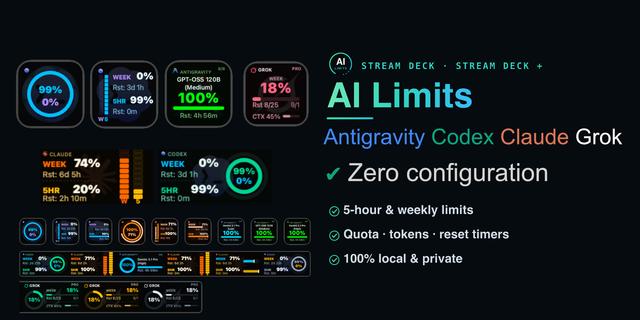
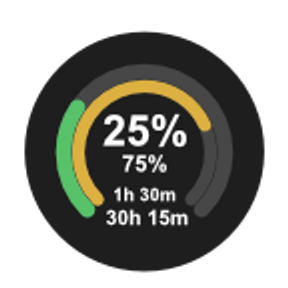
Now every key on your deck reads the exact percentage used, the time until reset, and a sustainable rate that keeps you on pace - all at a glance. Severity colors shift from green to amber to red as utilization climbs, so you spot trouble in peripheral vision.
Key actions include:
Usage Overview: 5h and 7d on a single key
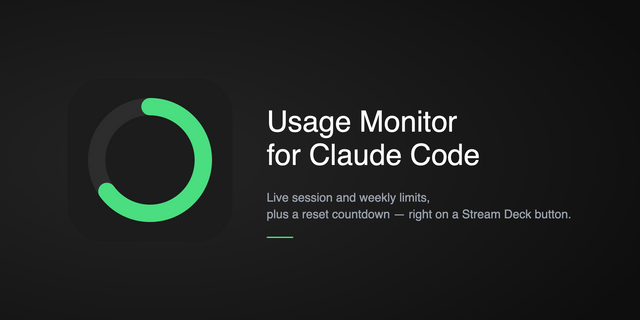
5-Hour Window: progress ring with ETA and pace
7-Day Window: progress ring with ETA and pace
Pace 5h and Pace 7d: sustainable percent-per-hour or percent-per-day to stay on track
The 5-Hour and 7-Day keys also work on Stream Deck + dials, showing the live gauge on the touch strip. Set an alert threshold and any key flashes when its window crosses it.
For the exact lockout time, reset forecasts, weekly stats, budget planning, multi-account headroom, and native notifications that reach you away from the deck, see Burndown Pro.
Requirements: a Claude.ai session token (Pro, Max 5x, or Max 20x plan). Stream Deck 6.9 or later on macOS 10.15+ or Windows 10+. Update interval and alert threshold configurable.
Not affiliated with Anthropic. Claude is a trademark of Anthropic, PBC.
Changed
Burndown now runs on Node.js 24 and needs Stream Deck 7.1 or later. On Node.js 20 the plugin could not start at all if your system sets a NODE_OPTIONS flag that Node.js 20 does not allow, such as --use-system-ca, which some corporate networks set for SSL inspection. Stream Deck then disabled the plugin and Add Account stayed on "adding".
The Add Account card now says up front which Claude plans work. Individual Pro, Max 5x and Max 20x plans are supported; Claude Team and Enterprise workspaces are not, because they do not expose per-person usage limits.
Version 1.5.3
Oct 16, 2026
Details
Type
Development
OS
Mac
Windows
Compatibility
Stream Deck 7.1 or later
Size
135.27 KB
Version
1.5.3
Language
English
Support
Neo Infobar support
No
Profiles
No
Dial support
Yes
Additional links
You might also like