Use code BLACKFRIDAY to save 30% on this product. Valid from Nov 16 through Nov 30.

Productivity

CleanShot Connect

Overview

CleanShot Connect is a powerful Stream Deck plugin designed to seamlessly integrate with the CleanShotX screen capture tool. This plugin allows users to take control of their screen recording and capturing experience directly from their Stream Deck device. Actions include:

All In One

Screenshot (Full screen, area, pin etc.)

Screen Record

Text Recognition

Annotate

Show/Hide Desktop Icons

History

Settings

bug fix for Stream Deck connection issue on startup

Version 1.1.2.8

Nov 11, 2026

Details

Type

Productivity

Utilities

OS

Mac

Compatibility

Stream Deck 7.1 or later

Size

819.71 KB

Version

1.1.2.8

Language

English

Support

Profiles

No

Dial support

No

Neo Infobar support

No

Additional links

You might also like

  • Screen Capture for CleanShot
    Screen Capture for CleanShot app icon

    Screen Capture for CleanShot

    by Magoo

    ∙

    Business

    Clean Shots Every Time. Screen Capture for CleanShot puts 20 capture and utility actions at your fingertips, so you can ...

    $4.99

    Discount eligible
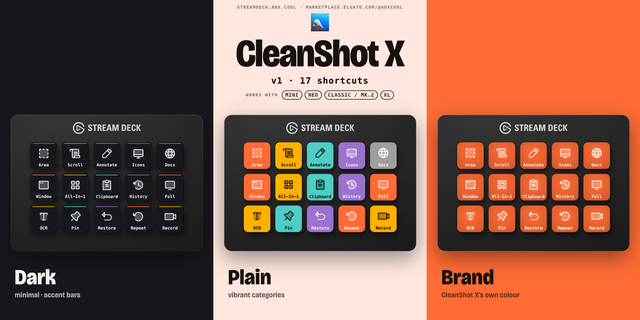
  • CleanShot X Shortcut Profile

    CleanShot X Shortcut Profile

    by Adx.cool

    ∙

    Productivity

    The complete CleanShot X keyboard shortcut pack for Stream Deck. 17 shortcuts across 6 categories — organized, scored by...

    Free

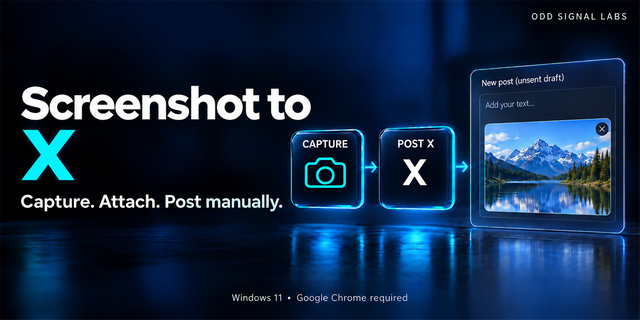
  • Screenshot to X
    Screenshot to X app icon

    Screenshot to X

    Capture your screen with Stream Deck and attach it directly to a new X post. Screenshot to X gives you a simple two-butt...

    $500.00

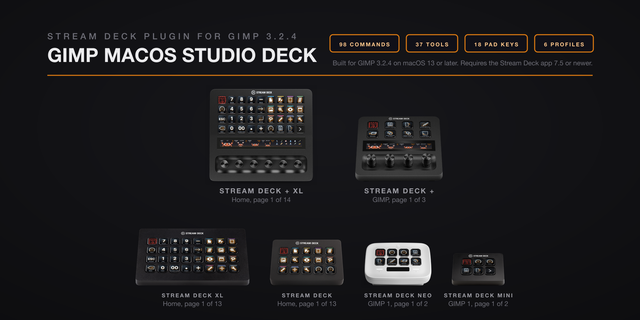
  • GIMP macOS Studio Deck
    GIMP macOS Studio Deck app icon

    GIMP macOS Studio Deck

    GIMP on your Stream Deck: 98 GIMP commands on real keys, 37 toolbox tools on the Stream Deck + touch screens, a number p...

    $6.13

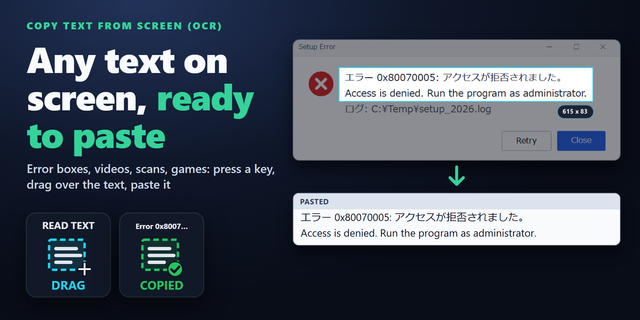
  • Copy Text from Screen (OCR)
    Copy Text from Screen (OCR) app icon

    Copy Text from Screen (OCR)

    by GRAMSHIFT

    ∙

    Utilities

    Copy text from the screen on Windows with your Stream Deck: press a key, drag over the text you can see, and paste it an...

    $780.00

    Discount eligible
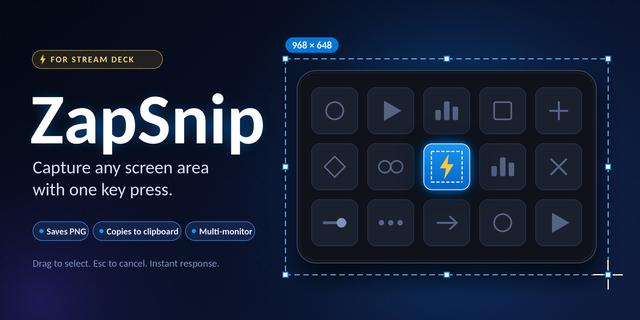
  • ZapSnip
    ZapSnip app icon

    ZapSnip

    by MattiasVHansson

    ∙

    Productivity

    ZapSnip is a fast screenshot plugin for Stream Deck on Windows. Press one key, drag over any part of your screen, and th...

    Free

  • ScriptDeck
    ScriptDeck app icon

    ScriptDeck

    Run PowerShell from your StreamDeck...

    Free

  • Command Status for Windows
    Command Status for Windows app icon

    Command Status for Windows

    by GRAMSHIFT

    ∙

    Development

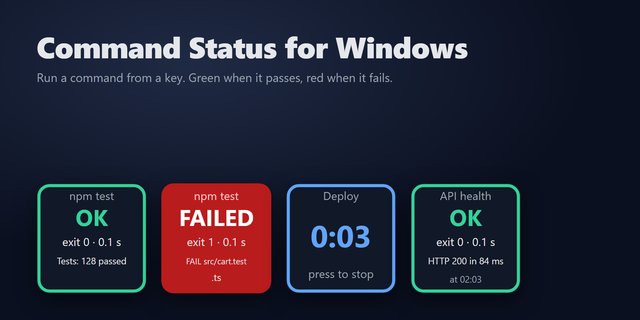
    Run a test, build or backup script from a Stream Deck key and see at a glance whether it passed: green on a success exit...

    $980.00

    Discount eligible