Productivity
Adobe Photoshop Creative Control Suite
Overview
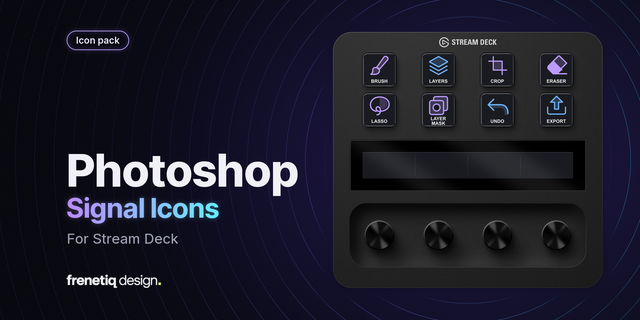
Put retouching tools and layer work beside the canvas. Switch between Brush, Move and Crop, duplicate or group layers, clear a selection and start Free Transform. The command library extends layer navigation, clipping masks and merge operations. Brush Size changes the active brush diameter; Canvas Zoom moves between detail and an overview. Select the intended layer and finish text entry before using tool shortcuts. Transformations and merge commands keep Photoshop's normal selection rules. This controller supports manual image editing; it does not generate pictures, retouch automatically or inspect document contents.
Runs locally on Windows and macOS. Requires Stream Deck 6.9+, a licensed Adobe Photoshop installation and compatible hardware for dials. Customize shortcuts to match your application preset and keyboard layout. No creative content or analytics collected. Independent LaboratorioSD product; not authorized, endorsed or sponsored by Adobe.
Windows shortcut actions now reuse one persistent native input worker per plugin session, reducing the delay caused by launching PowerShell and compiling the input bridge for every press. Existing application activation, keyboard-layout handling, modifier, repeat, dial, macOS, and menu-command behavior is preserved. Queued input expires safely, foreground ownership is checked immediately before and during delivery, and ambiguous input is never replayed. This release was compiled, packaged, and validated with the official Stream Deck tooling. No new automated, device, or application runtime tests were performed for this update at the owner’s request.
Version 0.3.7
Sep 22, 2026
Details
Type
Productivity
OS
Mac
Windows
Compatibility
Stream Deck 6.9 or later
Size
1.56 MB
Version
0.3.7
Language
Chinese
English
French
German
Japanese
Korean
Spanish
Support
Profiles
No
Dial support
Yes
Additional links
You might also like