Audio
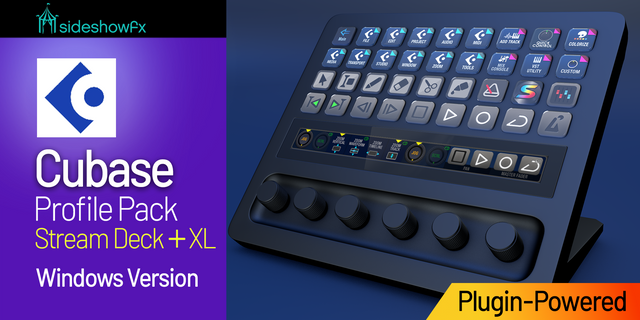
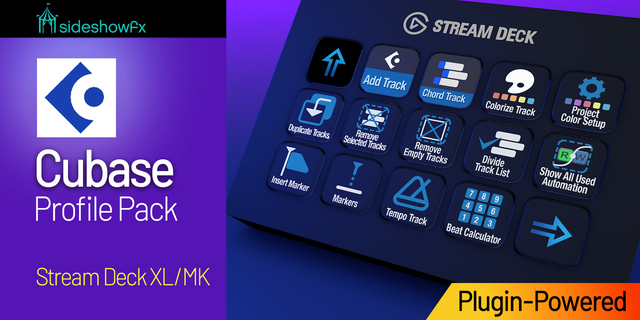
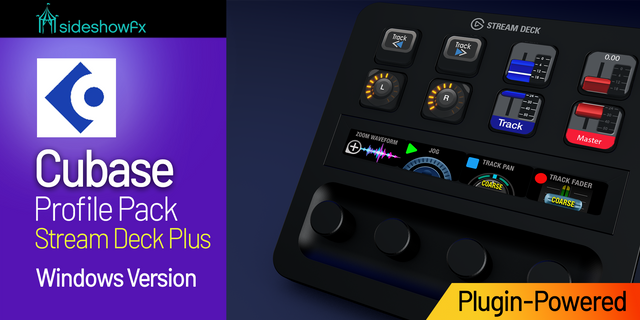
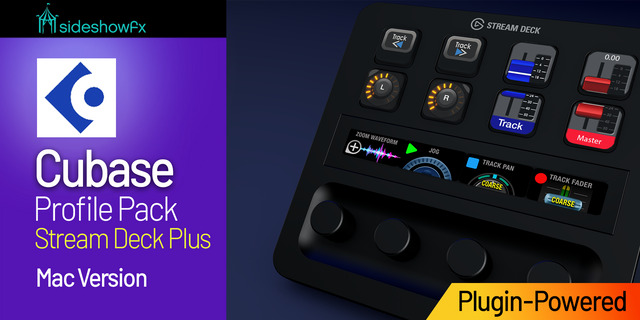
Cubase Pro Profiles for Stream Deck + XL - Mac
by SideshowFX
Overview
PUT CUBASE AT YOUR FINGERTIPS
Built exclusively for Stream Deck + XL • Mac • Cubase 14+
IMPORTANT: NO THIRD-PARTY MIDI PLUGIN REQUIRED
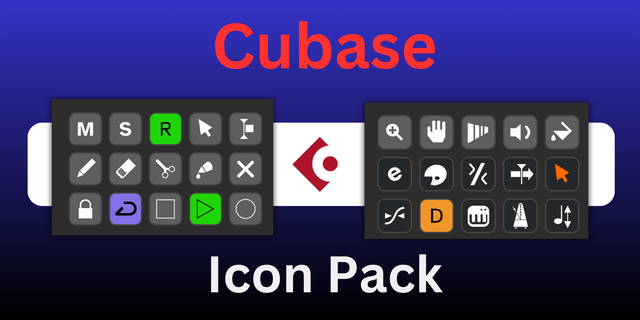
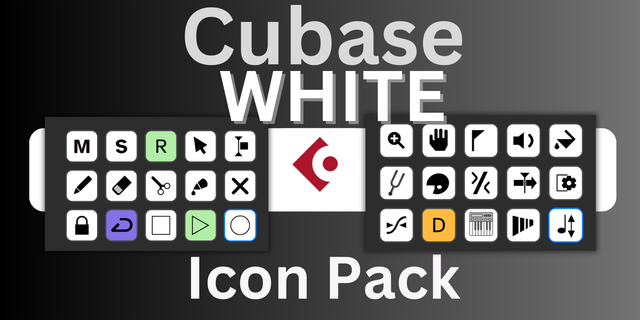
This pack now runs on the SideshowFX MIDI Plugin — included FREE. The previously required paid MIDI plugin from Trevliga Spel is no longer needed. Turn your Stream Deck + XL into a powerful Cubase production and mixing console built for music producers, composers and audio engineers. Combining our Stream Deck XL, Stream Deck + and MIDI Controller functionality into one production suite, you get 1,000+ commands, extensive rotary dial control and hundreds of custom icons — organized around real-world Cubase workflows.
⚡ POWERED BY OUR OWN MIDI PLUGIN
At the heart of the pack is the SideshowFX MIDI Plugin, developed to provide integrated MIDI control directly from your Stream Deck. Control tracks, mixer functions, parameters and more using keys and rotary dials — without purchasing an additional MIDI plugin.
PRECISION ROTARY DIAL CONTROL
Put the Stream Deck + XL's rotary dials to work throughout your Cubase workflow. Get tactile control over: Volume • Pan • Plugin Parameters • MIDI Editing • Quick Controls • Automation Turn a dial for precise adjustments while keeping your focus on your music.
🎚️ MIXER & TRACK CONTROL
Transform your Stream Deck into a compact Cubase mixing console.Quickly control: Track Faders • Pan • Mute • Solo • Record Arm • Transport • Track Selection Live feedback keeps essential information visible while you work, reducing the need to reach for the mouse.
🎹 VST & PLUGIN CONTROL
Put your instruments and effects within easy reach. Dedicated workspaces let you: • Load VST instruments and effects • Quickly access presets • Adjust plugin parameters • Control custom VST parameters
Spend less time navigating windows and more time creating.
🎼 BUILT AROUND REAL PRODUCTION WORKFLOWS
Rather than a collection of disconnected commands, the profiles are organized around the way you work in Cubase. Quickly move between: Editing • MIDI • Mixing • VST Instruments • Navigation • Transport Everything is designed to keep the tools you need close at hand and your creative workflow moving.
⚙️ 1,000+ COMMANDS
With more than 1,000 commands, your Stream Deck + XL becomes a comprehensive control centre for Cubase. Launch commands, navigate projects, manage tracks, load instruments and effects, manipulate parameters and control your mix directly from Stream Deck.
✨ FULLY CUSTOMIZABLE
Make the system your own. Move controls, reorganize pages and customize the profiles around your shortcuts, production style and studio workflow.
WHAT YOU GET
✓ SideshowFX MIDI Plugin — included FREE ✓ No third-party MIDI plugin required ✓ 1,000+ Cubase commands ✓ Extensive rotary dial control ✓ Mixer & track control ✓ VST instrument & effects control ✓ MIDI editing controls ✓ Quick Controls & automation ✓ Live feedback ✓ Hundreds of custom icons ✓ Fully customizable profiles
BEFORE YOU BUY
• Designed exclusively for Stream Deck + XL • Mac only • Requires Cubase 14 or later • SideshowFX MIDI Plugin included at no additional cost • Trevliga Spel MIDI plugin is NOT required
SIDESHOWFX — PREMIUM STREAM DECK WORKFLOWS. HANDCRAFTED & ENGINEERED SINCE 2019.
Version 2.0 introduces a major change to the MIDI communication system, replacing the Trevliga Spel MIDI Plugin with our proprietary SFX MIDI Bridge. You are no longer required to purchase a separate MIDI plugin. SideshowFX’s MIDI plugin is included in the pack for free.
This change primarily affects the MIDI runtime used by Cubase and Nuendo MIDI Remote.
Version 2
Sep 14, 2026
Details
Type
Audio
Creative Tools
Device
Stream Deck + XL
OS
macOS
Compatibility
Stream Deck 7.1 or later
Size
273.17 MB
Version
2
Support
Icons
Yes
Dial support
Yes
Additional links
You might also like