Creative Tools
DaVinci Resolve Lite
by PackRat 🐀
Overview
DaVinci Resolve Stream Deck profile: playback keys, in and out points, and timeline markers on real labeled keys. The free starter set for the Resolve edit page.
Review your footage and mark the moments you want to keep. One page puts Resolve's default shortcuts under your hand, with a compact marking layout and timeline Scrub dial on Stream Deck +.
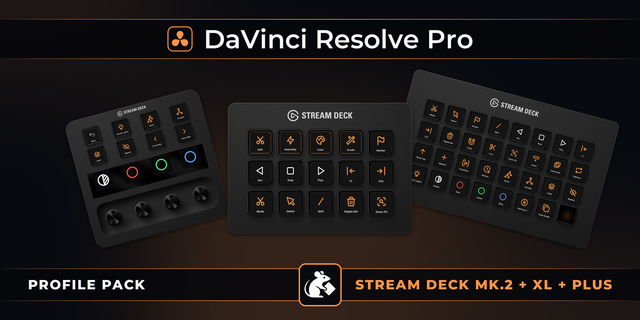
Works on Stream Deck MK.2, Stream Deck XL and Stream Deck +, for Windows and macOS.
Start with playback and marking.
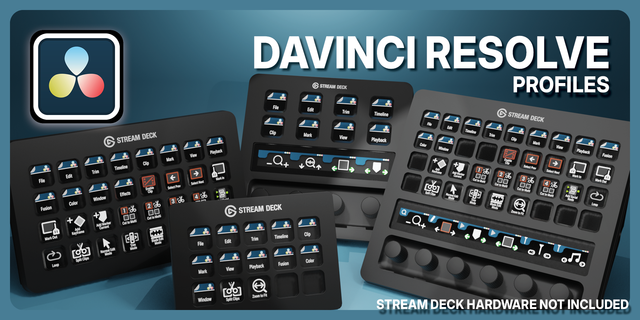
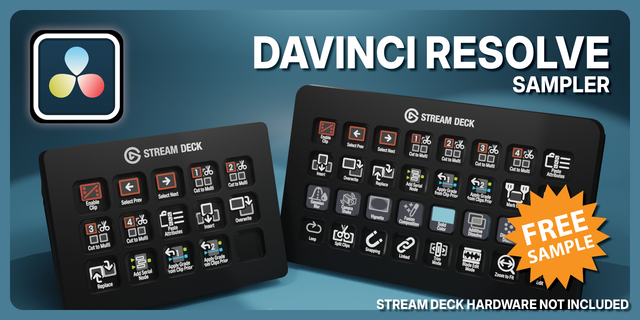
MK.2 and XL - Eleven Resolve keys: Select, Marker, J reverse, K stop, L play, In, Out, Undo, Redo, Snap and Zoom Fit. Plus one Get Pro key.
Stream Deck + - Five Resolve keys: Select, Marker, Zoom Fit, In and Out. Plus one Get Pro key and exactly one Scrub dial. Two keys and three dials stay unassigned.
Marking - Set in and out points and drop timeline markers on every supported deck.
Default shortcuts - Import the profile matching your device and OS. No keyboard preset is needed; customized Resolve shortcuts must match the defaults.
Ready to cut? DaVinci Resolve Pro adds blade, split, ripple delete, insert, overwrite, replace and append, plus Color and Grade pages with printer lights, node controls, grade memories and versions. Pro's Edit page adds Zoom, Undo and Edit Point dials alongside Scrub. The Get Pro key opens its Marketplace listing.
---
Part of the Packrat profile collection for Stream Deck. Game decks, streamer decks and editing decks, all on the marketplace at @packrat.
improvements and bug fixes
Version 1.1.1
Sep 8, 2026
Details
Type
Creative Tools
Video
Device
Stream Deck +
Stream Deck MK
Stream Deck XL
OS
macOS
Windows
Compatibility
Stream Deck 7.1 or later
Size
66.18 KB
Version
1.1.1
Language
English
Support
Dial support
Yes
Icons
Yes
You might also like