Creative Tools
DaVinci Resolve Shortcut Profile
by Adx.cool
Overview
v2.0 — 91 → 123 shortcuts, re-sourced on DaVinci Resolve 21
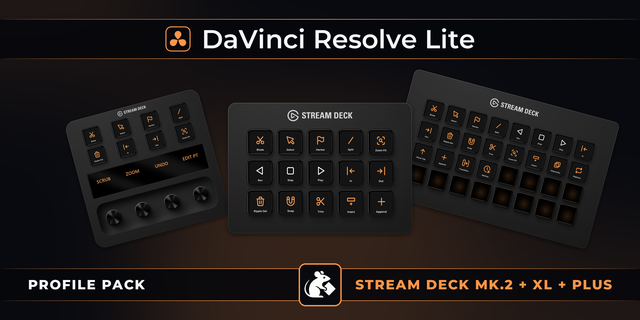
The complete DaVinci Resolve keyboard shortcut pack for Stream Deck.
44 shortcuts across 8 categories — organized, scored by importance, and ready to install on Stream Deck Neo, Classic / MK.2, XL. Stop memorizing key combos. One tap, one action.
What's included:
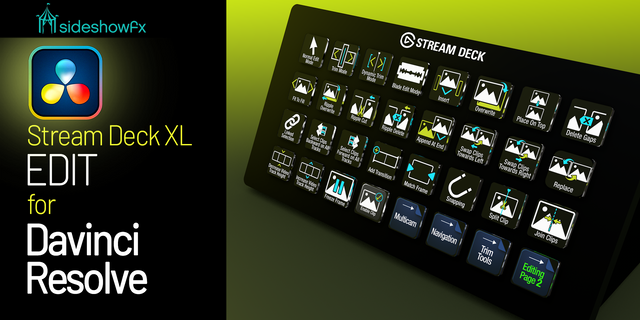
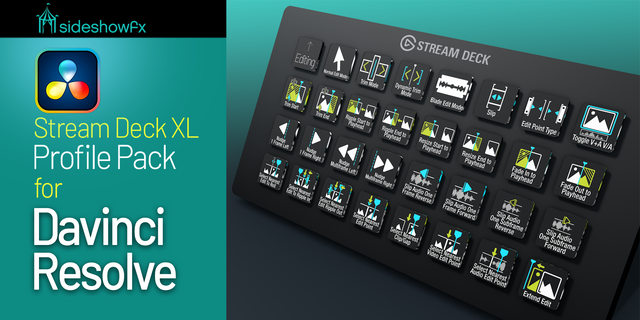
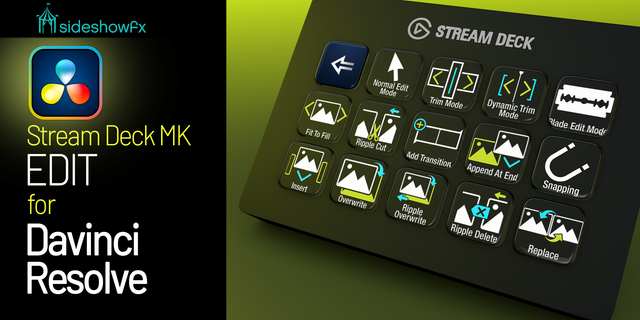
• Editing (12): Blade, Blade Mode, Selection Mode, Snapping, Delete, and 7 more • Transport (7): Play / Pause, Stop, Play Reverse, Play Forward, Fast Forward, and 2 more • Assembly (6): Insert, Overwrite, Replace, Place On Top, Append At End, and 1 more • Marking (5): Mark In, Mark Out, Add Marker, Mark Clip, Clear In / Out • Trimming (5): Trim Mode, Trim Start, Trim End, Extend Edit, Match Frame • View (4): Previous Edit, Next Edit, Zoom In, Zoom Out • Color (3): Grab Still, Add Serial Node, Add Parallel Node • Workflows (2): Blade + Ripple Delete, Grab Still + Node
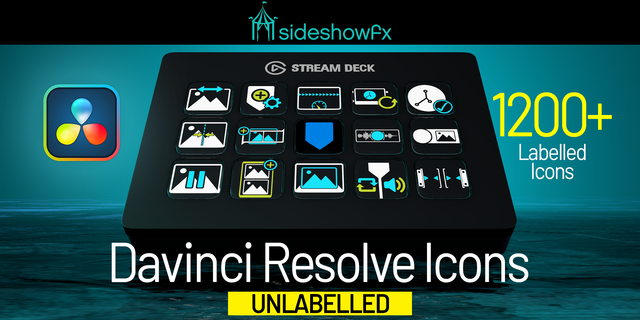
Features: • Three icon themes: Dark (minimal, accent bars), Plain (vibrant category colors), and Brand (app signature color across all keys) • Folder-based navigation with category pages for quick access • Auto-organized layout — most important shortcuts first • Works on Stream Deck Neo, Classic / MK.2, XL • Available for macOS and Windows
Install: double-click any .streamDeckProfile to import. The App binding is pre-filled to DaVinci Resolve — auto-activates on focus. If it didn't pre-fill, set it manually under Stream Deck → Preferences → Profiles → App.
Learn more about DaVinci Resolve: https://www.blackmagicdesign.com/products/davinciresolve
v2.0 — 91 → 123 shortcuts, re-sourced on DaVinci Resolve 21
The v1 preset was built from a DaVinci Resolve 11 shortcut PDF. That is ten major versions old, and the URL now serves a zero-page placeholder. v2 is rebuilt against the DaVinci Resolve 21 Reference Manual and every binding is cited to a line of it.
Fixed: Play In to Out was bound to Option-Space and fired nothing. The manual says Option-Forward Slash.
Fixed: "Slip Clip Left/Right" actually slips a clip's AUDIO sync. Renamed, and the subframe pair added.
Fixed: "Change Clip Speed" is Retime Controls.
Added: Media page, Project Manager and Project Settings — three page keys that were simply missing.
Added: 14 Color page node and grade commands, split video/audio marks, Fairlight level trim, paste attributes / value / insert, ripple cut, ripple overwrite, fit to fill.
Removed: 12 keys that appear nowhere in the Resolve 21 manual. Not because they are wrong — because nothing could show they are right.
New look: the console skin already used by the Premiere Pro and After Effects profiles.
Version 2
Sep 14, 2026
Details
Type
Creative Tools
Video
Device
Stream Deck MK
Stream Deck Neo
Stream Deck XL
OS
macOS
Windows
Compatibility
Stream Deck 6.4 or later
Size
12.18 MB
Version
2
Support
Icons
Yes
Additional links
You might also like