Business
Desk Loadout
by Mellazure
Overview
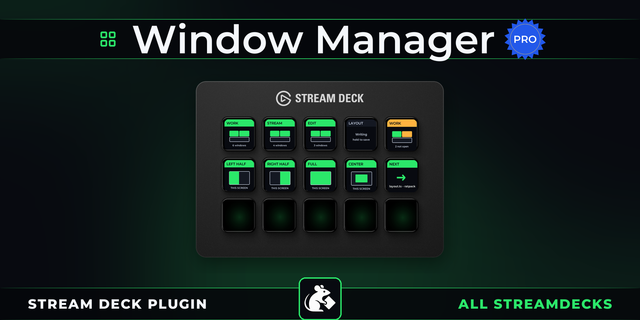
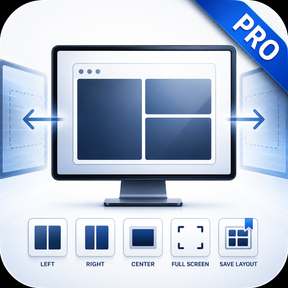
Desk Loadout saves your whole desk with one Stream Deck key: open apps, websites with all their tabs, folders, documents and projects, together with where every window sits on each monitor. The next press brings everything back exactly as it was.
What comes back:
Websites with all their tabs, in the same browser and profile (Chrome, Edge, Comet and other Chromium-based browsers).
Folders in File Explorer and documents in their own apps.
Projects in VS Code, Cursor, Godot, Unreal Engine and Blender, opened as projects rather than empty app windows.
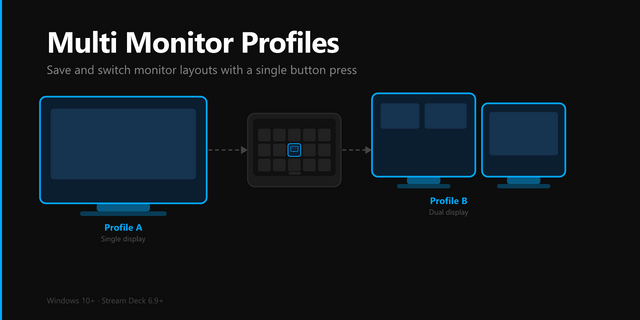
The position of every window on the right monitor, with any number of screens.
How it works:
It waits for each window instead of guessing delays, and never starts an app that is already open a second time.
Several keys work as a switcher: opening one workspace hides the others.
A workspace can open on a new virtual desktop.
Pressing again can hide the workspace, and holding the key can close it or save it anew.
The key shows a screenshot of the saved screen or the app icons.
Getting started: arrange your windows the way you like, drag the action onto an empty key and press it.
Requirements: Windows 10 or 11, Stream Deck 7.1 or later.
First release of Desk Loadout.
Save your whole desk with one key: apps, websites with all their tabs, folders, documents and projects (VS Code, Cursor, Godot, Unreal Engine, Blender).
Every window returns to its place, on several monitors and virtual desktops too.
Nothing that is already open gets opened twice.
Adjust everything in one panel: steps, launch options and key appearance.
Version 1
Sep 25, 2026
Details
Type
Business
Development
Productivity
Streaming
Utilities
OS
Windows
Compatibility
Stream Deck 7.1 or later
Size
378.45 KB
Version
1
Language
English
Support
Neo Infobar support
No
Profiles
No
Dial support
No
You might also like