Business
Flow for Outlook & Teams Profiles
by FlowKits
Overview
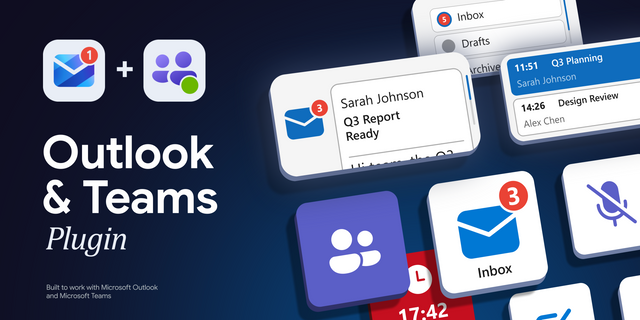
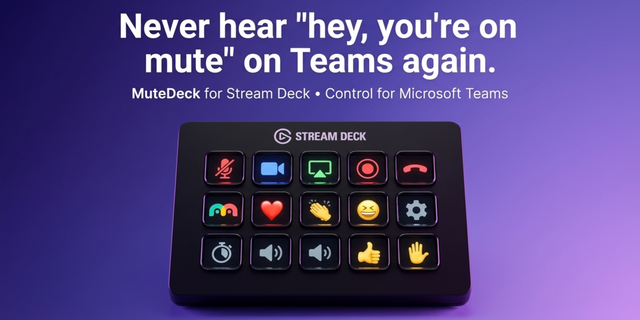
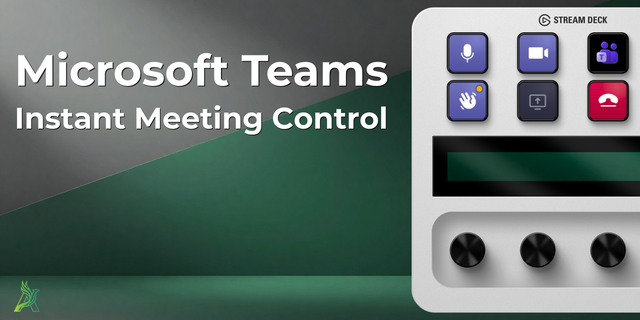
📨 Microsoft Outlook & Teams profiles, built for your Stream Deck. Two profiles for every device: a Lite version that utilizes native email shortcuts and works instantly. Plus an optional Pro version that is powered by the Flow for Outlook & Teams plugin.
Stop alt-tabbing to check your inbox, find an email, meeting, or set yourself to Busy. Your email and chat live on your keys, one tap away ⚡
--
🎚️ Do you need Pro or Lite?
This download includes two complete profiles:
🚀 Pro Taps into the Flow for Outlook & Teams plugin to bring your deck to life. Instead of static shortcuts, your keys show what's actually happening: unread counts, your next meeting, your Teams presence, and more. The Flow for Outlook & Teams plugin can be found here: ➡️ https://marketplace.elgato.com/product/flow-for-outlook-teams-da431b4f-b46a-4bfa-bfb5-f43c6e909a62
OR
✅ Lite
A pure hotkey layout. Compose, reply, send, and move through your inbox and calendar the moment you import it. No sign-in, no plugin, no setup. Works on Classic Outlook, New Outlook, Outlook on the web, and Mac.
Run Lite on its own, or pair the Pro with the Flow plugin for the premium features.
--
🟢 What Pro Adds (with the Flow plugin)
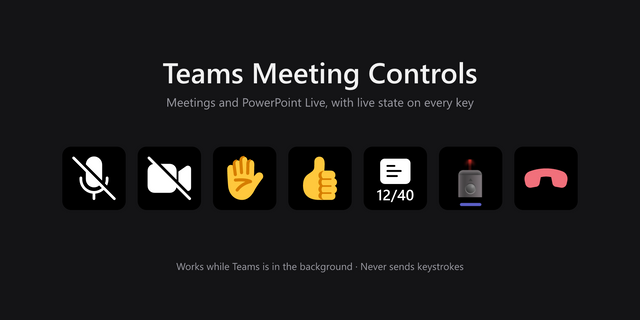
🔴 Live unread badge: see your inbox count without switching windows.
📖 Read your latest email right on the key or dial LCD.
⏱️ Next-meeting countdown so you're never late to a call.
🟢 Teams presence at a glance, and set Available, Busy, or Do Not Disturb in one tap.
🎯 Focus timer, status message, and unread-chat count, all on the deck.
Pro keys redraw themselves live, drawing every state straight from the Flow for Outlook & Teams plugin. That live layer is exactly what the plugin was built to deliver.
--
📦 What's Inside
🗂️ Two full profiles: Lite (standalone) and Pro (plugin-powered).
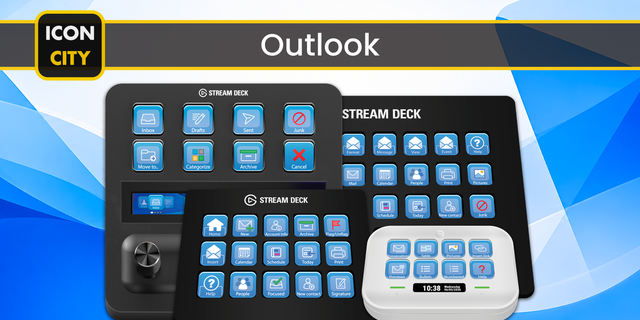
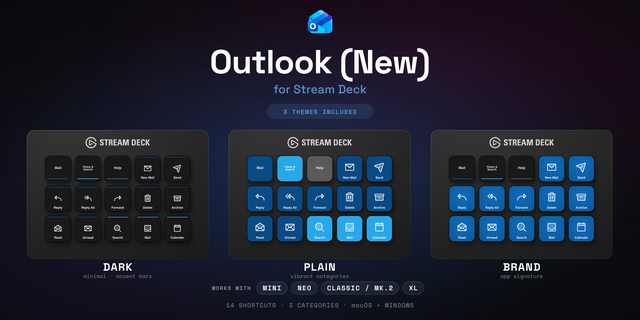
🎨 Color-coded Outlook and Teams categories with clear icons.
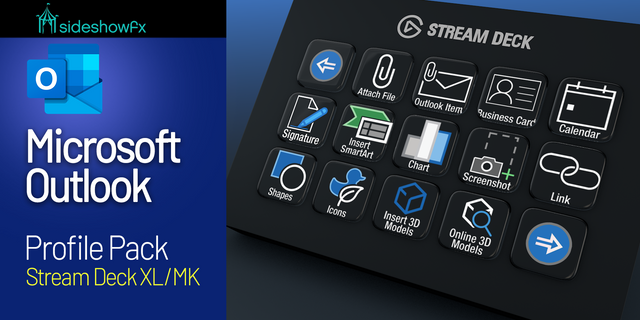
🖥️ Every Stream Deck model covered: Mini, Neo, Plus, MK2, XL, Plus XL, and Galleon.
💻 Windows and Mac builds, with the correct shortcuts baked in per platform.
🏷️ Editable labels in any language.
📑 Setup guide plus a Lite-vs-Pro comparison so you know exactly what tier you need.
--
🚀 Quick Install
1️⃣ Extract the .zip and pick your device and platform (PC or Mac).
2️⃣ Double-click the Lite profile (.streamDeckProfile) to import. You're done, it works right away. OR;
3️⃣ For the live keys, install the Flow for Outlook & Teams plugin, then import the Pro profile and sign in.
--
🎯 Perfect For
Anyone who lives in Outlook and Teams. Managers buried in meetings, support and sales teams watching the inbox, remote workers juggling chat and calendar. Start with Lite, add Pro when you want your deck to go live.
📨 Two profiles. Every device. Less Alt-Tabbing, More Doing.
--
Disclaimer
This Stream Deck profile is an independent creation, not affiliated with or endorsed by Microsoft Corporation. Microsoft, Outlook, and Teams are trademarks of the Microsoft group of companies, used solely to identify compatibility.
Initial release of Outlook & Teams profiles. Lite is a standalone profile - works as is using shortcuts/hotkeys. Pro utilizes paid plugin "Flow for Outlook & Teams" to incorporate live keys and dials.
Version 1
Jun 17, 2026
Details
Type
Business
Productivity
Device
GALLEON 100 SD
Stream Deck +
Stream Deck Mini
Stream Deck MK
Stream Deck Neo
Stream Deck XL
Stream Deck + XL
OS
macOS
Windows
Compatibility
Stream Deck 7.1 or later
Size
1.18 MB
Version
1
Language
English
Support
Dial support
Yes
Additional links
You might also like