Artistic
Lightroom Classic Plugin
by FlowKits
Overview
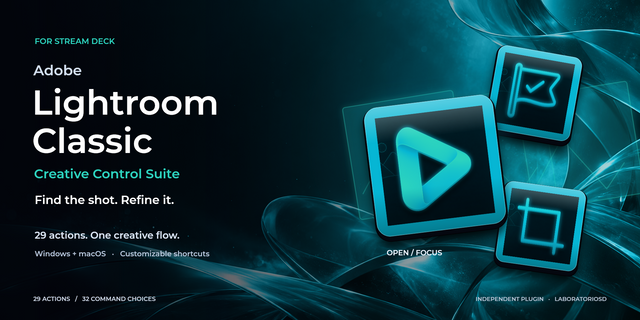
Lightroom Classic Stream Deck plugin (with profiles) turns tedious culling and editing into a smoother, faster workflow. Cull, edit, crop, and mask without hunting through UI panels or remembering shortcuts.
Lightroom Classic buries your best tools three clicks deep. This plugin pulls them onto your Stream Deck, and talks to Lightroom both ways, so your keys and dials always show what's really happening ⚡
SETUP NOTE: The plugin drives Lightroom Classic through a companion module, auto-installed for you. Your only step is clicking Enable in Lightroom's Plug-in Manager.
--
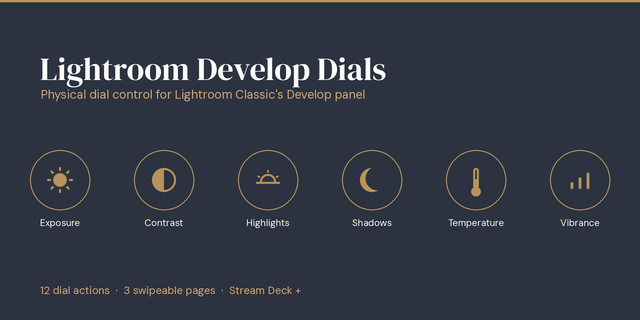
✅ Ride Exposure, Contrast, or Shadows on a dial or key, live value on screen.
✅ Cull a shoot at speed: Pick, Reject, rate, and color-label, with auto-advance.
✅ Drop an AI mask, Select Sky or Select Subject, in a single tap.
--
⚡ Live, Both Ways
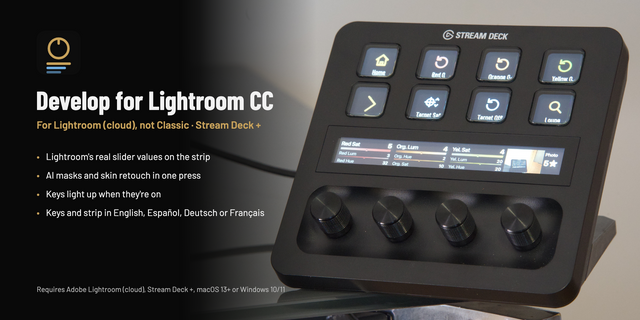
Every key and dial reads Lightroom in real time. Rate a photo and the key lights up with the star count. Turn an Exposure dial and the LCD prints the number, +0.45, so you never click back to a panel. White balance reads in Kelvin on RAW files.
--
🎚️ Sliders on Dials AND Keys
Every Develop slider works two ways. Turn a dial and the live value sits on the LCD, in fine, medium, or coarse steps. Or nudge it from a key, held to repeat.
Dials reach all 26 Develop parameters: Basic panel, Tone Curve, and Color Grading wheels with a live color chip.
Keys cover the 13 Basic sliders, each with its value on the face.
Select a mask and the same dials and keys drive that mask's Exposure, Temp, and Clarity.
--
✂️ Crop & Transform
Eight aspect ratios on their own keys, 1:1 through 16:9, each landing you in the crop tool with the box ready to nudge.
Or use the Crop & Transform dial: rotate to cue a ratio, push to apply, tap to clear.
Upright straightening too: Auto, Level, Vertical, Full, and Guided.
--
🌟 Cull Without the Keyboard
Pick, Reject, and Clear flags, with optional auto-advance.
Full 0 to 5 star rating, plus all six color labels.
Switch Loupe, Grid, Compare, and Survey views.
Or put it on one dial: rotate to rate, push to advance, tap to zoom 1:1.
--
🎭 AI Masking in One Tap
Select Subject, Sky, Background, Object, People, and Landscape, each on its own key.
Plus Brush, Linear and Radial gradients, and range masks.
Operate the active mask: Invert, Duplicate & Invert, Delete, hide, and overlay.
--
🖥️ Works on Every Stream Deck
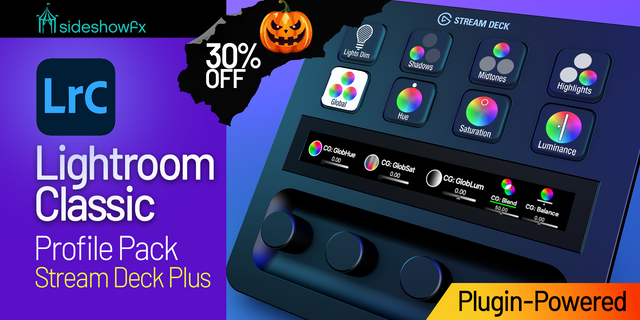
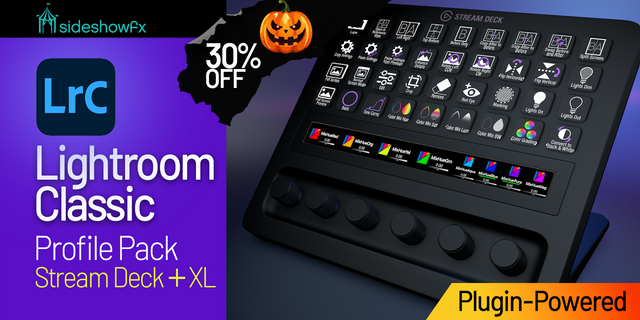
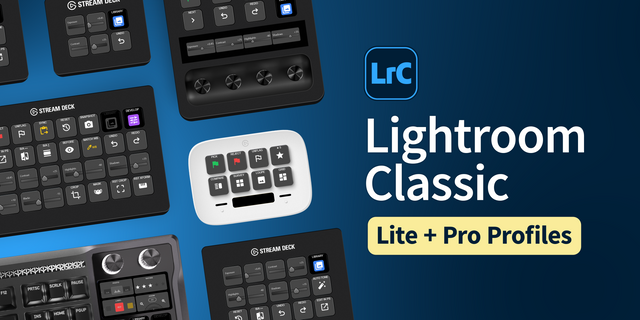
Runs on the whole lineup: Stream Deck Mini, Neo, MK.2, XL, Stream Deck +, Stream Deck + XL, and Corsair Galleon 100 SD. Ready-made profiles for all seven ship inside the plugin, so your deck has a working layout out of the box.
Decks with dials get the LCD dial actions. Every key action runs everywhere.
--
📦 What's Inside
13 actions covering over 100 Lightroom Classic functions with live feedback.
Three LCD dial actions: Library, Develop sliders, and Crop & Transform.
Collections, Keywords, Presets, and Snapshots, pulled live from your catalog.
One-key Export, to the dialog or with your last settings.
Windows and Mac compatible.
--
🚀 Quick Install
Double-click the .streamDeckPlugin file to install.
Open Lightroom Classic. In File > Plug-in Manager, select "Lightroom Classic Plugin" and click Enable. (Already had Lightroom open? Restart it first.)
Drag the actions onto your keys and dials.
--
🎯 Perfect For
Wedding and event shooters culling thousands of frames. Landscape photographers leaning on AI masks. Anyone who lives in the Develop module.
--
Disclaimer
An independent FlowKits product, not affiliated with or endorsed by Adobe Inc. Adobe and Lightroom Classic are trademarks of Adobe Inc., used solely to identify compatibility. AI tools require Lightroom Classic 14 or newer. Photography by Saorsa Studio (saorsastudio.co.uk), with permission.
New in 1.7.1
Flip a crop between portrait and landscape in one press. The new Flip Crop key does what X does in Lightroom Classic's Crop tool.
A Previous key that stays on your photo. Like the Previous button in the Develop module, it copies the settings from the last photo you were on onto this one.
Clearer Copy key. Its help text now says it copies everything in one press.
Key labels fit their keys. A few longer labels, mostly in German and Spanish, ran off the edges of the key. They're shorter now.
Version 1.7.1
Oct 21, 2026
Details
Type
Artistic
Productivity
OS
Mac
Windows
Compatibility
Stream Deck 7.1 or later
Size
3.13 MB
Version
1.7.1
Language
English
German
Japanese
Spanish
Support
Neo Infobar support
No
Profiles
Yes
Dial support
Yes
Additional links
You might also like