Creative Tools
Lightroom Classic Profiles
by FlowKits
Overview
Lightroom Classic Profiles for Stream Deck
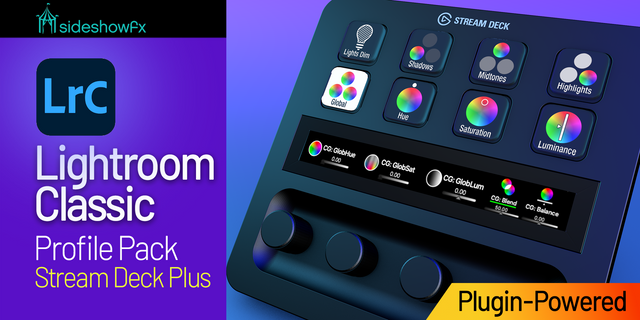
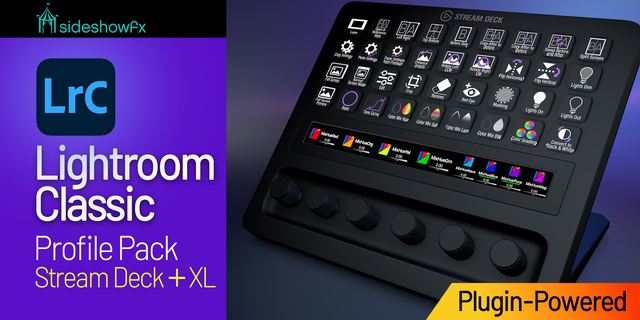
Run Adobe Lightroom Classic from your Stream Deck instead of hunting for shortcuts. Two versions: a free Lite profile built on keyboard shortcuts, and a Pro profile that turns your keys and dials into real, live data keys, dials and sliders. Less thinking, faster editing.
✨✨✨ Want dials that move real sliders, keys that show each photo's rating, and one-tap AI masks? That's the Lightroom Classic Plugin, a separate purchase here on the Marketplace. And because the plugin talks to Lightroom directly instead of typing shortcuts, it all works even when Lightroom isn't the window in focus. If you're culling a few thousand shots a week, that's the upgrade you need.
Lightroom Classic Plugin: https://marketplace.elgato.com/product/lightroom-classic-plugin-bc1cd74a-e605-410e-82f6-2082cc8899f6
Lightroom Classic Lite (Free)
Keyboard-shortcut profiles that work the second you import them. No plugin, no sign-in, no setup.
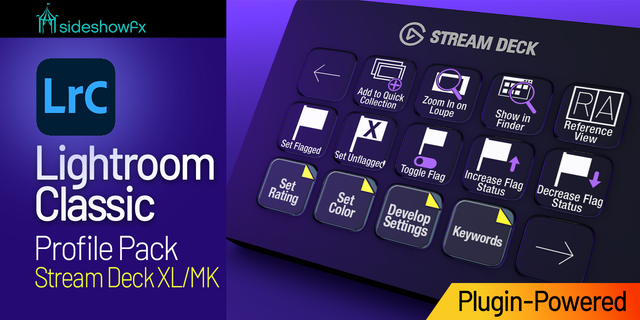
Cull with your hands, not your memory. Pick, reject, rate 1 to 5, and color-label straight from the keys, with prev/next to move through a shoot.
The develop essentials. Auto Tone, crop, convert to B&W, copy and paste settings, rotate, before/after.
Library on the left, Develop on the right, so your hand always lands in the right place.
All seven Stream Deck models (Stream Deck, +, +XL, XL, Mini, Neo, Galleon), Windows and Mac. Download it, import it, done.
Lightroom Classic Pro
⚠️ The Pro profiles require the paid Lightroom Classic Plugin (a separate purchase on the Elgato Marketplace). It's what powers the dials, the live key state, and AI Masking. Get the plugin: https://marketplace.elgato.com/product/lightroom-classic-plugin-bc1cd74a-e605-410e-82f6-2082cc8899f6
Everything Lite does, plus the things a keyboard shortcut physically can't:
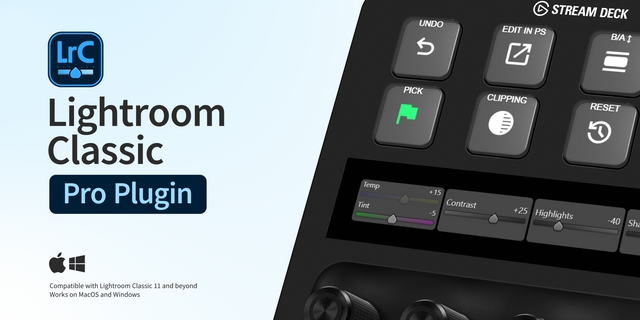
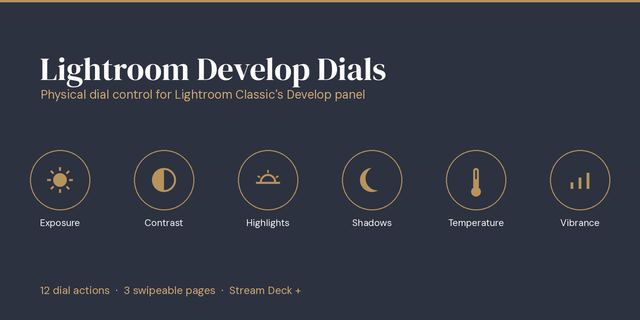
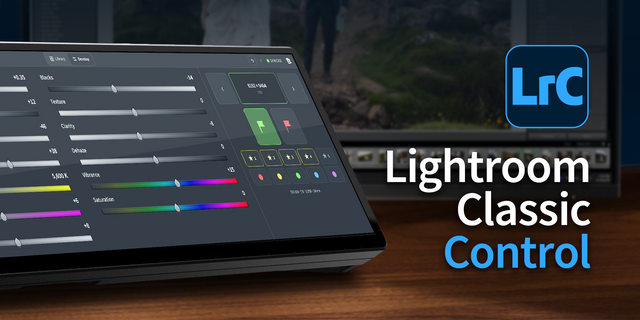
Real slider values on the dials. Turn a dial and watch Exposure, Contrast, Highlights, or White Balance move, with the live number right on the screen. Lightroom has no keyboard shortcut for slider values, so this only exists with the plugin.
Keys that read back the photo. Flags, star ratings, and the active mask update from Lightroom in real time. One glance tells you where the shot stands.
AI Masking from a single key. Drop a Subject, Sky, or Background mask, invert it, or run Duplicate-and-Invert in one press.
The full cull-to-develop flow. Color-coded zones, dial widgets on the LCD, and one-tap actions like copy/paste settings, virtual copy, and sync.
All seven Stream Deck models, Windows and Mac.
Get the plugin: https://marketplace.elgato.com/product/lightroom-classic-plugin-bc1cd74a-e605-410e-82f6-2082cc8899f6 Example photos in marketing graciously provided by https://saorsastudio.co.uk/
---
Adobe and Lightroom Classic are trademarks or registered trademarks of Adobe Inc. Flowkits has developed this product to assist with Lightroom Classic software use and is not affiliated or endorsed.
v1.0 — Initial release
Lightroom Classic profiles for Stream Deck, all 7 models (Windows and Mac).
Lite (free): a fast keyboard-shortcut cull-and-develop workflow. No plugin required.
Pro: live dials, real-time key state, and AI Masking, powered by the paid Lightroom Classic plugin.
Version 1
Jul 6, 2026
Details
Type
Creative Tools
Productivity
Device
GALLEON 100 SD
Stream Deck +
Stream Deck Mini
Stream Deck MK
Stream Deck Neo
Stream Deck XL
Stream Deck + XL
OS
macOS
Windows
Compatibility
Stream Deck 7.1 or later
Size
2.21 MB
Version
1
Support
Dial support
Yes
Additional links
You might also like