Utilities
Mac Bluetooth
by Kuberstar
Overview
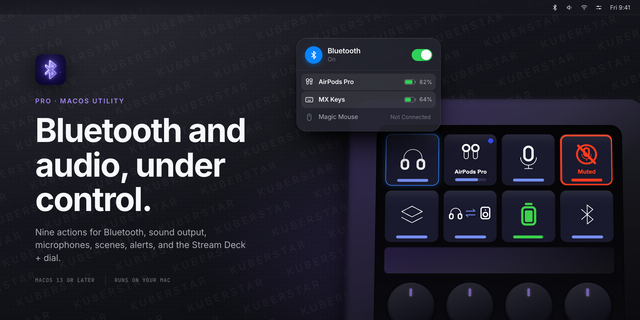
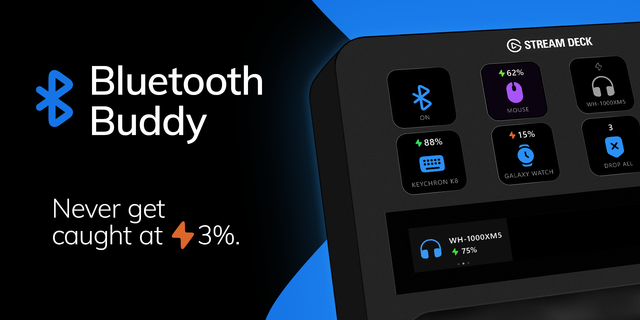
Full control of your Bluetooth devices, right from your Stream Deck.
Connect, disconnect, toggle power, and read battery levels with a single key press. Stop digging through System Settings on macOS.
Key actions include:
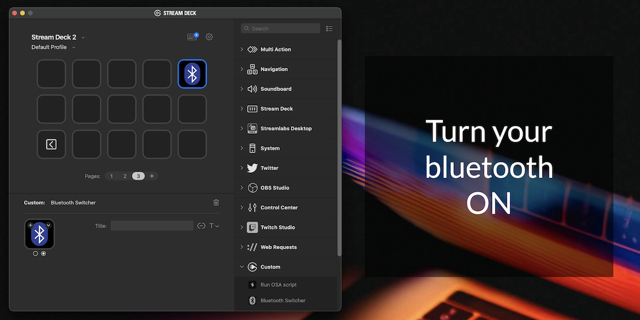
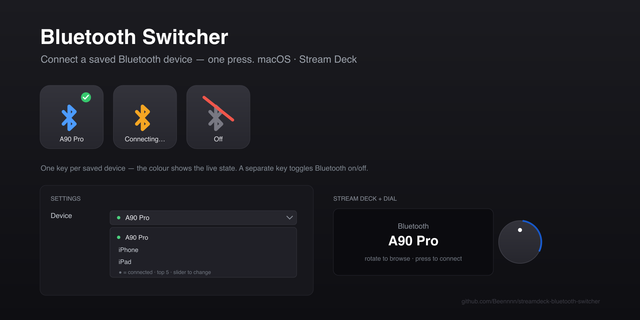
Toggle Device - connect or disconnect any paired device with one press. The key shows connected (blue) or disconnected (gray) and follows the real state, even when you change it from System Settings.
Toggle Bluetooth - turn Bluetooth power on or off, with a clear on/off state and a spinner while the toggle runs. Handy for troubleshooting or saving battery.
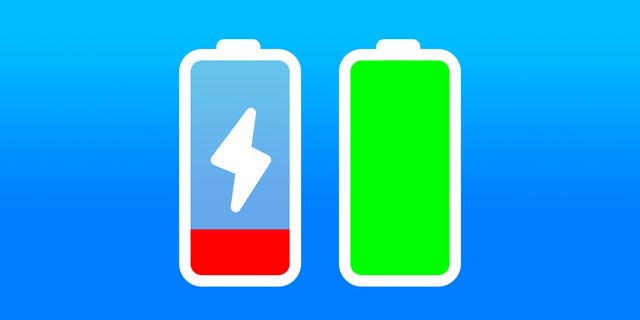
Battery Status - charge level at a glance, with an icon and color coding (green, yellow, red) refreshed on a polling interval you choose.
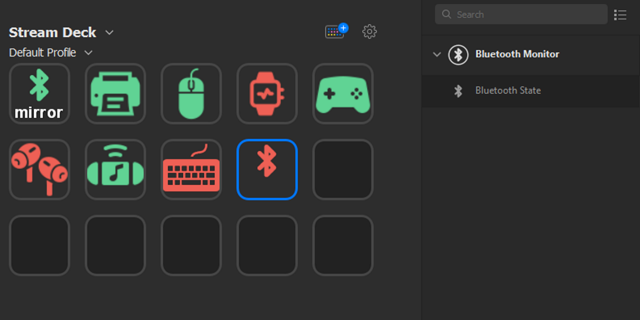
Works with anything paired to your Mac: headphones, earbuds, keyboards, mice, trackpads, controllers, speakers. If macOS sees it in Bluetooth settings, Mac Bluetooth can control it.
Under the hood a native Swift helper talks to the macOS Bluetooth APIs directly, so everything runs locally. No cloud services, no accounts, no data leaves your Mac.
Requirements: macOS 13 (Ventura) or later. Stream Deck 6.9 or later. Bluetooth permission may need granting on first use.
Fixed: after a press, a key could keep showing the loading spinner and look stuck, even though the device had connected or the radio had switched. The key now always returns to its normal image, and resets itself if anything goes wrong.
The plugin now reads the Mac once for every key that needs the same thing, instead of once per key. A page full of Bluetooth keys costs about as much as a single key, which means noticeably less CPU and a quieter Mac, while keys keep following the system just as closely.
Clearer labels and larger controls in the settings panel.
Requires macOS 13 (Ventura) or later and Stream Deck 6.9 or later.
Version 1.0.1
Aug 18, 2026
Details
Type
Utilities
OS
Mac
Compatibility
Stream Deck 6.9 or later
Size
1.83 MB
Version
1.0.1
Language
English
Support
Profiles
No
Dial support
No
Additional links
You might also like