Artistic
Now Playing & Volume for macOS
by Luluberlu
Overview
Your Mac's music, on your Stream Deck.
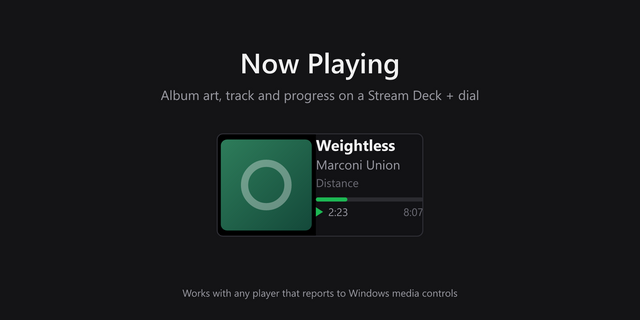
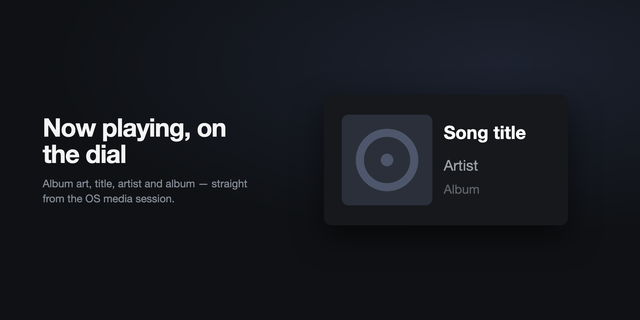
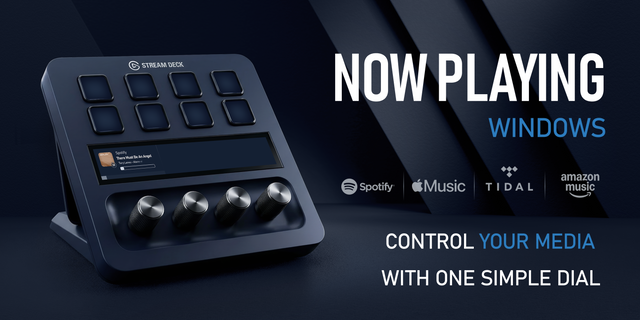
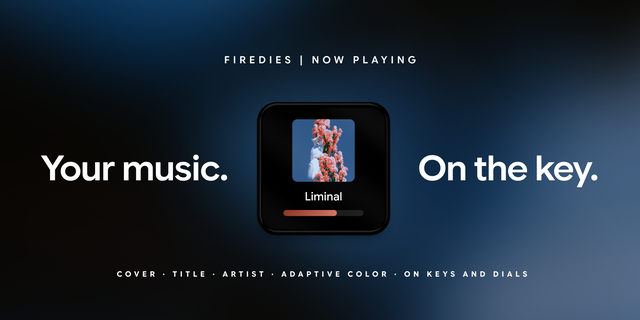
Now Playing dial (Stream Deck+): the touchscreen shows what's playing right now (album art, artist, and title) from Spotify, Apple Music, VLC, or your browser. Tap to play/pause, rotate to adjust your Mac's volume, press to mute.
System Volume dial (Stream Deck+): a smooth, responsive volume knob for macOS with a live level bar and one-press mute.
Volume Keys (every Stream Deck): on key-only decks (Mini, MK.2, XL, Neo), put volume on your keys — step up/down (hold to ramp), set-to-level, or mute toggle. Place a step-up key directly above a step-down key and they merge into one continuous on-screen fader.
No setup, no permission prompts. No virtual audio driver, no companion app, nothing to configure (add the action and it works).
Want per-app volume?
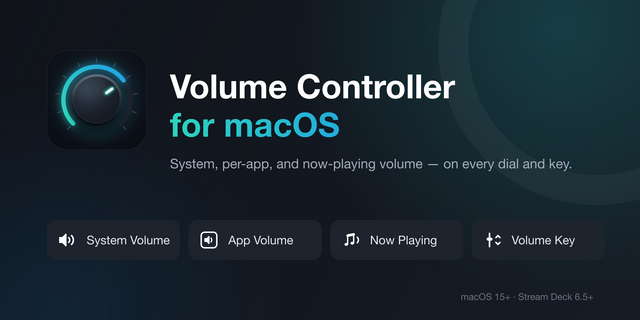
macOS has no per-app volume mixer (this free plugin controls the system level). Our paid plugin, Volume Controller for macOS, gives every app its own dial or key: Spotify, your browser, a game (each with independent volume and mute, and the Now Playing dial controls the playing app itself). One-time purchase, no subscription.
Good to know:
Requirements: macOS 15+, Stream Deck app 6.9+. Dials need a Stream Deck+; the Volume Key action works on key-only decks.
Now Playing metadata needs an Apple Silicon Mac (M-series). Volume control works on any Mac.
The Now Playing tile reads the same media info as macOS's own Control Center widget. Apps that don't publish to macOS "Now Playing" (some web players) won't appear (and if a macOS update restricts media info, the tile says so while the dial keeps controlling your volume).
Now-playing data is powered by the open-source media-control / mediaremote-adapter (BSD-3, bundled with attribution).
Settings panels always load
Each action's settings panel used to download part of its interface from the internet when opened. If that download was blocked or slow (a firewall, a VPN, a work network), the panel showed plain text with no options. Everything it needs is now built into the plugin, so it works offline.
Nothing to redo: your dials and keys carry over.
Version 1.0.2
Oct 16, 2026
Details
Type
Artistic
Audio
Music
OS
Mac
Compatibility
Stream Deck 6.9 or later
Size
313.77 KB
Version
1.0.2
Language
English
Support
Neo Infobar support
No
Profiles
No
Dial support
Yes
Additional links
You might also like


-thumbnail-optimized-a74b6d6f-1886-4379-9f95-d19441860884.png)
-app-icon-optimized-7171bf4e-2e32-4875-b94d-30578d9bb4df.png)