Artistic
Volume Controller for macOS
by Luluberlu
Overview
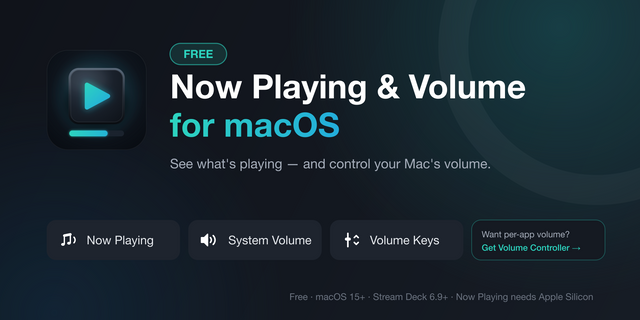
macOS has no per-app volume mixer. This plugin gives you one — on your Stream Deck.
It's the first and only Stream Deck plugin with native per-app volume on macOS: no virtual audio driver to install, no companion mixer app to keep running, no rerouted audio. Your sound keeps playing exactly as it does today — you just get a dial for every app.
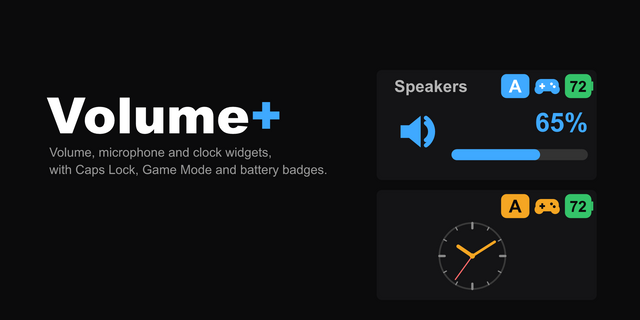
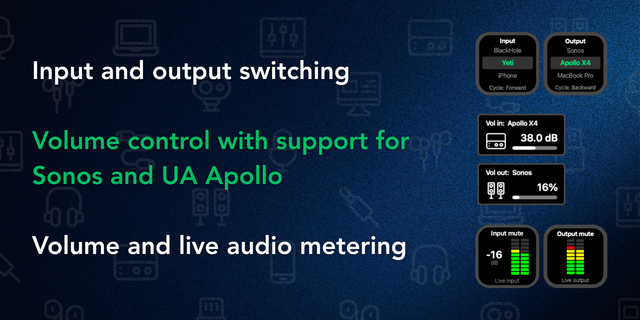
System Volume — Map a dial to the system output. Rotate to adjust, press or tap to mute.
App Volume — Pick a running app and control its volume alone. Spotify, Music, and VLC use native scripting and work everywhere. Any other app is handled by a Core Audio process tap, which needs an Apple Silicon Mac, a one-time Screen & System Audio Recording permission, and the app to be actively playing sound. Tap to play / pause.
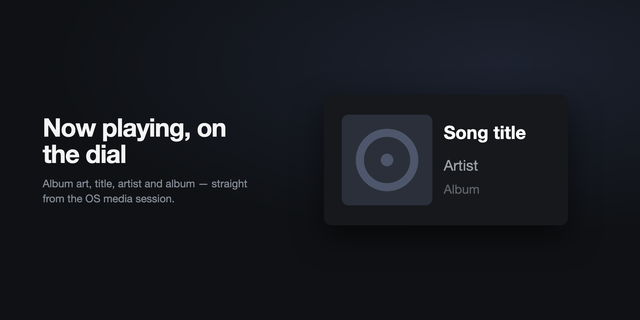
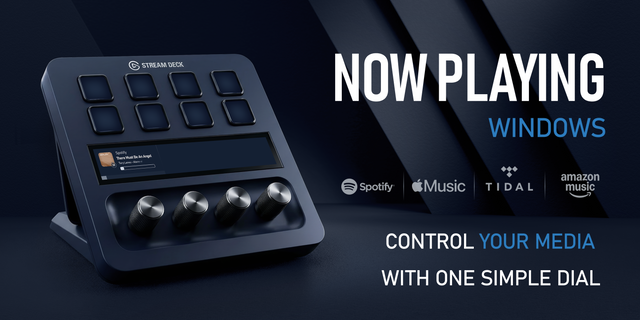
Now Playing — One dial that always follows whatever is playing, with artwork-aware metadata on the touchscreen. Rotate for volume, press for mute, tap for play / pause.
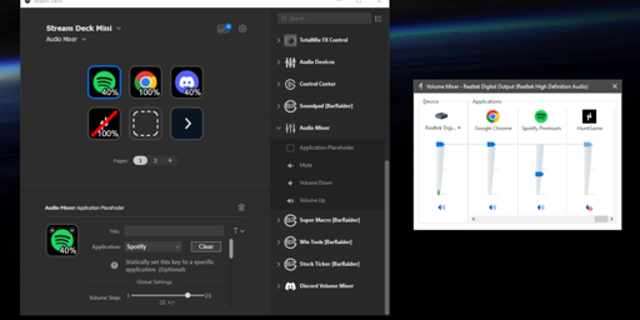
Volume Key — For keypad Stream Decks (Mini, MK.2, XL, Neo). Step up / down, jump to a preset level, or toggle mute. The key renders the live level — stack a step-up and a step-down key and they join into a vertical fader. All targets stay in sync: move a level anywhere (the app, another key, another dial) and every key and dial showing that target updates live.
Requirements
macOS 15 or later
Apple Silicon Mac (M-series) — per-app volume for non-scriptable apps and multi-source Now Playing ship as Apple Silicon binaries; Intel Macs are not supported
Stream Deck app 6.9 or later
On first use, macOS asks for one permission depending on the target app: Automation (Privacy & Security ▸ Automation) for Spotify / Music / VLC, or Screen & System Audio Recording (Privacy & Security ▸ Screen & System Audio Recording) for per-app volume on any other app. System volume and now-playing metadata need neither.
Known limitations
Audio-routing tools: per-app volume for apps other than Spotify, Music, and VLC uses a Core Audio process tap, which can't share an app's audio with another tool that is capturing it. If Rogue Amoeba's SoundSource is running, those dials and keys show a clear "Quit SoundSource" / "Audio conflict" hint until it's quit. With Elgato Wave Link, only apps you have routed into a Wave Link channel are affected: control those from Wave Link itself, and use this plugin for everything else. System volume and Spotify / Music / VLC keep working throughout. (Deeper SoundSource integration is in development.)
Hardware-volume output devices: the System Volume dial drives macOS's output volume, so it can only move devices macOS itself can control in software. USB audio interfaces and mixers (Yamaha AG, GoXLR, Focusrite, Wave XLR), external DACs and HDMI displays keep the level in hardware: macOS greys out its own volume slider for them, and no app can change it. The dial shows "Use device knob" and the action's settings panel explains why. Per-app volume is unaffected, since it attenuates the app's own audio before it reaches the device.
Apps that don't publish to macOS "Now Playing" can't appear on the Now Playing dial — same limitation as macOS's own Control Center widget.
Per-app volume now works with Safari, and with Chrome when it plays from more than one place
Safari is controllable. Safari plays its audio through a separate macOS process, so the plugin could not find it before and the dial did nothing. It now finds that process and controls it, without touching other apps that share the same kind of process (Mail, for example).
No more doubled audio in Chrome and other browsers. With several Chrome profiles or tabs, audio that started after you first turned the dial could play twice, once at your level and once at full volume. Every audio source of the app you pick is now covered from the start.
More reliable with apps that stay silent for long stretches. Apps that keep their audio open while quiet, such as a squelched radio receiver, no longer cause the plugin to keep restarting its audio hookup in the background.
Reassigning a dial no longer leaves the old app stuck
If you moved a dial or key from one app to another, the first app stayed at the level (or mute) you had left it, with no control left to change it, until Stream Deck restarted. It now goes back to its normal volume as soon as nothing controls it.
Settings panels always load
Each action's settings panel used to download part of its interface from the internet when opened. Everything it needs is now built into the plugin, so it works offline.
Nothing to redo: your dials, keys, and app choices carry over.
Version 1.0.6
Oct 16, 2026
Details
Type
Artistic
Audio
Music
Productivity
OS
Mac
Compatibility
Stream Deck 6.9 or later
Size
437.07 KB
Version
1.0.6
Language
English
Support
Profiles
No
Neo Infobar support
No
Dial support
Yes
Additional links
You might also like