Gaming
Pal Deck
by TeaTime
Overview
Pal Deck puts your Palworld game on your Stream Deck. See your party, your bases and the Pal you're looking at, updated every second. Press any key for the full stats.
What the keys show
Party: each Pal's name, level, HP and hunger bar. Press for its stats page: gender, sanity, talents (HP, Attack, Defense), condenser stars, souls, trust and passive skills.
Bases: how many Pals work at each base, and how many are sick, hungry or low on sanity. Press for a key per worker, sickest and hungriest first.
You: your hunger and HP. Press for your level, unused points and all eighteen of your stats.
Looking At: the Pal nearest the middle of your view, wild or yours, within 80 metres. Its talents, gender, passives and distance, following your aim live: an IV check without opening a menu.
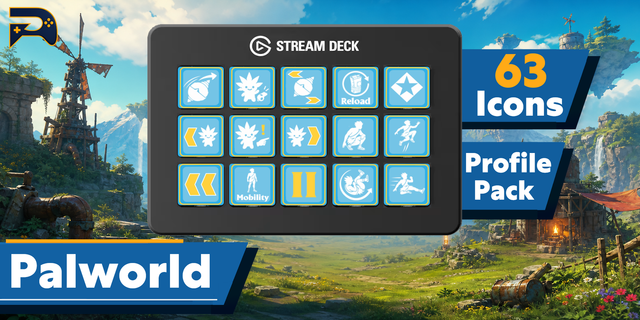
Game controls: Summon Pal, Next and Previous Pal, Pal Commands, Partner Skill, Throw Sphere, Change Sphere, Build Menu, Crouch, Auto Run and Reload, each showing the key it sends.
One key, then a layout
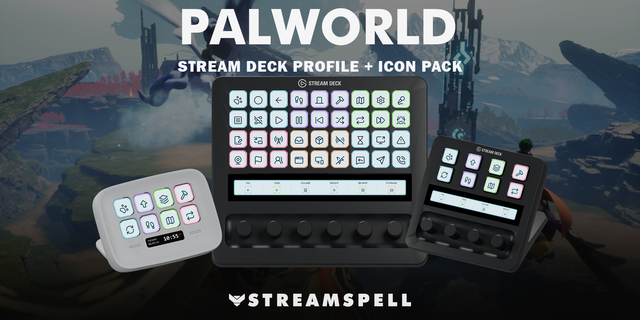
Put the Pal Deck key on your own profile. Press it and your deck switches to a layout made for it, with Back in the corner to return. There are layouts for the Stream Deck, XL, +, Neo and Mobile. On a Stream Deck +, the dials step through your party, your bases and the Pal you are looking at on the touch strip, and a push opens its stats page.
A setting chooses what pressing a key does: open its stats page, or cycle what the key shows.
How it works
Pal Deck has two halves. The PalDeck mod runs inside the game through UE4SS and writes what it reads to a small file on your PC once a second. The plugin draws the keys from that file. The mod comes with the plugin: Install the mod, in any Pal Deck key's settings, puts it in place and turns it on.
Pal names and passive skills come from the game's own text, so they match what you see in game. Pal Deck only reads: it does not change your game or your save, and nothing leaves your PC. It is client side, so it works in single player and on multiplayer servers with nothing installed on the server.
What you need
Palworld on Steam, on Windows.
UE4SS for Palworld, a free, open-source mod loader. The setup guide at teatimeservers.ca/plugins/pal-deck shows how to install it.
Stream Deck software 7.1 or later.
Good to know
UE4SS is tied to the game's version. After a Palworld update it can stop working until UE4SS is updated, and the keys will say the mod is not running.
If Palworld crashes, it switches its own mods off. Pal Deck's setup says so, and how to turn them back on.
Keys say plainly when the game is closed, at the menu, or the mod is missing, rather than going blank.
Pal Deck is an unofficial fan project, not affiliated with or endorsed by Pocketpair. Palworld is a trademark of Pocketpair, Inc. UE4SS is a separate open-source project.
Pal Deck 1.0.2
Comes with the PalDeck mod 1.1.1. Its once-a-second update now runs in small steps.
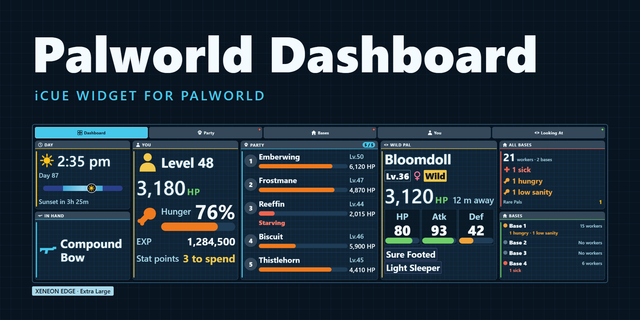
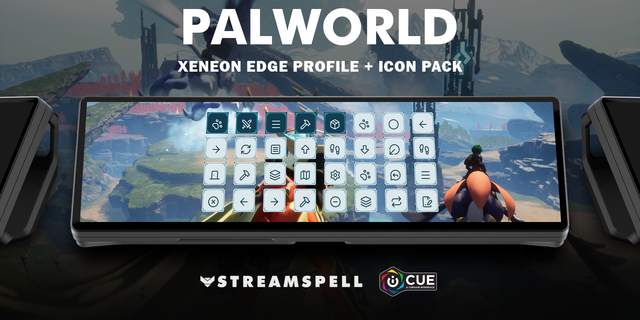
The mod also writes a copy of its information to your user folder, for the Palworld Dashboard widget on the CORSAIR XENEON EDGE.
Version 1.0.2
Oct 7, 2026
Details
Type
Gaming
OS
Windows
Compatibility
Stream Deck 7.1 or later
Size
656.97 KB
Version
1.0.2
Language
English
Support
Neo Infobar support
No
Profiles
Yes
Dial support
Yes
Additional links
You might also like