Lighting
Pocket LIFX Lights
Overview
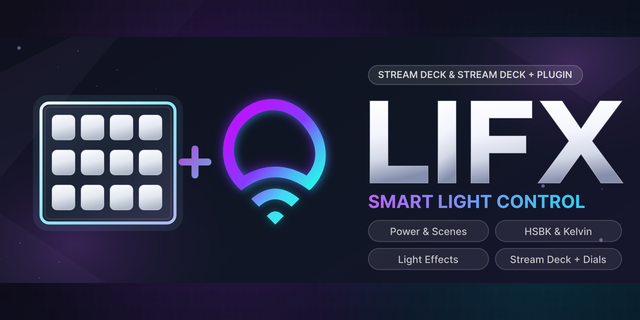
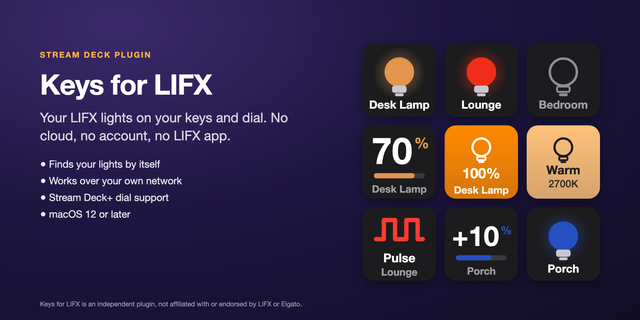
Pocket LIFX Lights controls your LIFX lights from Stream Deck keys and dials over the local network: power, presets, effects, brightness, white temperature and color. No account, no token and no cloud. For macOS.
Keys
Light Power: toggle one light or several, or turn them on or off, with a fade
Light Preset: a brightness, a white or a color, with a fade
Light Effect: breathe, pulse, strobe, color cycle, candle, random colors, and moving or twinkling colors on a strip. Press again to stop
Dials (Stream Deck + and Galleon)
Brightness, White Temperature, Color and Saturation
Turn to change, push or tap to turn the lights on or off
Lights
Found on your network by name and remembered by serial number
Keys and the touch strip follow changes made in the LIFX app
Strips and beams can keep every zone's color or be painted whole
Works on
Every Stream Deck, Stream Deck Mobile and Corsair Galleon 100 SD; dials on Stream Deck +, + XL and Galleon
No touch on Galleon: turn lights on, off or to white with a key
Requirements
macOS 13 or later, Stream Deck 7.1 or later (7.2 for Galleon), and LIFX lights on the same network. Not affiliated with LIFX.
Support
support@pocketmoney.freshdesk.com. Please mention the plugin name.
Version 1.1
Corsair Galleon 100 SD: double push a dial for what a touch does, such as White Temperature on and off; double push and hold for a long touch, such as back to white
First release:
Keys: Light Power, Light Preset and Light Effect, for one light or several
Dials: Brightness, White Temperature, Color and Saturation
Works over the local network, with no account and no cloud
Strips and beams keep every zone's color or are painted whole
Requires macOS 13 or later and Stream Deck 7.1 or later.
Version 1.1
Oct 27, 2026
Details
Type
Lighting
Smart Home
Utilities
OS
Mac
Compatibility
Stream Deck 7.1 or later
Size
284.4 KB
Version
1.1
Language
English
Support
Profiles
No
Neo Infobar support
No
Dial support
Yes
You might also like