Audio

Now Playing - Sonos

Overview

See what’s playing and control Sonos rooms and groups from one Stream Deck + dial. Now Playing combines live track feedback, precision group volume, queue navigation, timeline seeking, and instant group switching in one control. Requires Stream Deck +, Mac or Windows, and Stream Deck 7.1 or later.

Turn the dial to adjust volume, and press it to play or pause. Tap the touch strip to move between Track, Queue, and Seek views. Hold the touch strip to open Group view. In Queue, Seek, or Group view, turn to choose an option and press to apply it.

Highlights:

• Live artwork, track name, progress, group, and volume • Precision volume control for the active Sonos group • Previous and next navigation through Queue view • ±10/±30-second timeline seeking • Fast switching between available Sonos rooms and groups • Custom main and accent colors • One-time plugin purchase; no additional plugin subscription

Works with audio playing through your Sonos system. A working Sonos system and access to your chosen music or audio service are required.

Fixed a bug with sonos api shapes

Version 1.7

Jul 6, 2026

Details

Type

Audio

OS

Mac

Windows

Compatibility

Stream Deck 7.1 or later

Size

661.42 KB

Version

1.7

Language

English

Support

Profiles

No

Dial support

Yes

Additional links

You might also like
  • Playback - Sonos
    Playback - Sonos app icon

    Playback - Sonos

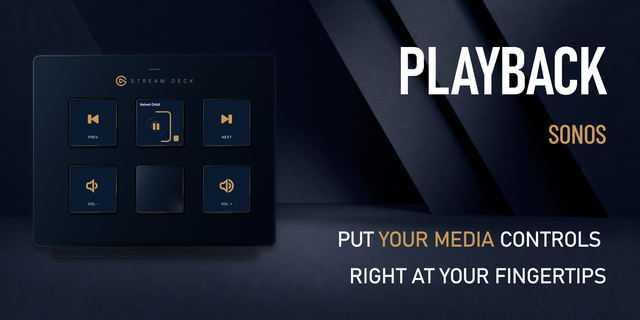
    Put live Sonos playback and dedicated controls on any Stream Deck with keys. See artwork, title, progress, and volume, t...

    $4.99

  • Sonos Control
    Sonos Control app icon

    Sonos Control

    Sonos Control brings your Sonos system to Stream Deck: two core playback actions plus two experimental Spotify-sync acti...

    $11.00

  • SONOS Controller
    SONOS Controller app icon

    SONOS Controller

    Control your Sonos system directly from your Stream Deck — playback, volume, favorites, and whole speaker groups, always...

    Free

  • Now Playing - Windows
    Now Playing - Windows app icon

    Now Playing - Windows

    See what’s playing and control Windows media from one Stream Deck + dial. Now Playing shows live artwork and progress, t...

    $9.99

  • Volume for AirPlay Sonos
    Volume for AirPlay Sonos app icon

    Volume for AirPlay Sonos

    by Danila

    ∙

    Audio

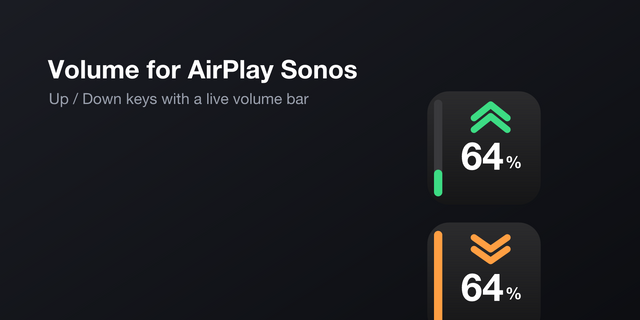
    Volume for AirPlay Sonos turns three Stream Deck keys into a live remote for any Sonos speaker on your network — whether...

    Free

  • Media Controller
    Media Controller app icon

    Media Controller

    by Sonky

    ∙

    Audio

    Shows the track playing on your Mac and controls it from a Stream Deck + dial or from keys. It reads the macOS Now Playi...

    Free

  • Home Assistant Media Player
    Home Assistant Media Player app icon

    Home Assistant Media Player

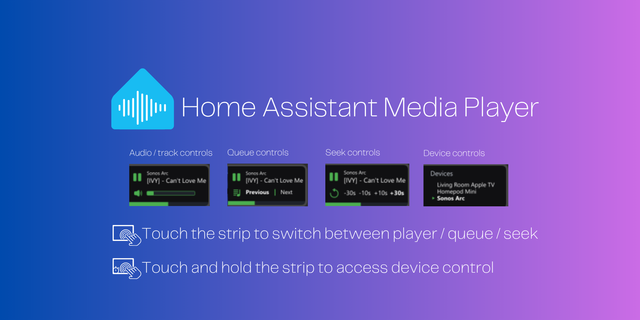
    Control all home assistant media players from a single dial! This dial has 4 different views in one: Audio / track view ...

    $8.99

  • Now Playing
    Now Playing app icon

    Now Playing

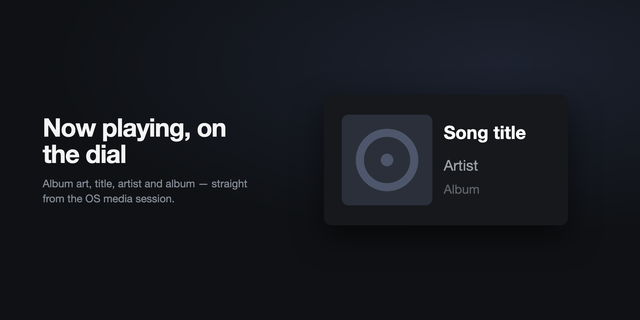
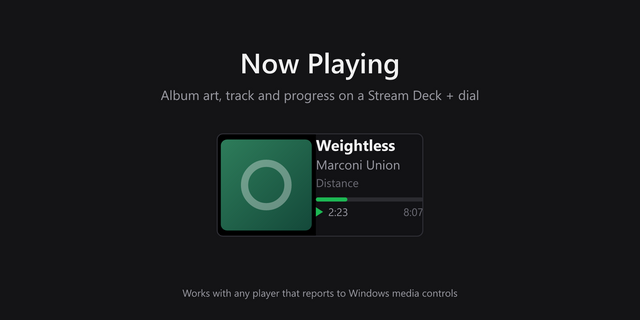
    Turn a Stream Deck + dial into a now playing display. Shows album art, track, artist and album for whatever is playing o...

    Free