Use code BLACKFRIDAY to save 30% on this product. Valid from Nov 16 through Nov 30.

Monitoring

Task Scheduler Monitor

Overview

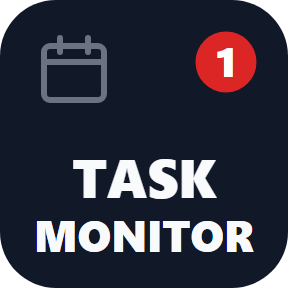
A Stream Deck key that turns red when a Windows Task Scheduler task fails. It checks your scheduled tasks once a minute and shows how many failed their last run, so a broken backup, script or automation job does not go unnoticed. Press it to see which tasks failed and their result codes.

Made for anyone running scheduled jobs on Windows, including AI agents.

Features

Failed Tasks: the number of tasks whose last run failed. Green "0 / all OK" when everything is fine, a red key with the count when something failed

Press to step through the failing tasks: name and result code (for example 0x1), newest first

Choose what to watch: the top folder of the Task Scheduler Library (default), all folders except Microsoft, or all folders; only names starting with a given text; disabled tasks on or off

Tasks that are running, queued or have not run yet do not count as failures (per Microsoft's result codes)

Watch Task: one task's last result, last run and next run. Press to check again

Optional "Run the task now" on a Watch Task key (off by default)

Checks once a minute while a key is on screen

English and Japanese

Privacy

Runs entirely on your PC. No account, no online service, no telemetry.

Reads the task list (names, last result, run times). Never changes or deletes a task; runs one only with "Run the task now".

Requirements

Windows 10 or later, Stream Deck app 6.9 or later

Windows PowerShell (included with Windows)

Idea or bug? Use the Support link. Every message is read.

First release with two actions. Failed Tasks: shows how many Windows scheduled tasks failed their last run and turns red when one fails; press to see their names and result codes. Choose the folders to watch, a name filter and whether to count disabled tasks. Watch Task: shows one task's last result, last run and next run, with an optional "Run the task now" on press (off by default). English and Japanese.

Version 1

Sep 25, 2026

Details

Type

Monitoring

Productivity

Utilities

OS

Windows

Compatibility

Stream Deck 6.9 or later

Size

81.13 KB

Version

1

Language

English

Japanese

Support

Profiles

No

Dial support

No

Neo Infobar support

No

Additional links

You might also like
  • Next Task
    Next Task app icon

    Next Task

    by Cath Ellis

    ∙

    Productivity

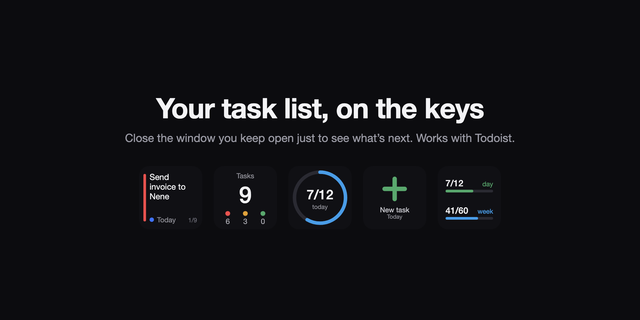
    Stop keeping your task list open just to see what's next. It lives on your keys instead — step through, hold to complete...

    Free

  • Clipboard Manager Pro
    Clipboard Manager Pro app icon

    Clipboard Manager Pro

    by PackRat 🐀

    ∙

    Productivity

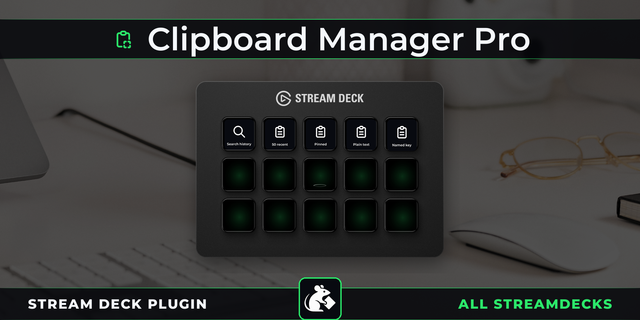
    Clipboard Manager Pro for Stream Deck: search your last 50 copies, pin entries that must stay, name important keys, and ...

    $6.99

    Discount eligible
  • ClipQuint
    ClipQuint app icon

    ClipQuint

    by Oliver Koch

    ∙

    Productivity

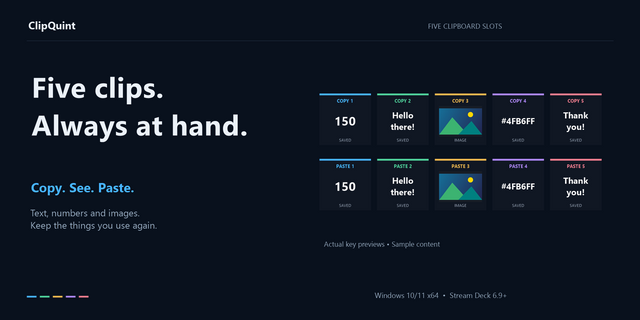
    ClipQuint gives your Stream Deck five independent clipboard slots. Copy selected text, numbers or images into a slot, se...

    $4.99

  • Task Manager for Todoist
    Task Manager for Todoist app icon

    Task Manager for Todoist

    by Magoo

    ∙

    Business

    Tap Less. Do More. Turn your Stream Deck into a powerful task manager with Todoist. Create tasks, view task counts, open...

    $6.99

    Discount eligible
  • Todoist Connect
    Todoist Connect app icon

    Todoist Connect

    by ChekTek

    ∙

    Productivity

    Take control of your Todoist workflow with a single press. Todoist Connect integrates Todoist into your Stream Deck so y...

    $4.99

    Discount eligible
  • Display Sleep
    Display Sleep app icon

    Display Sleep

    by Fugutarosan

    ∙

    Utilities

    Display Sleep turns off your connected displays when you press a key or dial on your Stream Deck. Use it when you step a...

    $400.00

  • Window Opacity Keys
    Window Opacity Keys app icon

    Window Opacity Keys

    by GRAMSHIFT

    ∙

    Gaming

    Make any window transparent (see-through) with one key on your Stream Deck, so you still see what is behind it. On Windo...

    $780.00

    Discount eligible
  • Power Finder Pro
    Power Finder Pro app icon

    Power Finder Pro

    by 7bp Solutions

    ∙

    Development

    Power Finder Pro turns your Stream Deck into a Finder workspace. Select files in Finder and the keys become what you can...

    $4.99

    Discount eligible