Productivity

Tuple

Overview

Control Tuple pair programming calls from your Stream Deck. Start or join a call with a teammate, jump between team rooms, mute, hang up, toggle transcription, and fire sound reactions, with every key showing live call state, teammate presence, and room occupancy at a glance.

Keys read live state from the tuple command-line tool bundled inside the Tuple app, so presence dots, room occupancy, and call state update the moment they change.

Included actions:

Toggle Mute — mute or unmute the current call

Call Contact — start a call with a teammate, add them to your current call, or join the call they are already on

Active Calls — a live board of occupied rooms and busy teammates; press to join

Join Room — jump into a team or personal room, leaving your current call first

Hang Up — end the current call

Toggle Transcription — start or stop transcription

Sound Reaction — play an air horn, sad trombone, or fail flute for everyone on the call

Tuple Logo — bring the Tuple app to the front

Contact and room keys are set per key in the property inspector, with dropdowns populated live from your own Tuple contacts and rooms. Keys draw their own labels and presence dots, and fade when there is nothing to press.

Requirements: macOS, Stream Deck 7.1 or later, and the Tuple app (tuple.app) signed in to a Tuple account. The plugin finds Tuple's bundled command-line tool automatically.

Updated for Tuple's canonical CLI. Adds live state, contact, and room updates; updates call joining, participant management, hang up, sound reactions, and Capture controls; and improves reconnect and cleanup behavior.

Version 1.1

Sep 14, 2026

Details

Type

Productivity

Social

OS

Mac

Compatibility

Stream Deck 7.1 or later

Size

184.77 KB

Version

1.1

Language

English

Profiles

No

Dial support

No

You might also like
  • Snippet Trigger
    Snippet Trigger app icon

    Snippet Trigger

    by Cath Ellis

    ∙

    Productivity

    Snippet Trigger puts your text-expander snippets on Stream Deck keys. Press a key and it types your abbreviation into wh...

    Free

  • Toolkit for Trello
    Toolkit for Trello app icon

    Toolkit for Trello

    by Magoo

    ∙

    Business

    Trello Tasks Faster Toolkit for Trello is a Stream Deck plugin for Trello users who want to run focused workflows withou...

    $4.99

  • Microsoft Teams 365

    Microsoft Teams 365

    by VIVRE-MOTION

    ∙

    Productivity

    Beautiful collection of Microsoft Teams 365 GUI Interface Icons 532× Symbol Icons (1064× total) 2× different Colors (Tea...

    Free

  • Altium Designer Live Deck
    Altium Designer Live Deck app icon

    Altium Designer Live Deck

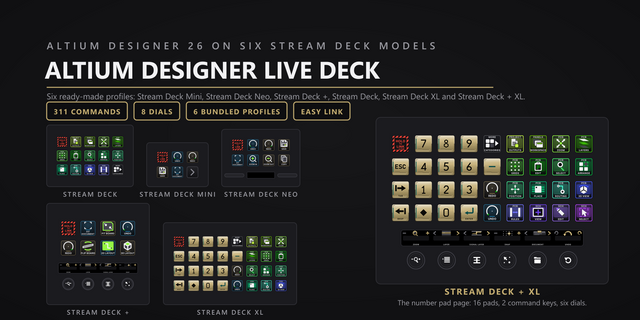
    Drive Altium Designer 26 from your Stream Deck through Altium's own scripting bus, not blind hotkeys. 311 commands on re...

    $13.13

  • Info Display
    Info Display app icon

    Info Display

    by Nicco Hagedorn

    ∙

    Development

    Info Display for Stream Deck Instantly display rich HTML and Markdown content with a single button press. ## Overview ...

    Free

  • Stashio
    Stashio app icon

    Stashio

    by Magoo

    ∙

    Business

    Stash Now, Use Later. You’re in the middle of work, moving between apps, calls, tickets, chats, docs, and dashboards. A ...

    $4.99

  • TickTick Productivity Suite

    TickTick Productivity Suite

    by Magoo

    ∙

    Business

    TickTick shortcuts, ready. Turn an Elgato Stream Deck into a focused TickTick command center for macOS and Windows. Capt...

    $4.99

  • i-net CoWork
    i-net CoWork app icon

    i-net CoWork

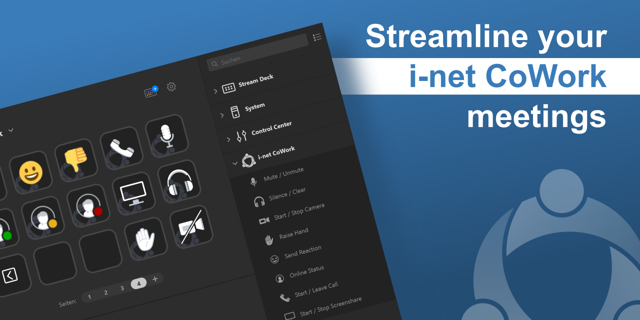
    With the i-net CoWork extension for Stream Deck, meetings can be controlled easily and effectively. Even starting calls ...

    Free