Development
Window Peek for Windows
by GRAMSHIFT
Overview
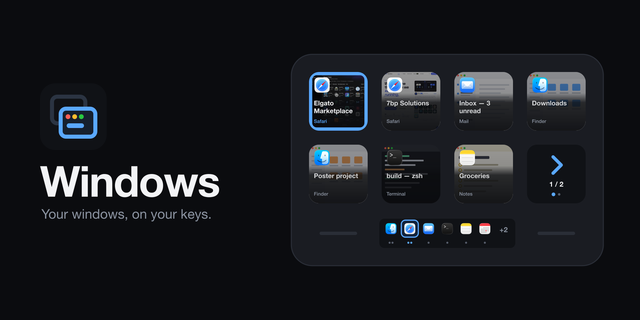
Keep an eye on a long build or an AI assistant without switching windows. See a window, or part of your screen, live on a Stream Deck key, even when other windows cover it, and have a key light up when the window stops changing. For Windows.
Features
Peek Window: shows the window you choose live on the key, even when other windows cover it. Press to bring that window to the front
Screen Region: shows a rectangle of your screen live on the key. Press to pause and resume
Alert When Idle: watches a window or region and blinks amber once it has changed and then stayed still for 5 seconds to 10 minutes (you choose). A blinking text cursor does not count as a change. Press to clear the alert and jump to the window
Pick the window from a list. After a restart, the key finds it again by program and title
The whole window or part of it, refreshed every 0.5 to 30 seconds
Minimized windows, copy-protected video and some full-screen games cannot be captured
English and Japanese
Privacy
Captures of your windows never leave your PC. They go only to the Stream Deck app to draw the key, and the plugin never writes them to disk. No account, no online service, no telemetry.
Captures are taken only while the key is visible and never while the PC is locked. Apps that ask Windows not to be captured (some password managers and chat apps) are never shown.
Requirements
Windows 10 or later, Stream Deck app 6.9 or later, Windows PowerShell 5.1 (part of Windows)
Idea or bug? Use the Support link. Every message is read.
First release with three actions. Peek Window: a window you choose, live on the key, also when other windows cover it; press to bring it to the front. Screen Region: a rectangle of the screen, live; press to pause. Alert When Idle: lights up when a window or region has stopped changing (for example an AI assistant or a build is done); press to clear it and jump to the window. Pictures stay on your PC. English and Japanese.
Version 1
Sep 30, 2026
Details
Type
Development
Productivity
Utilities
OS
Windows
Compatibility
Stream Deck 6.9 or later
Size
109.37 KB
Version
1
Language
English
Japanese
Support
Neo Infobar support
No
Profiles
No
Dial support
No
Additional links
You might also like